Skip to content



Description
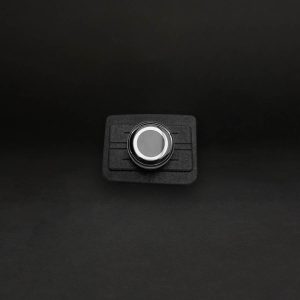
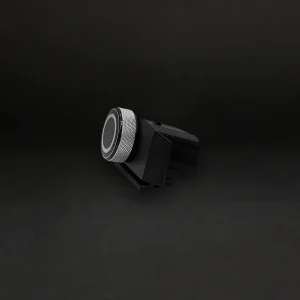
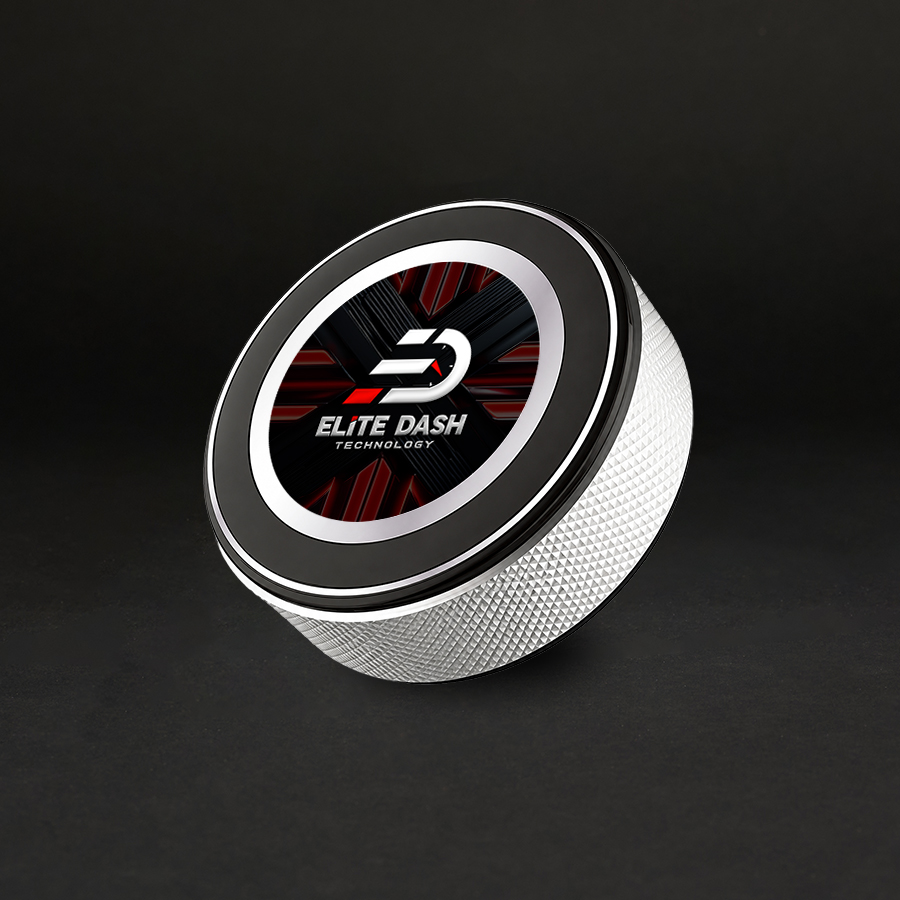
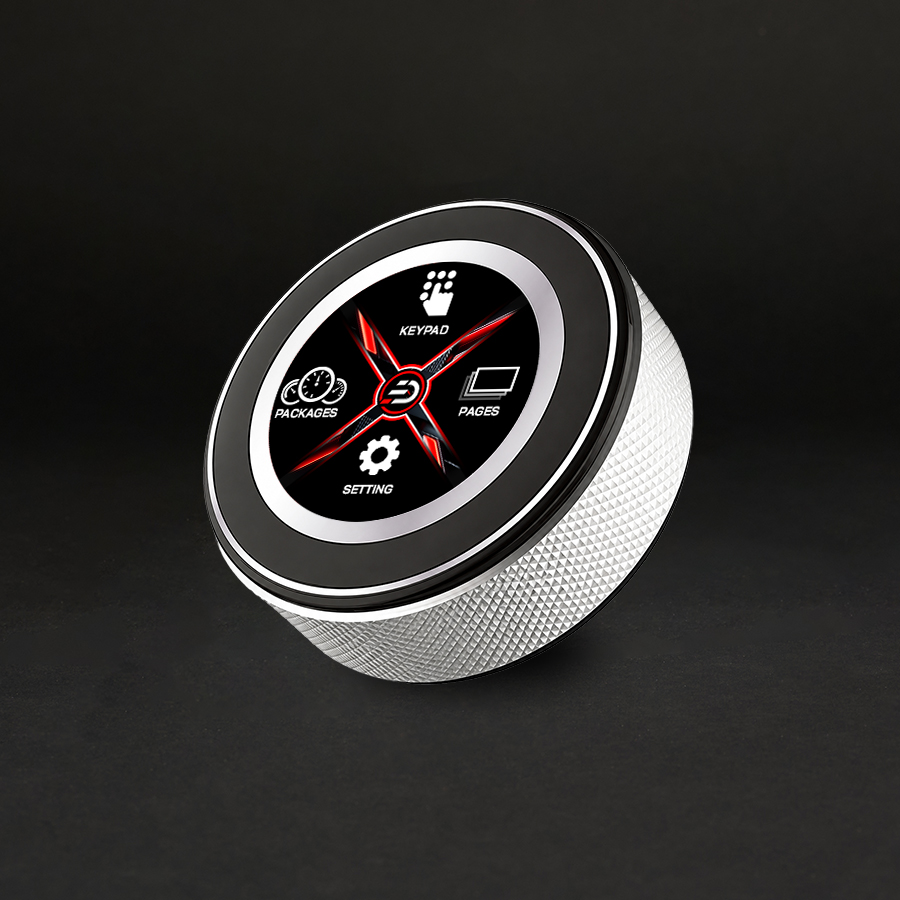
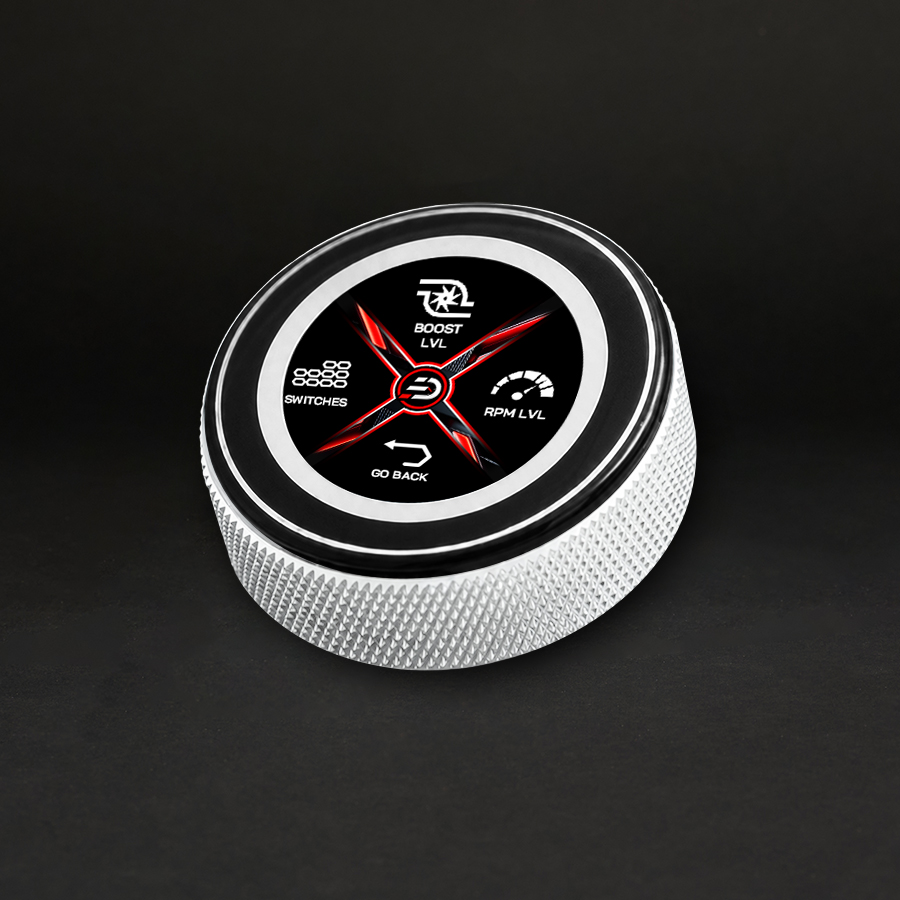
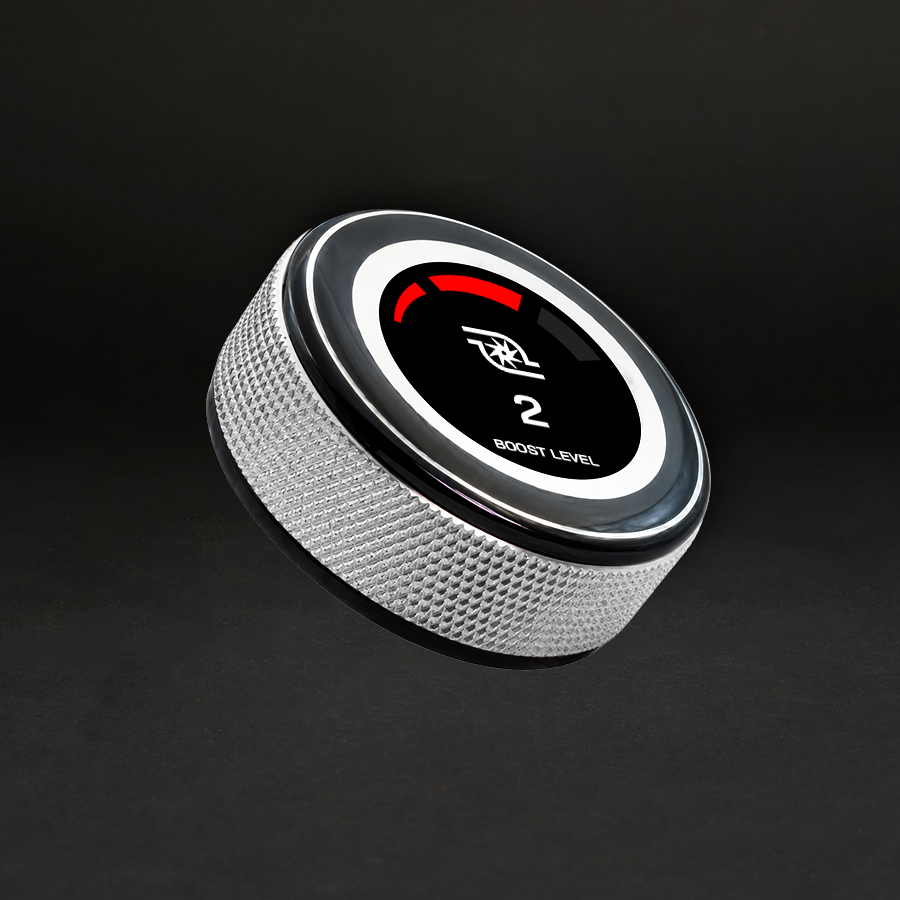
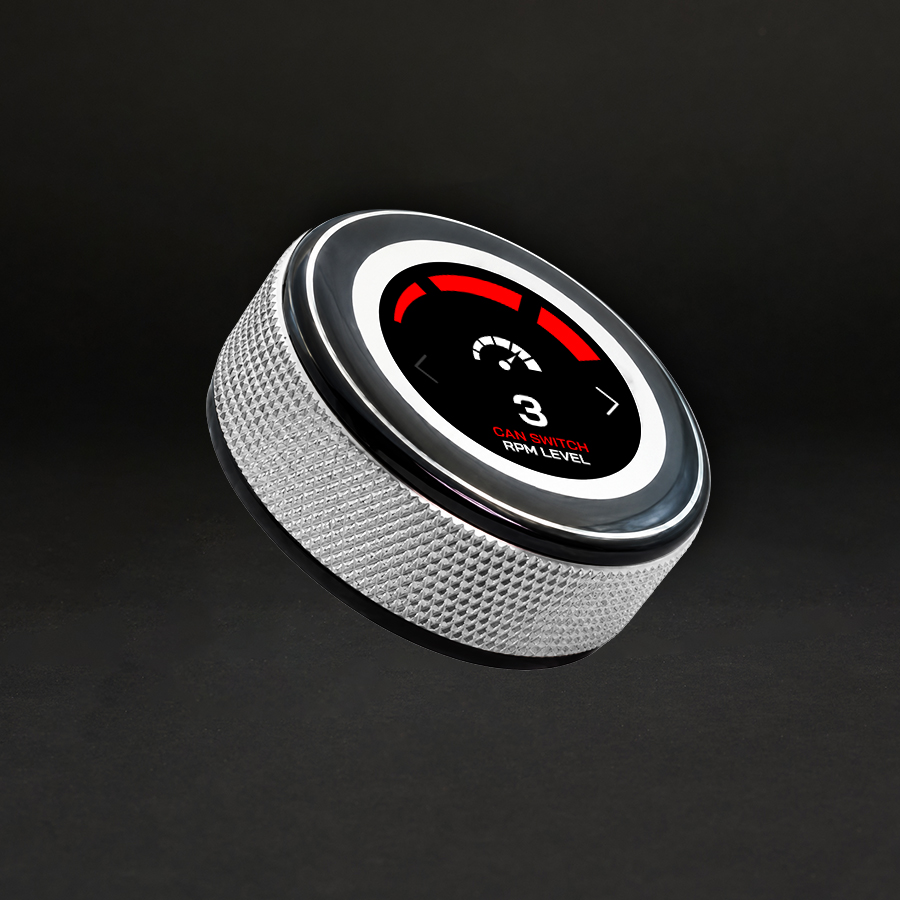
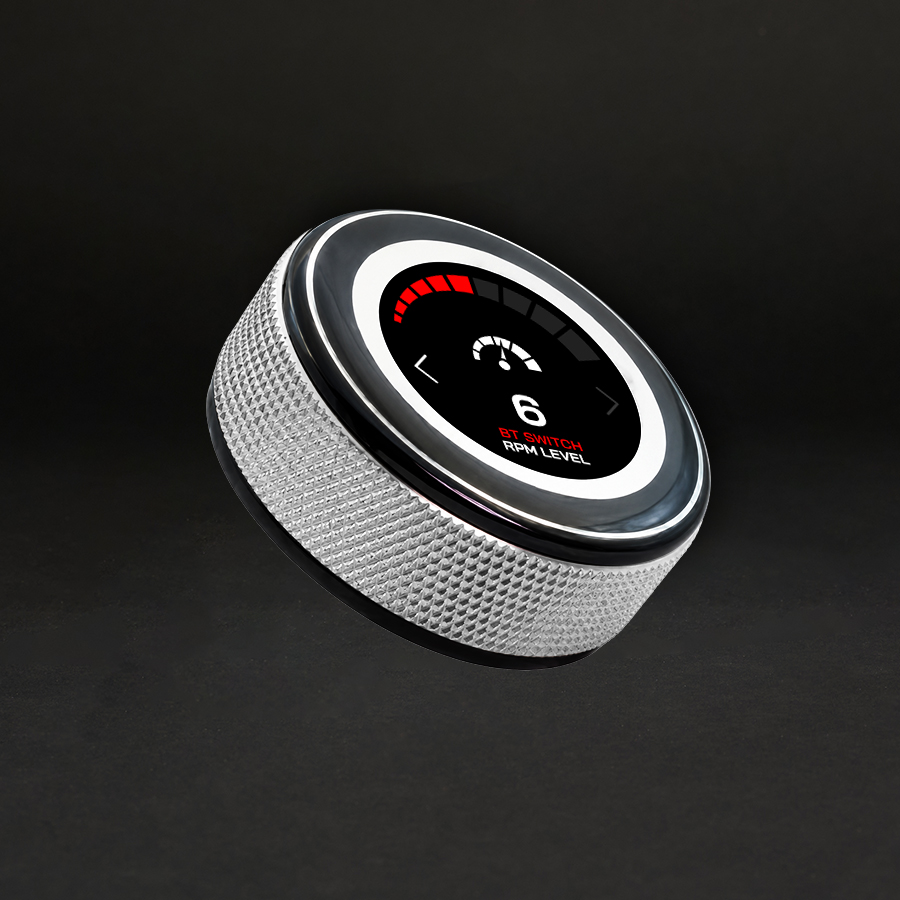
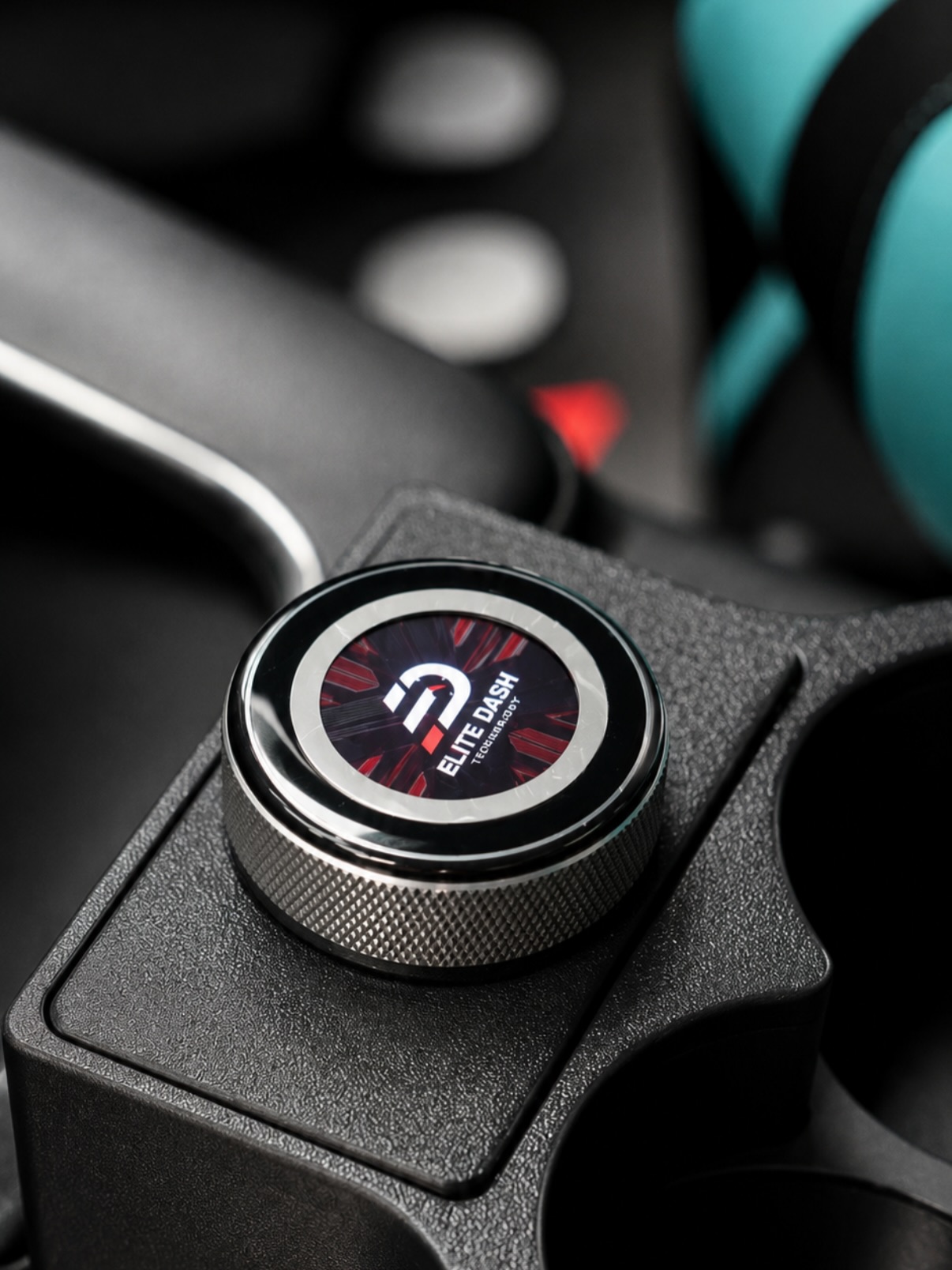
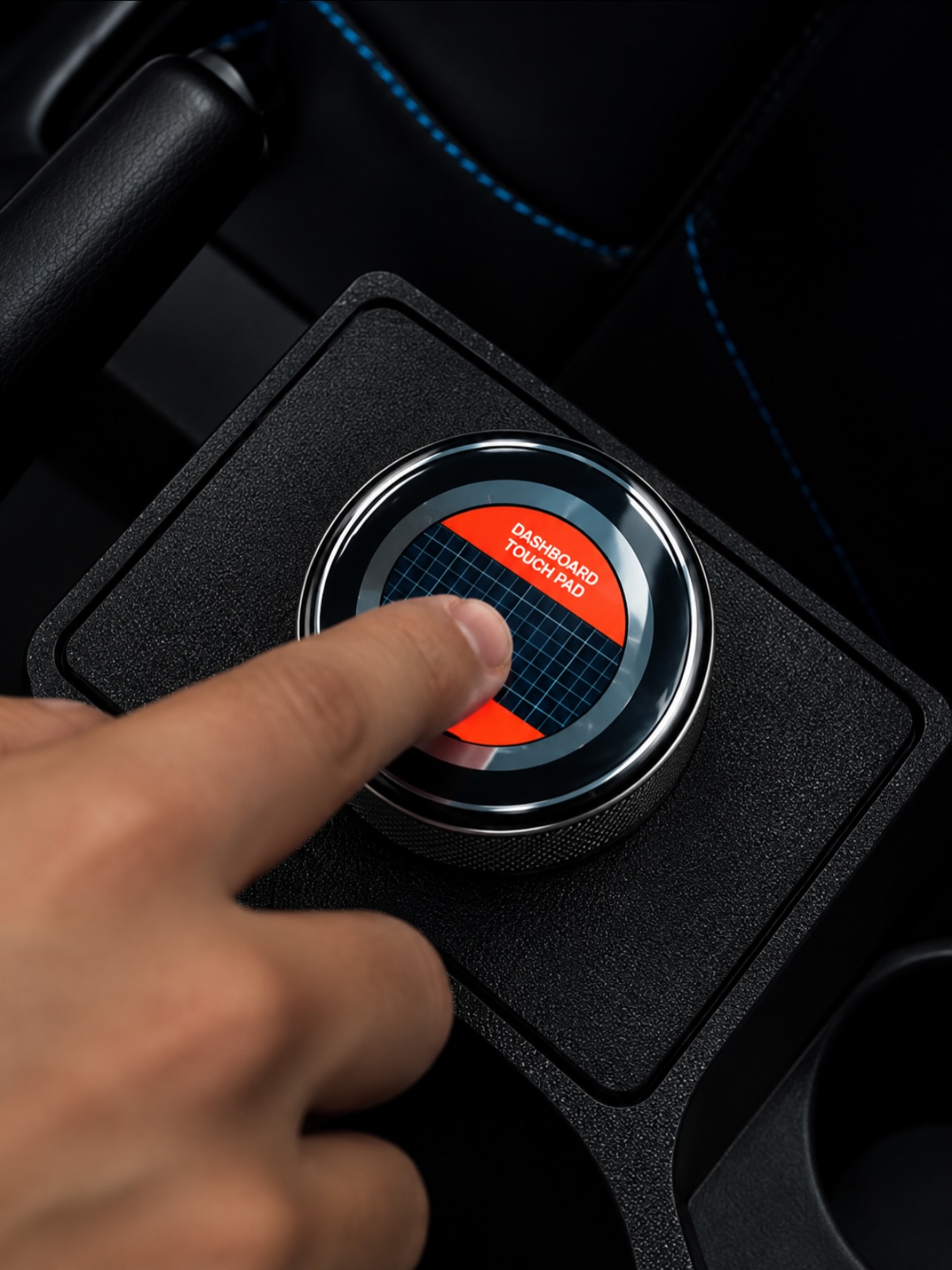
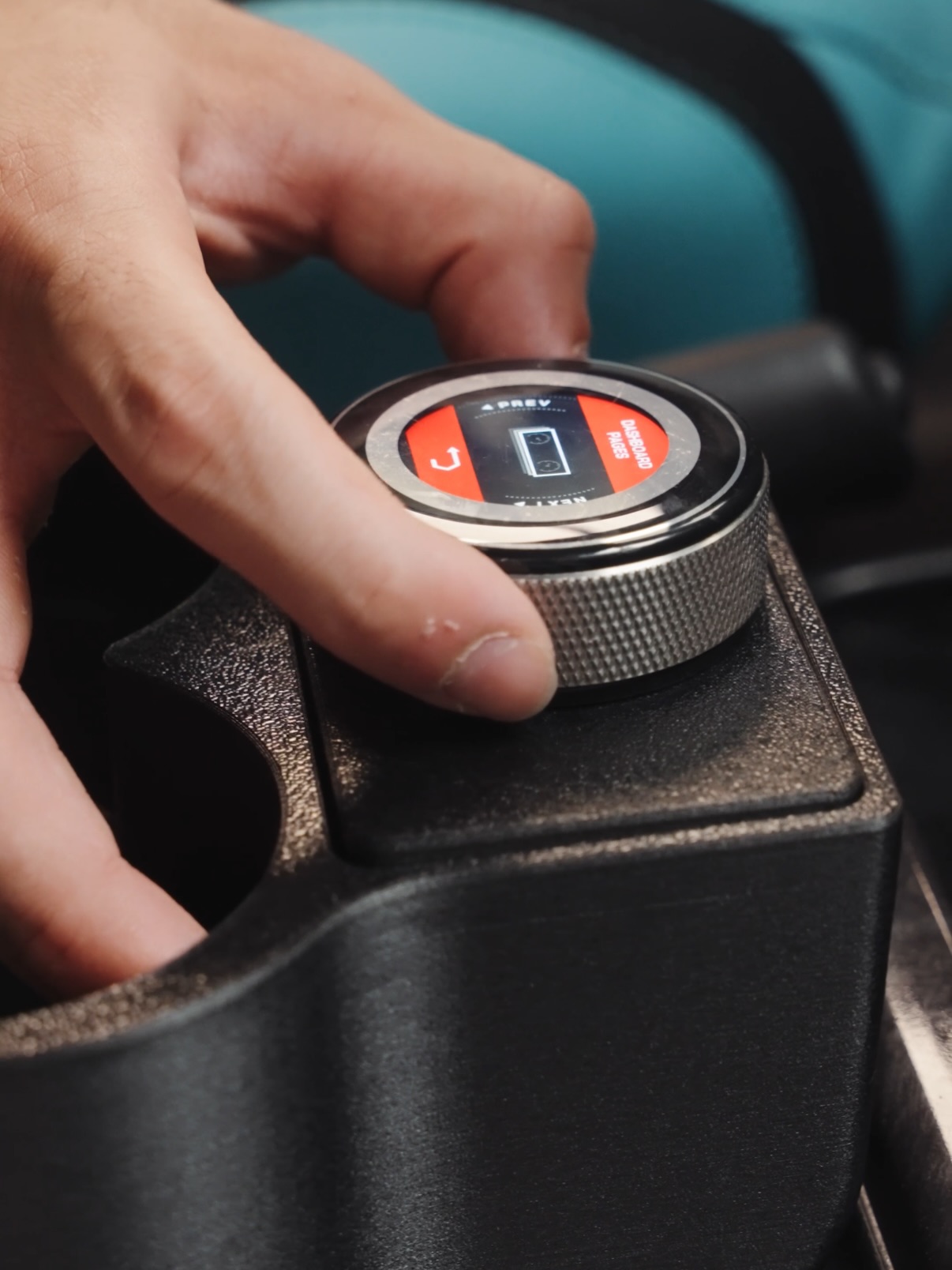
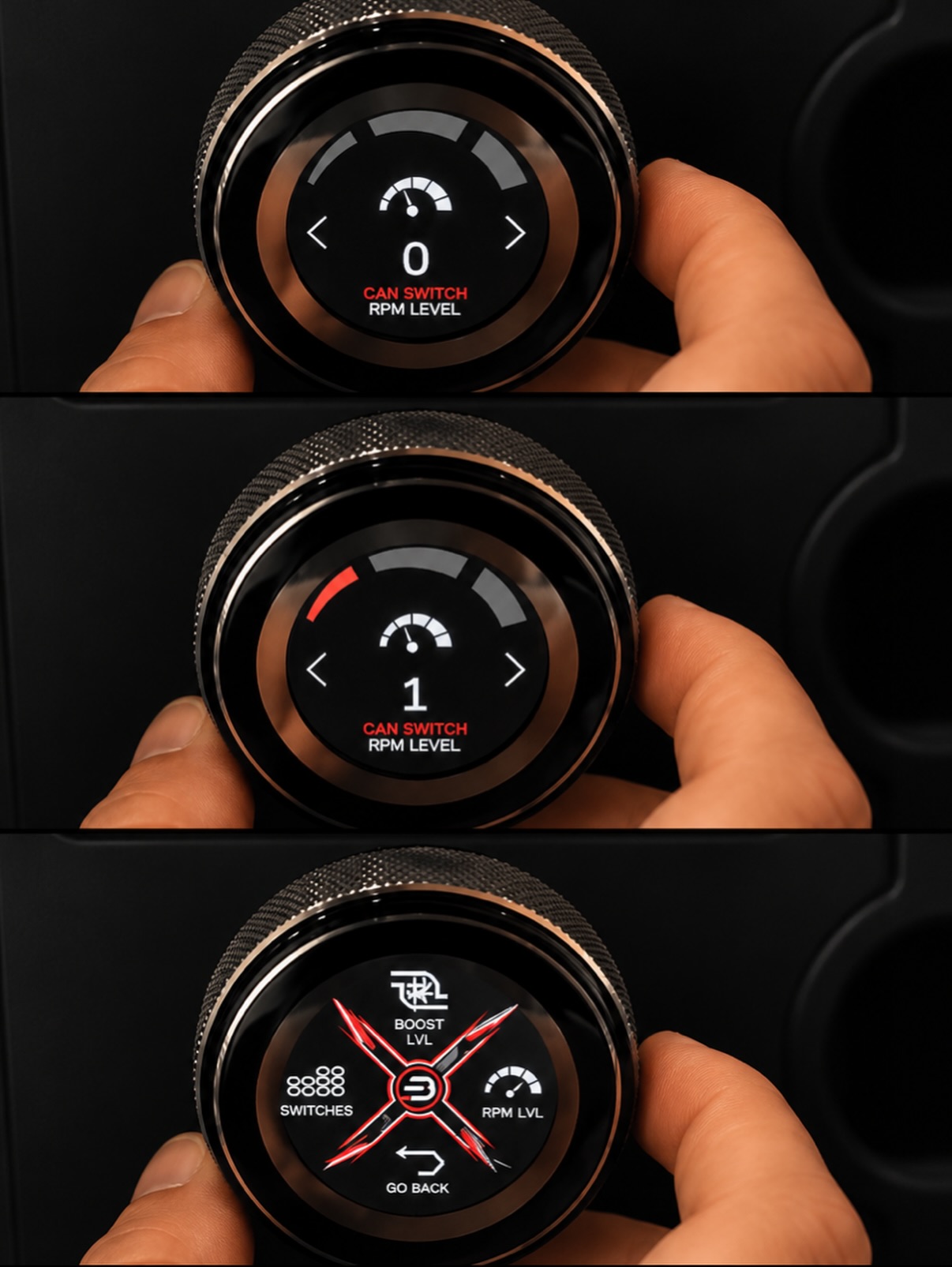
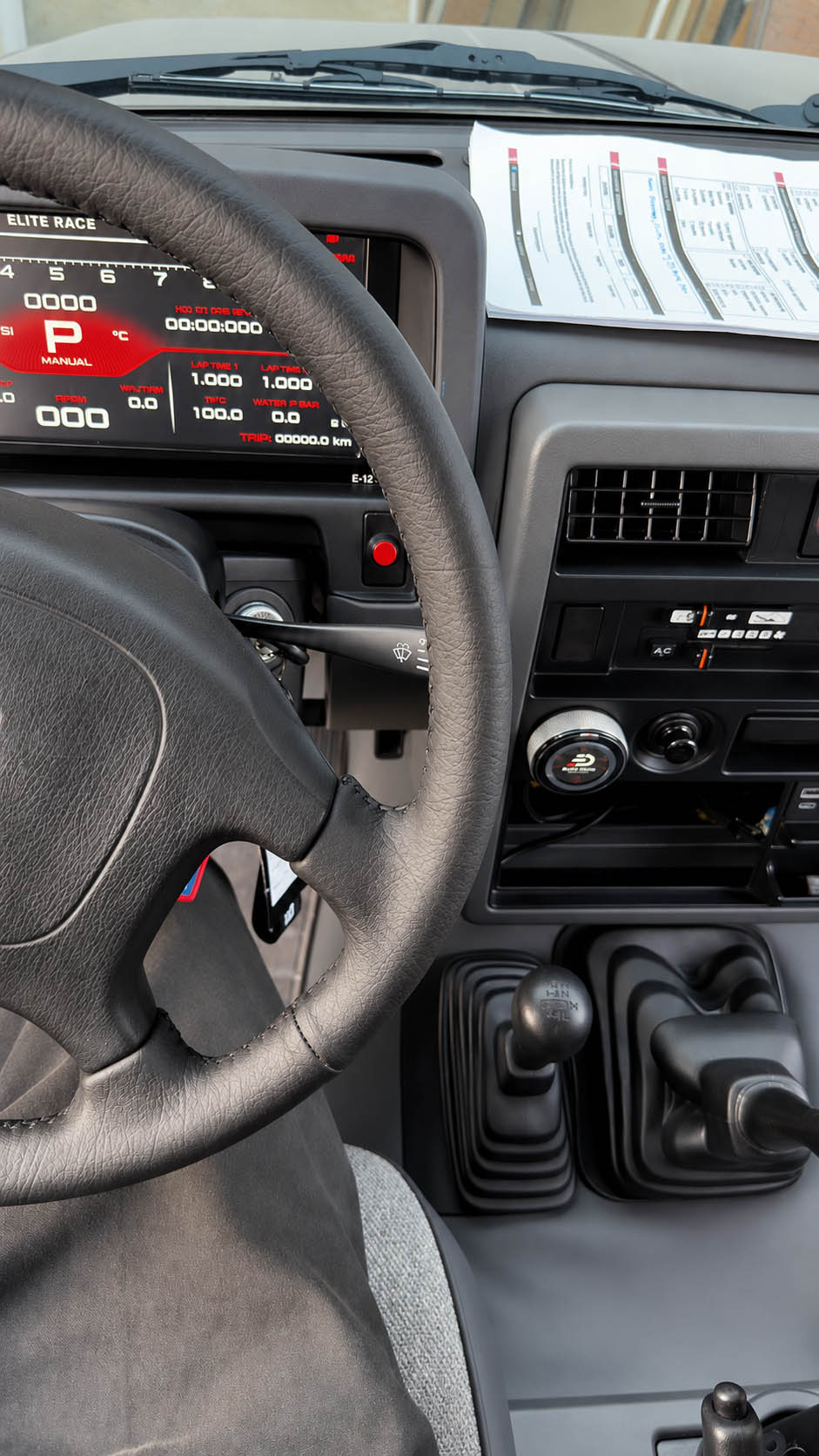
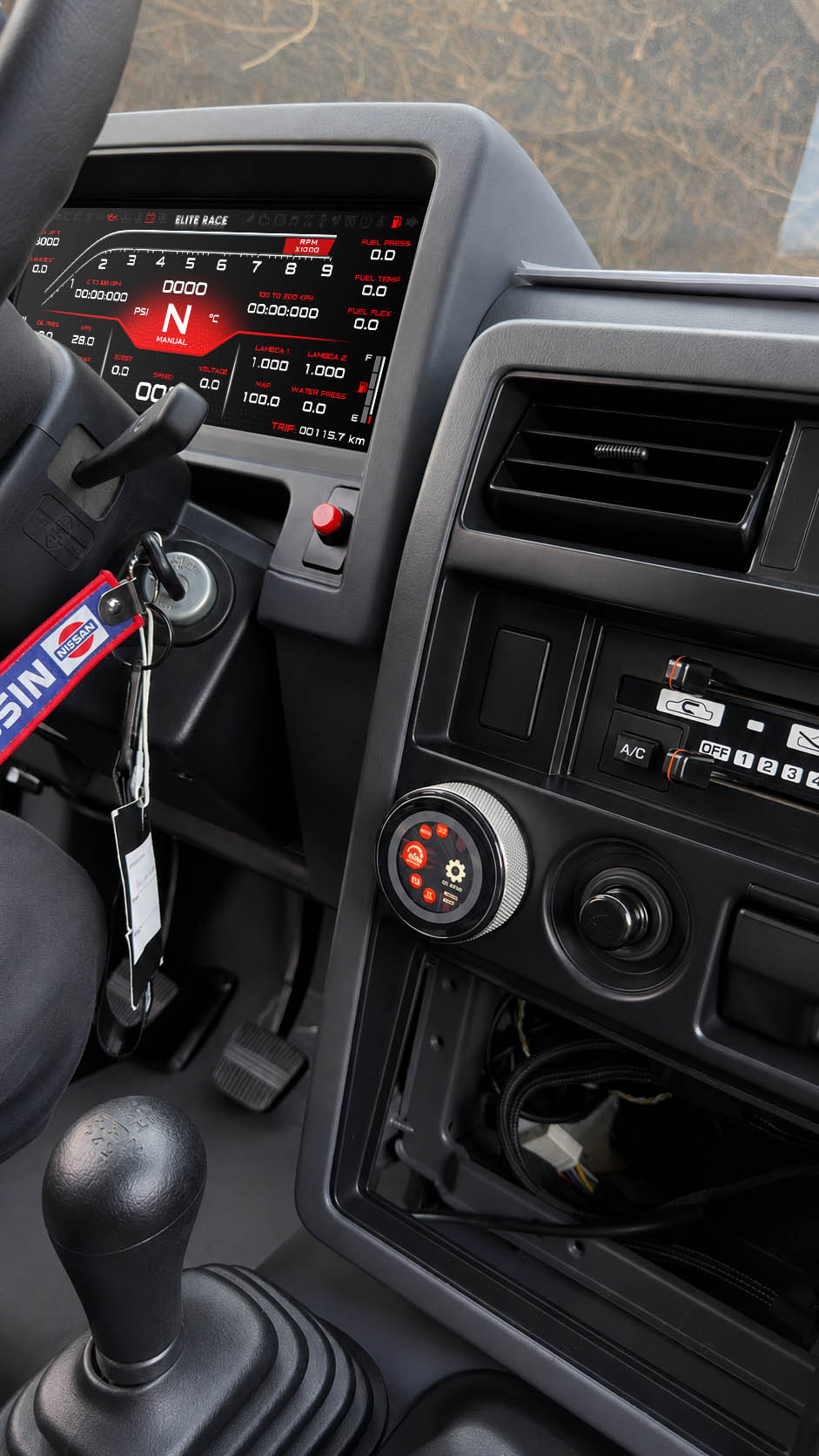
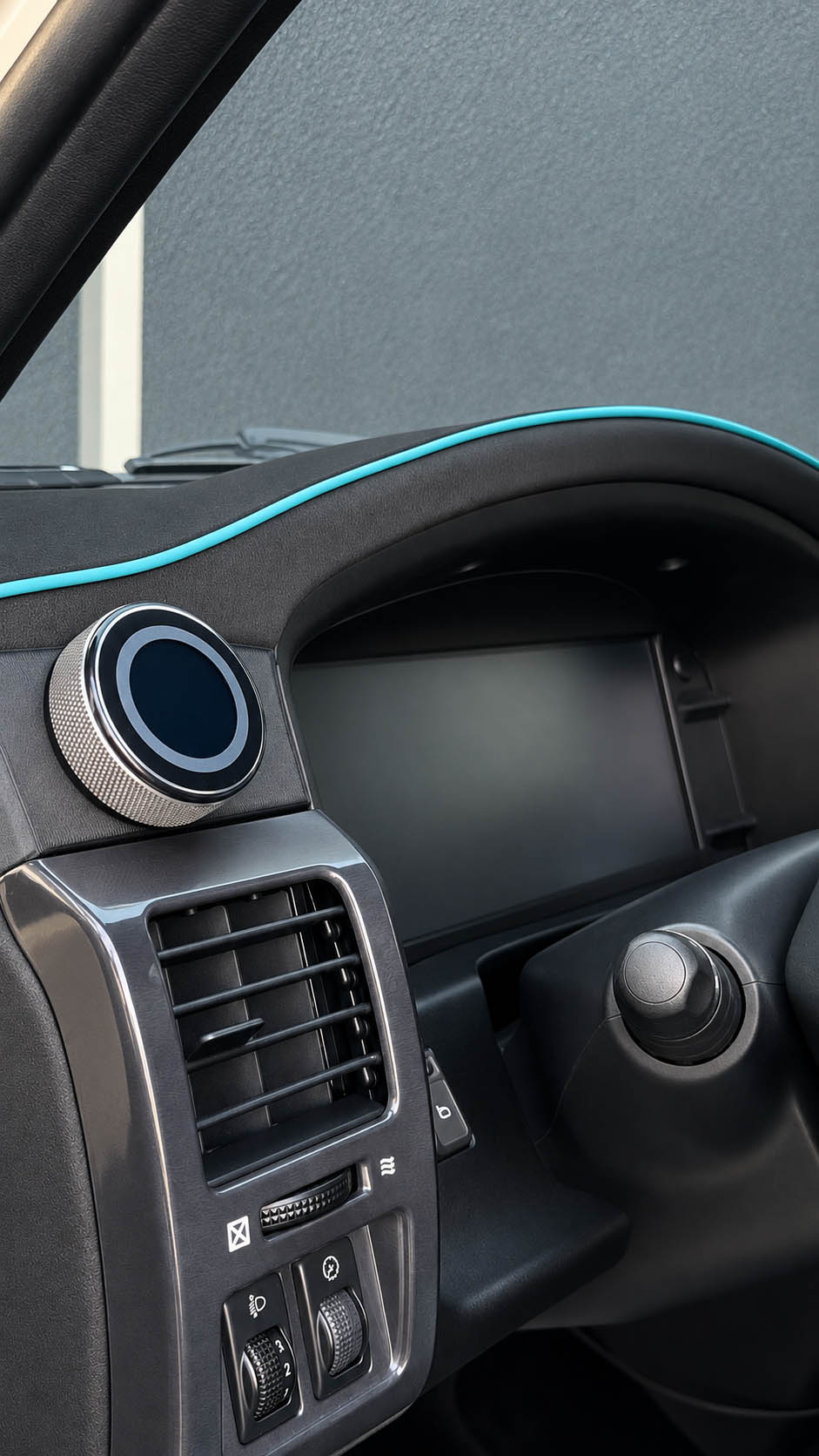
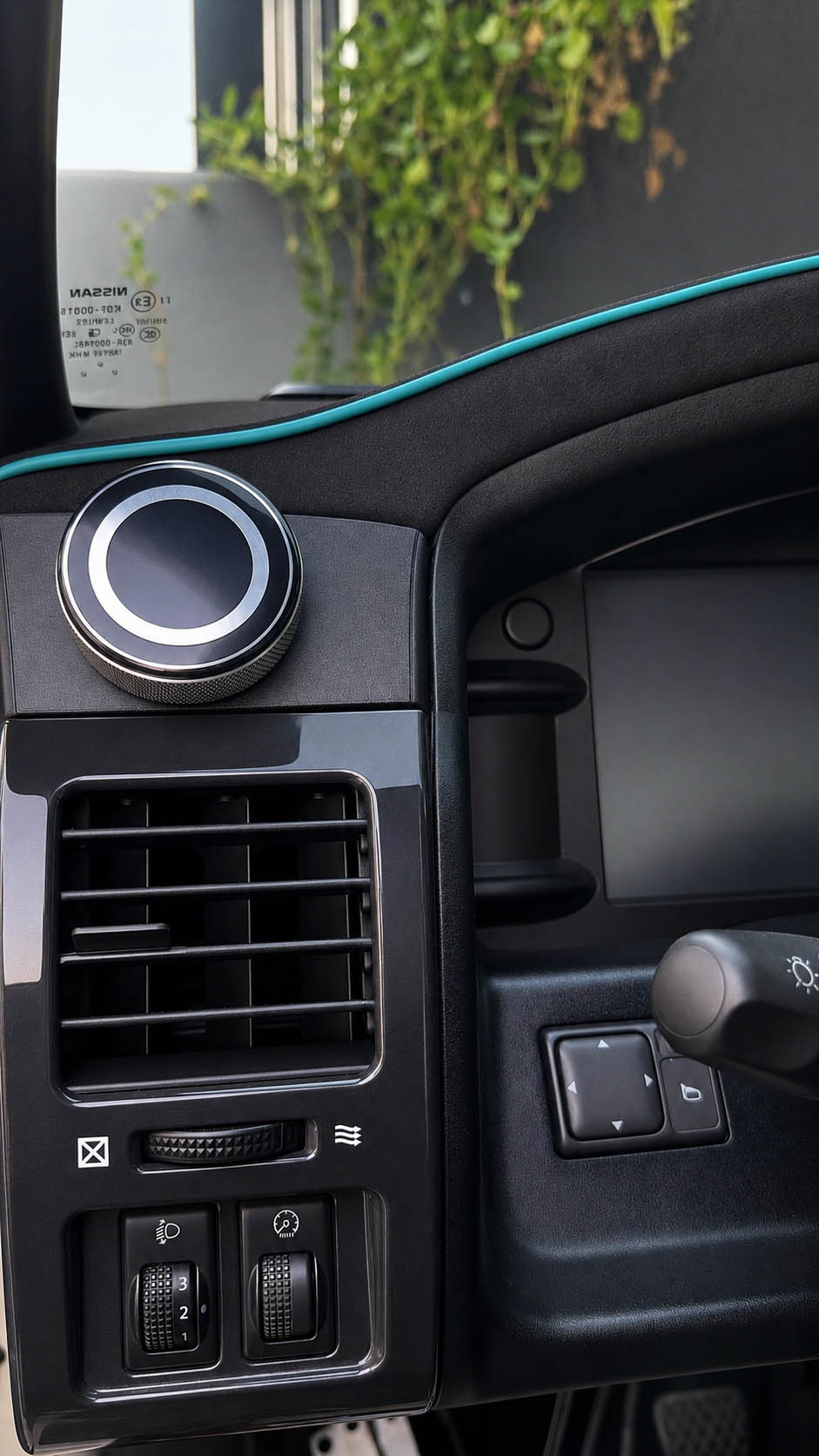
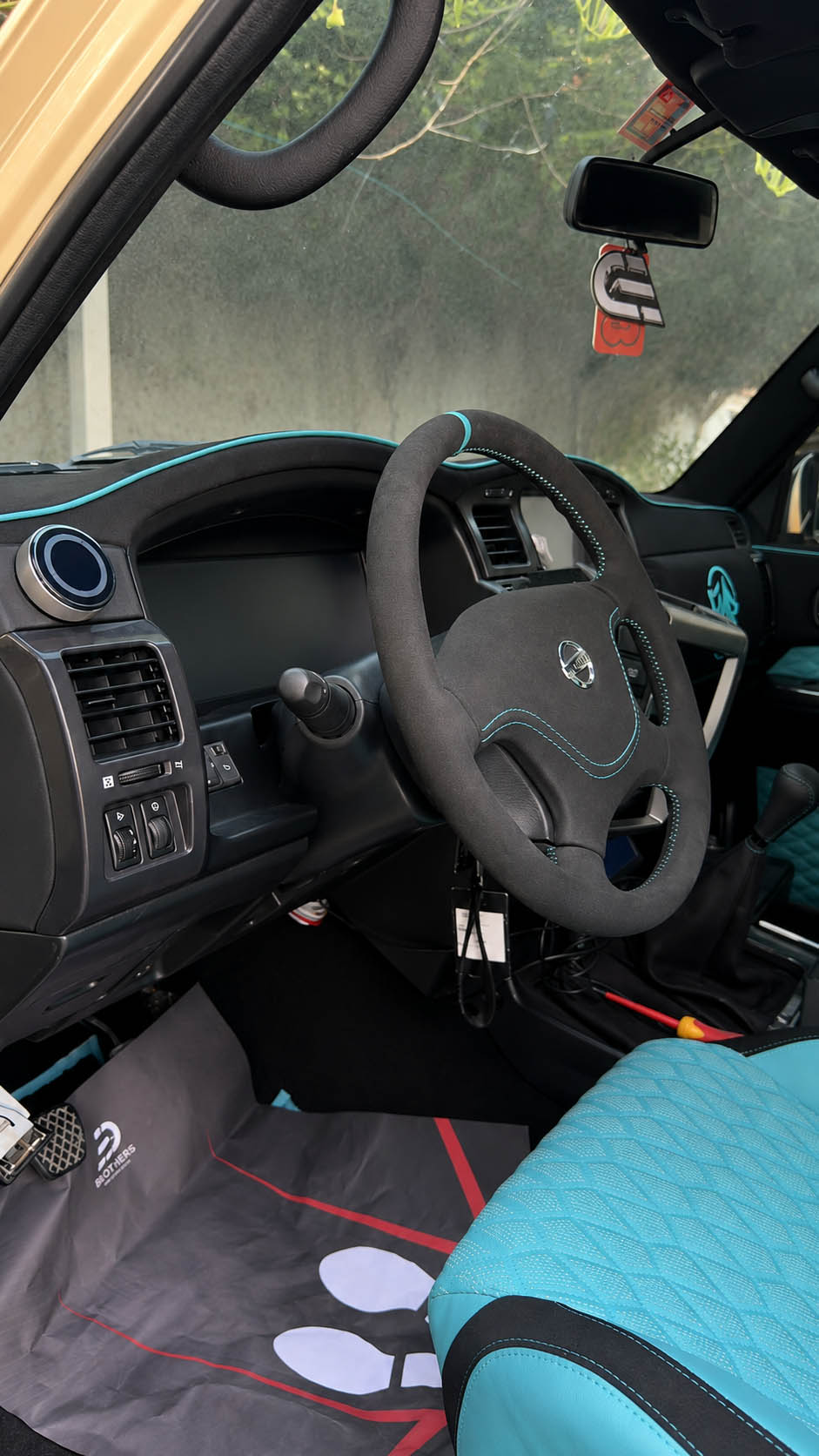
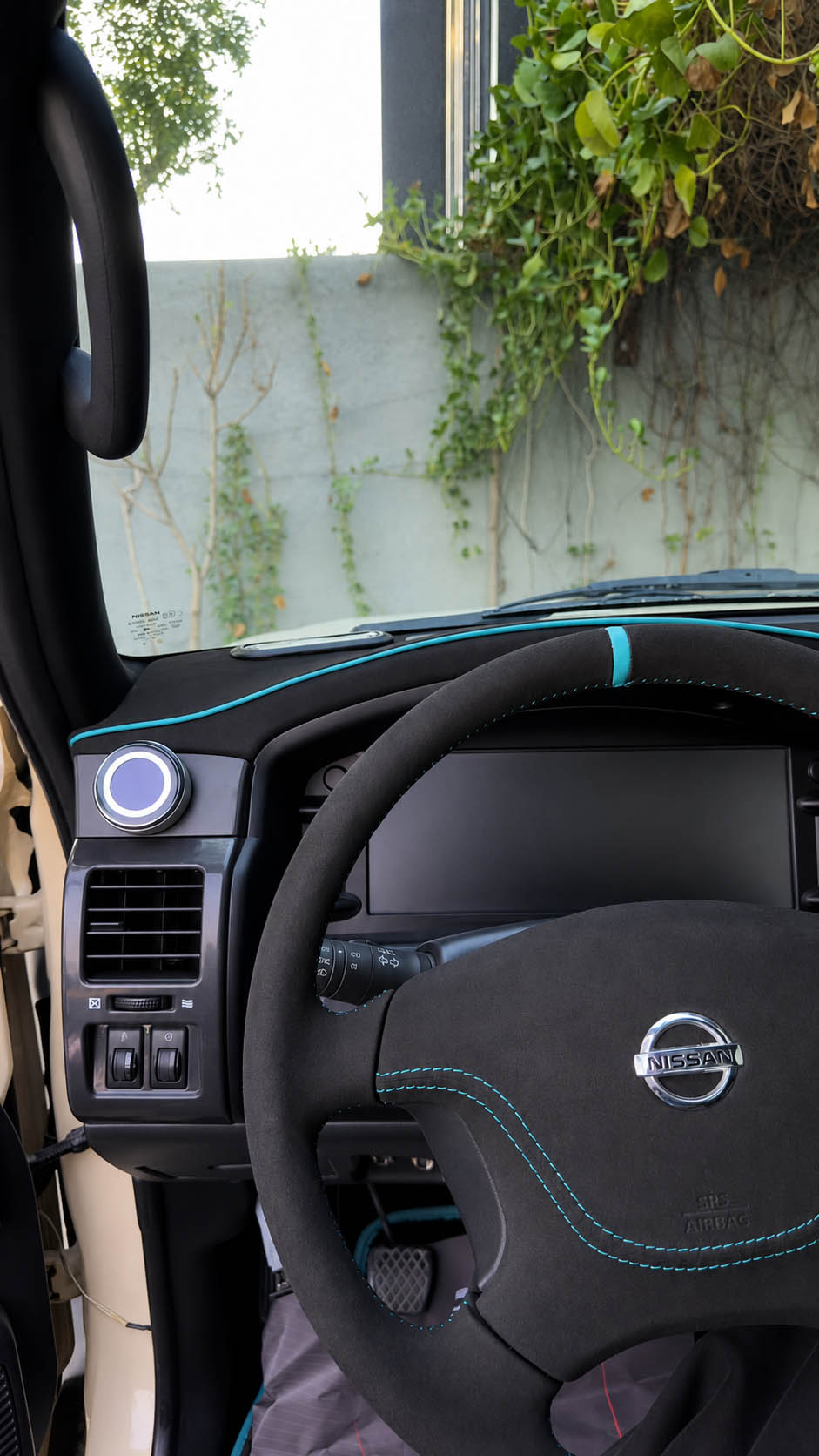
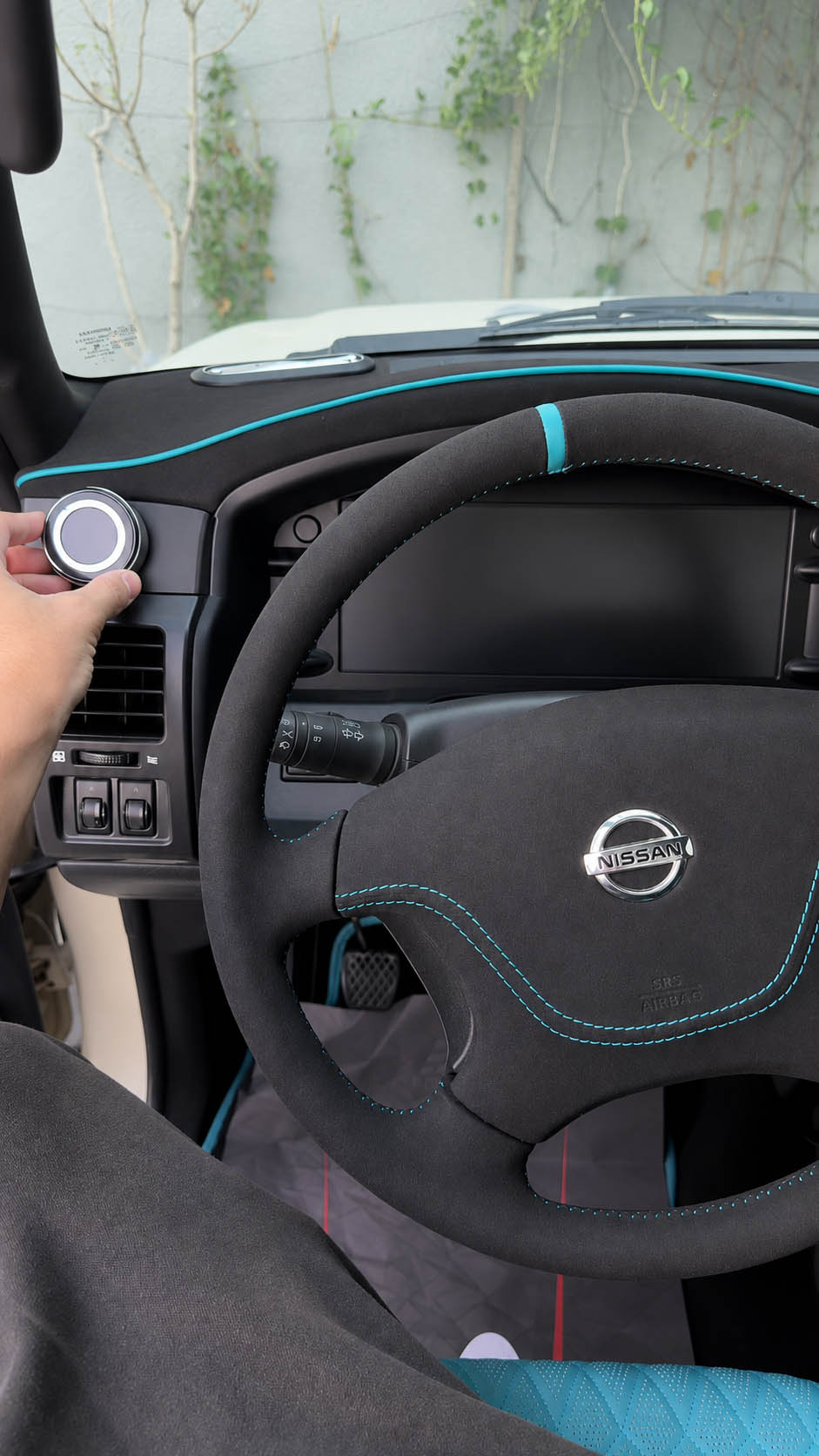
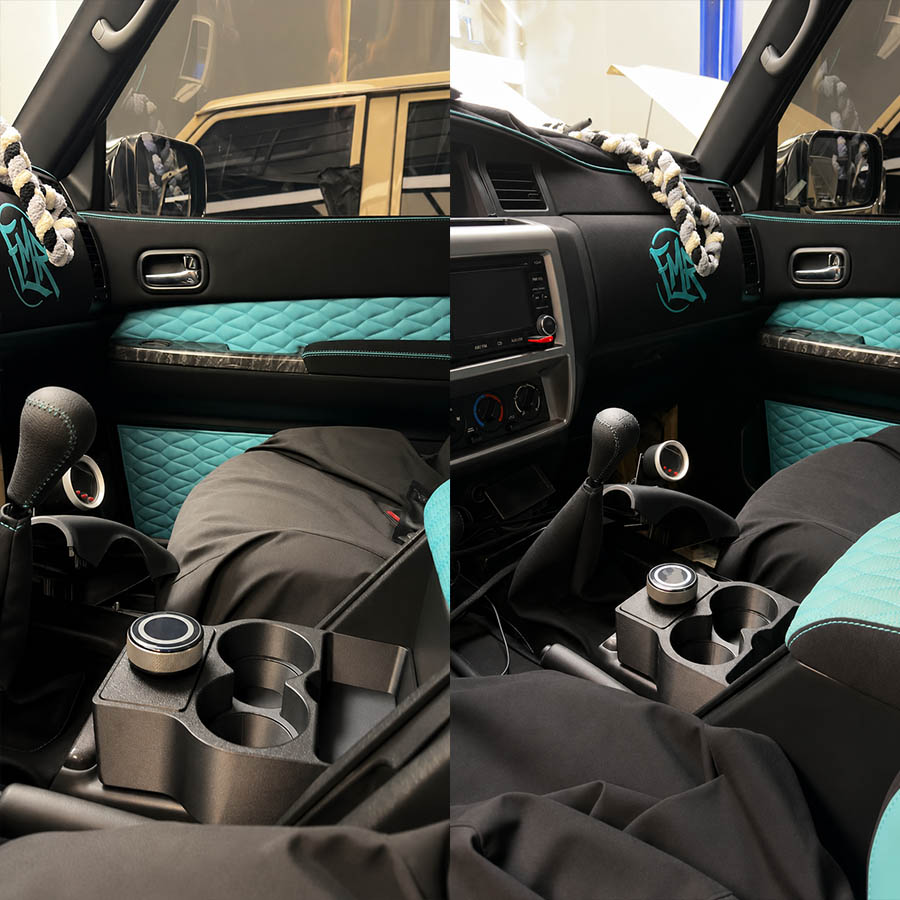
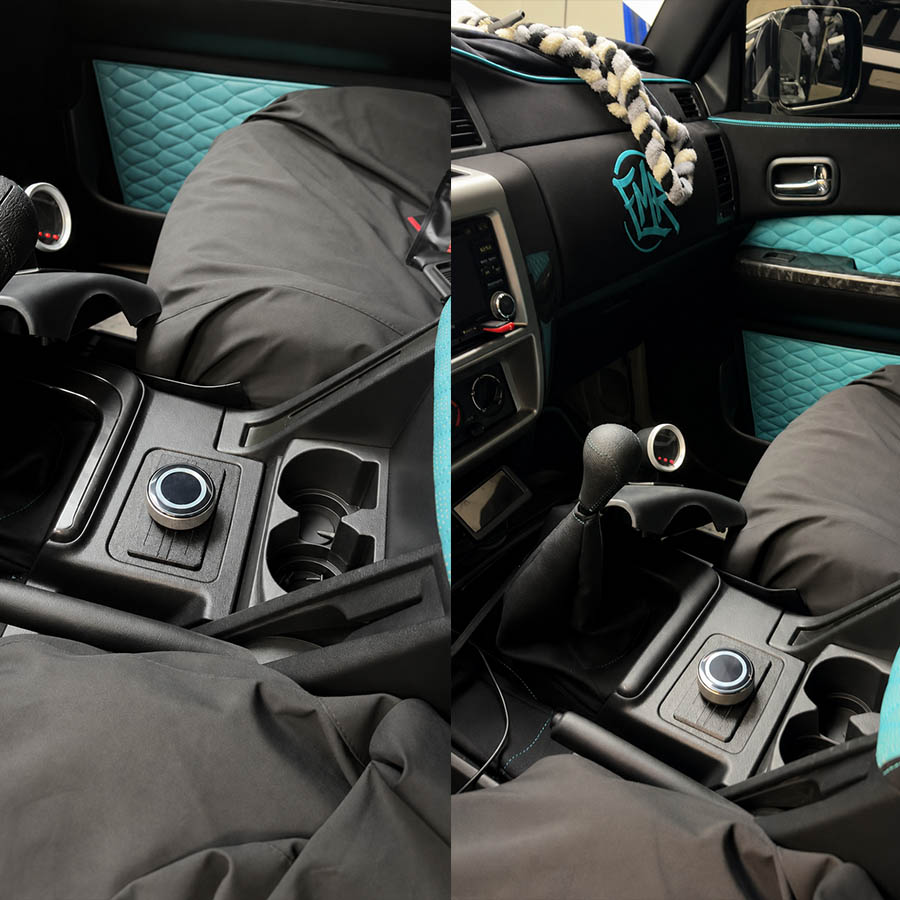
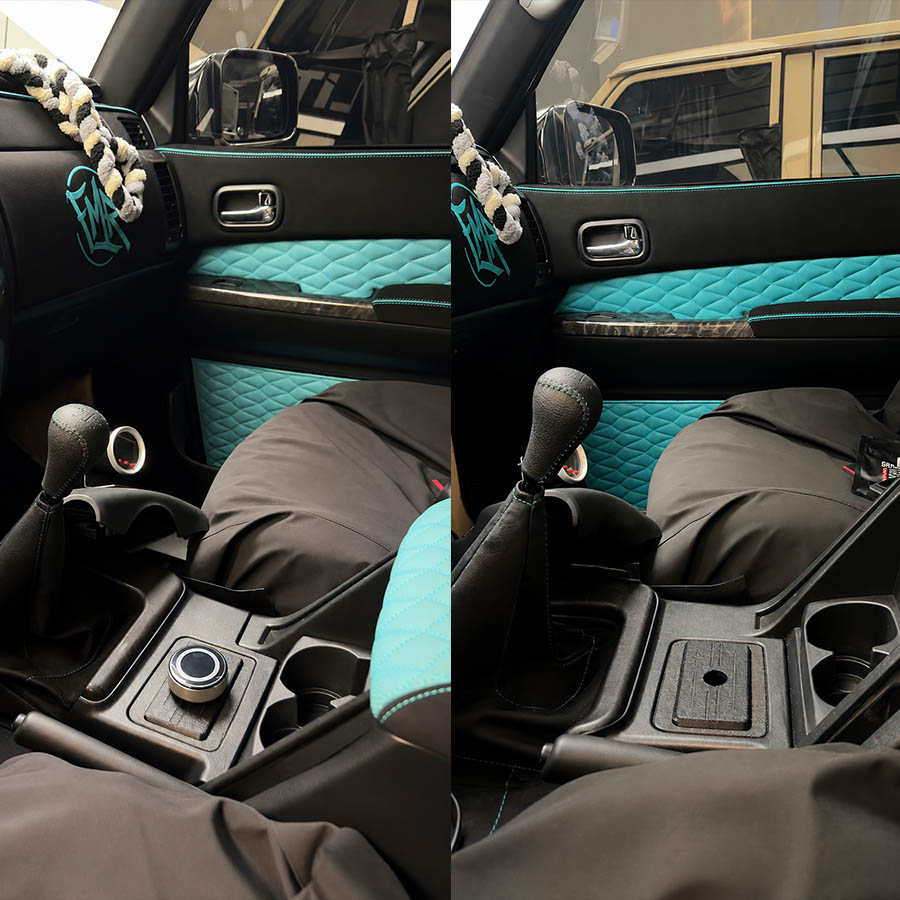
The ED Keypad combines a responsive touchscreen with a precision rotary control, giving drivers fast and intuitive access to key vehicle functions. Users can rotate, press, tap, and swipe to navigate menus, adjust settings, and control compatible features without relying on multiple switches or buttons.
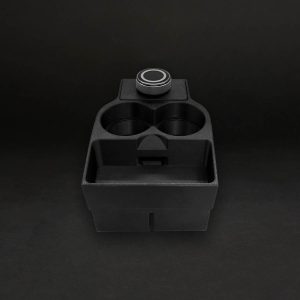
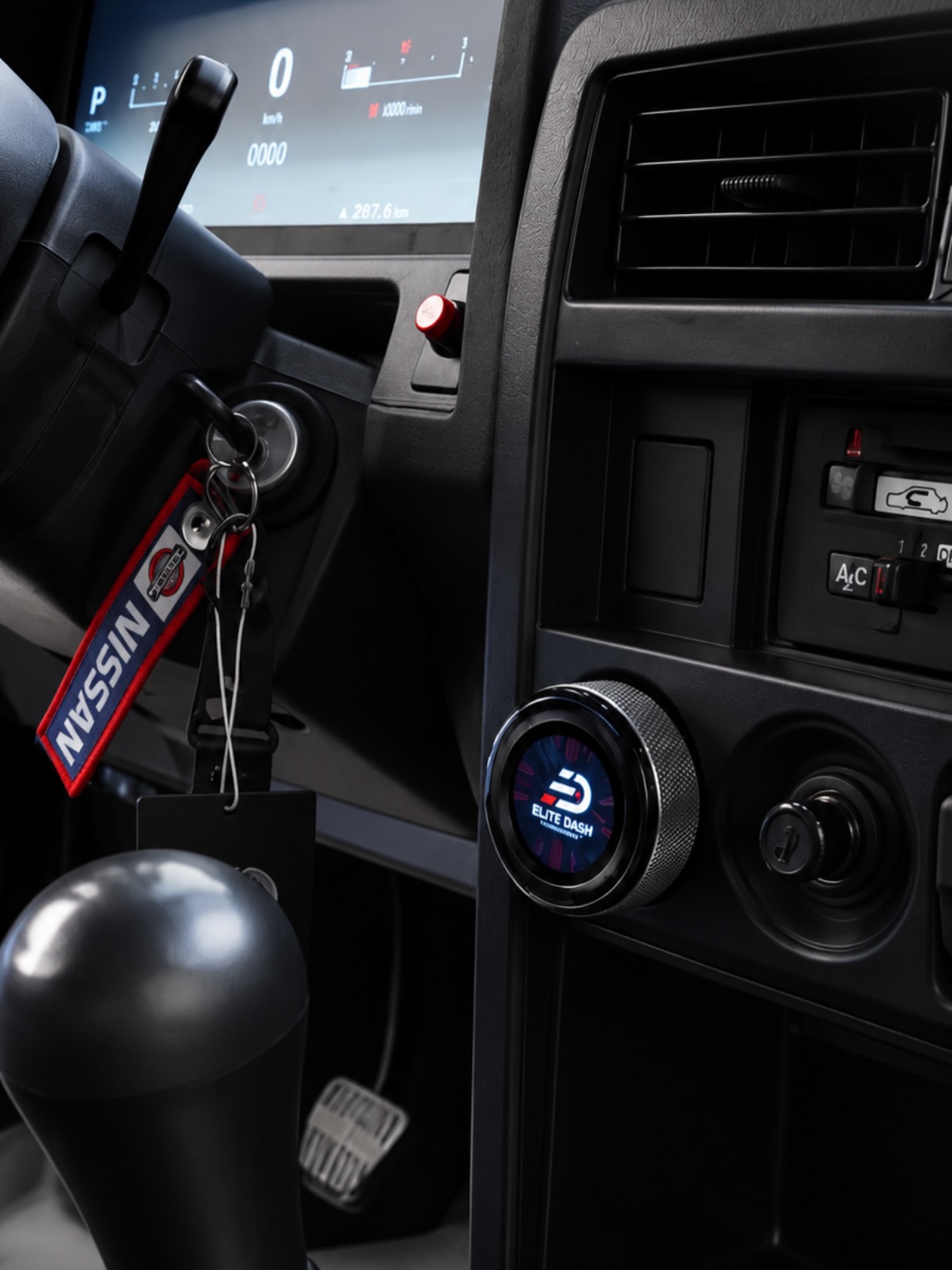
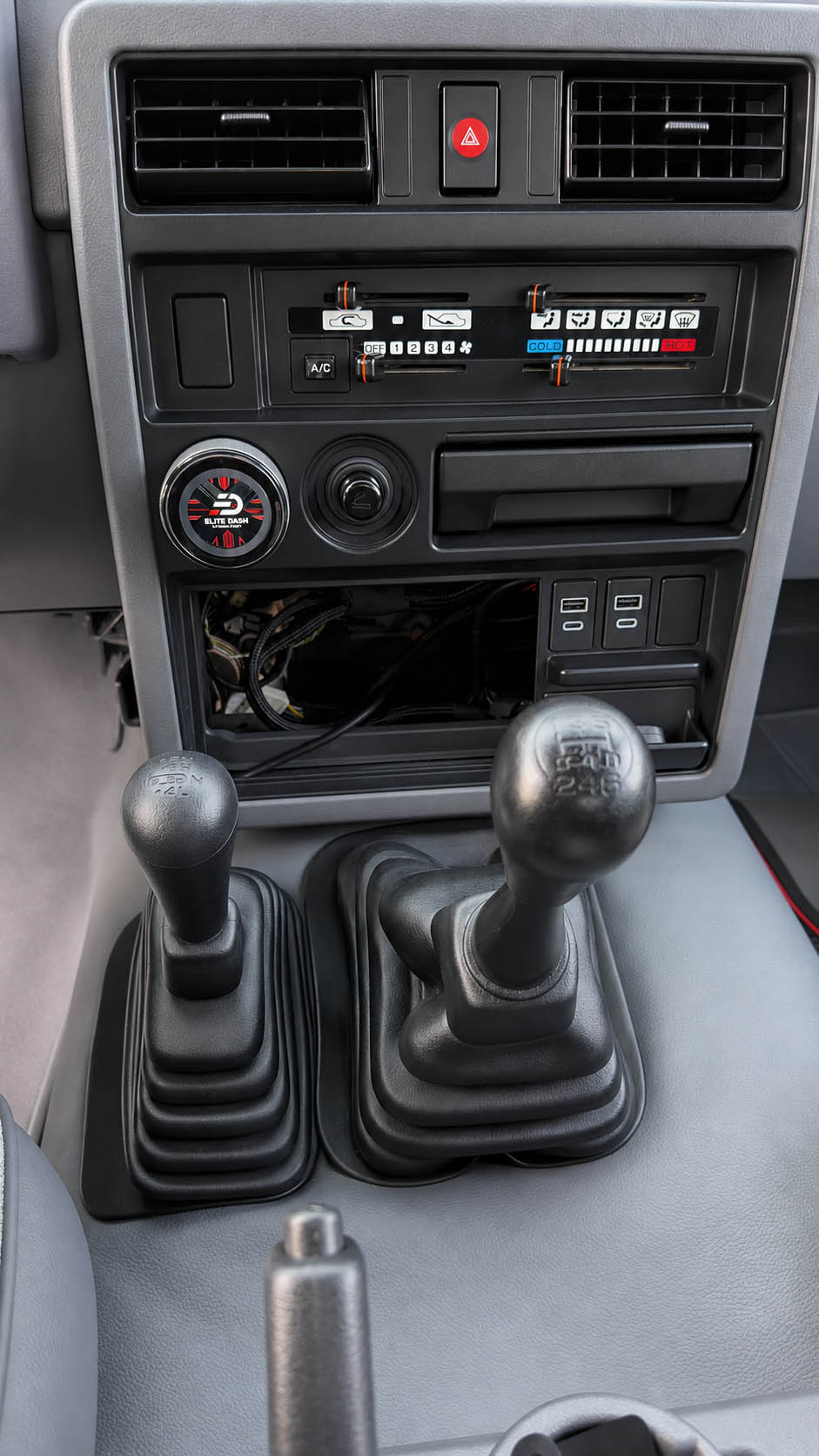
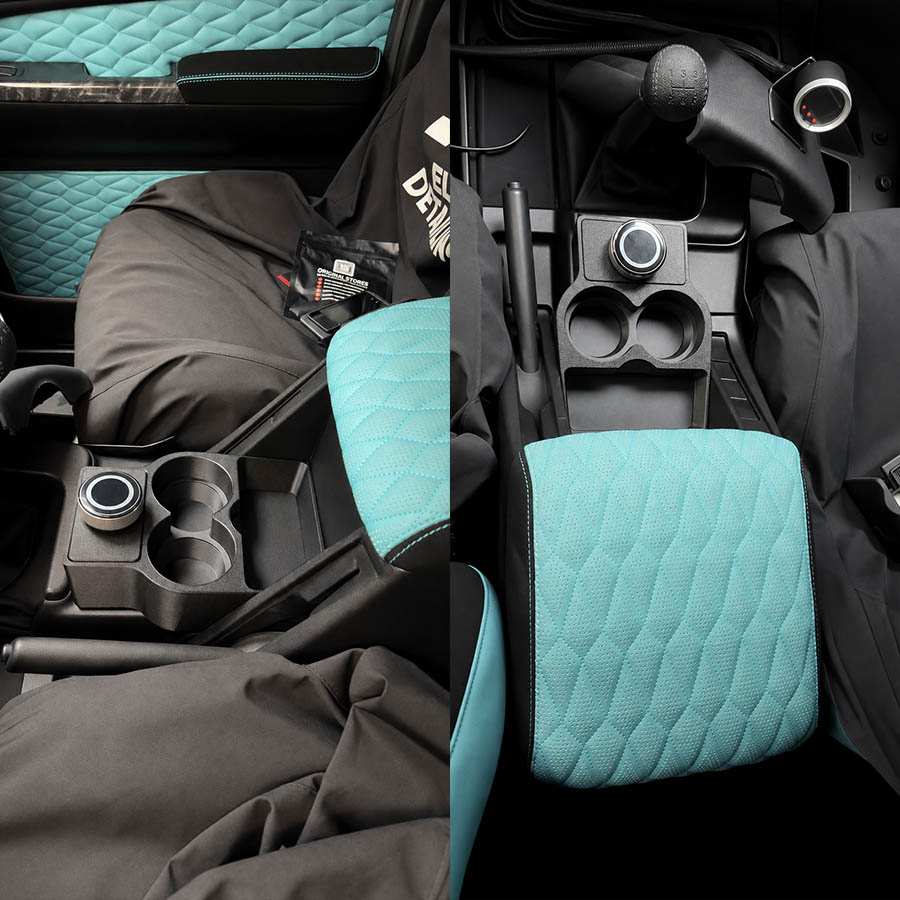
Integrated with the ED Keypad, it provides a clean, modern control solution designed exclusively for the Elite Dash E-10 and E-12 systems only. Its compact design makes it ideal for dashboard or center-console installation, helping create a more organized and professional vehicle interior.
Functions and Controls
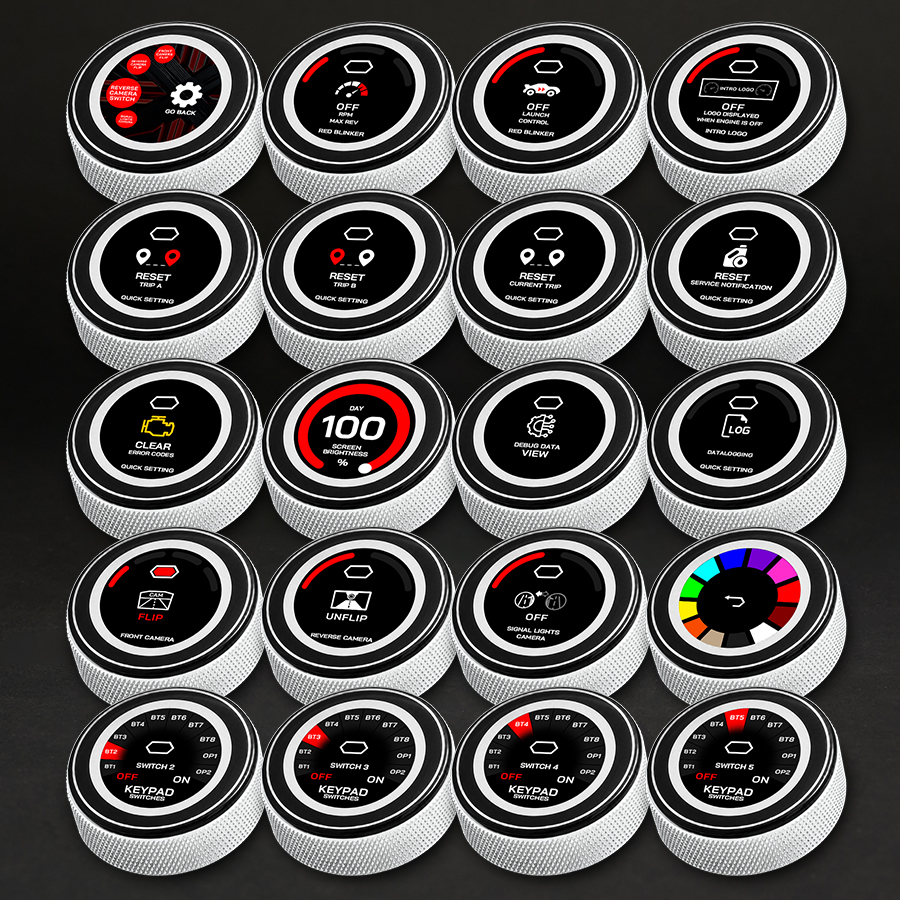
The ED Keypad can control and manage the following:
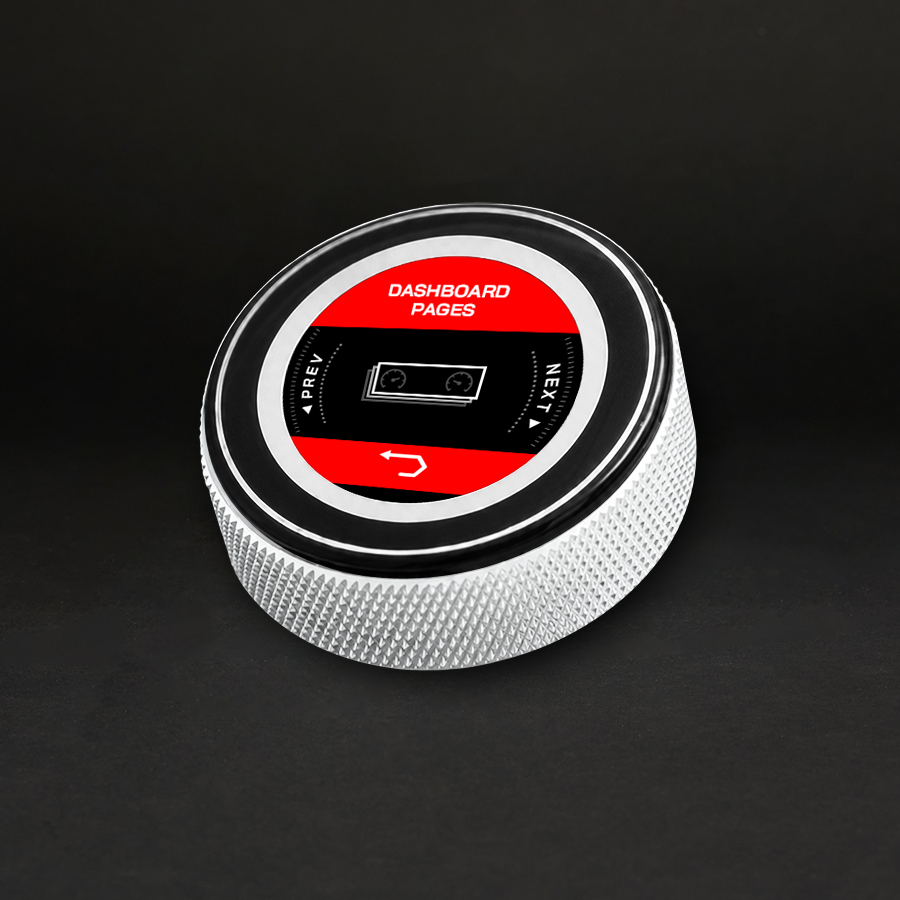
- Switch between dashboard screen pages
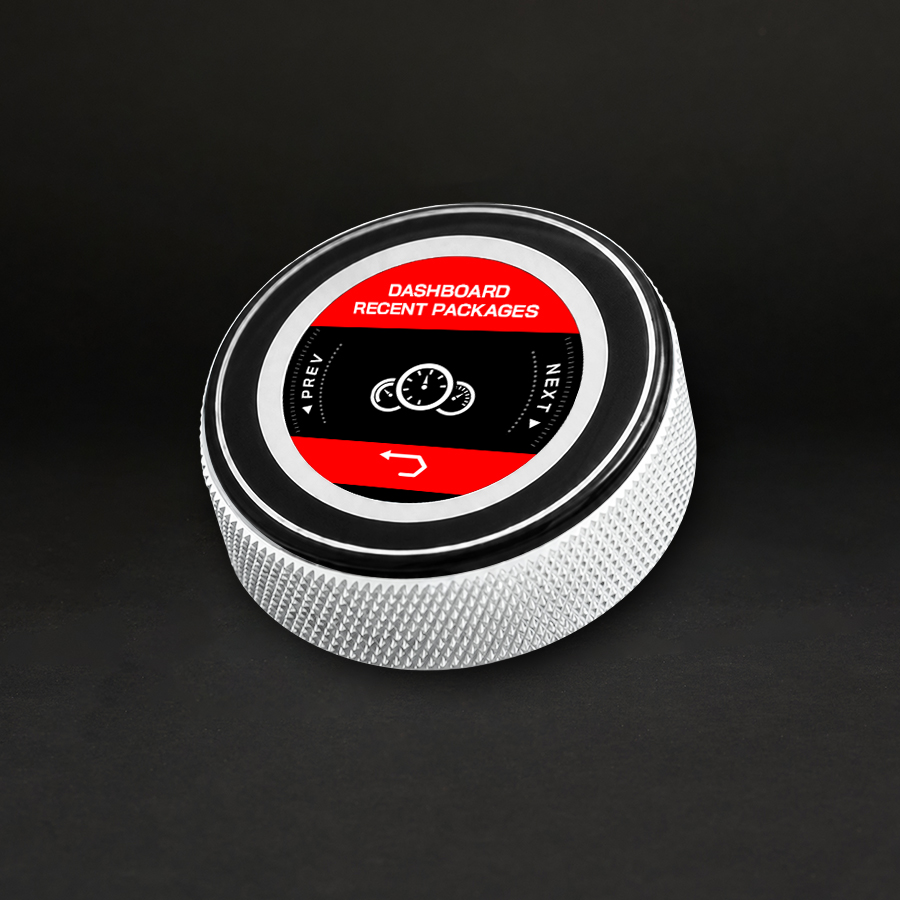
- Access dashboard recent packages
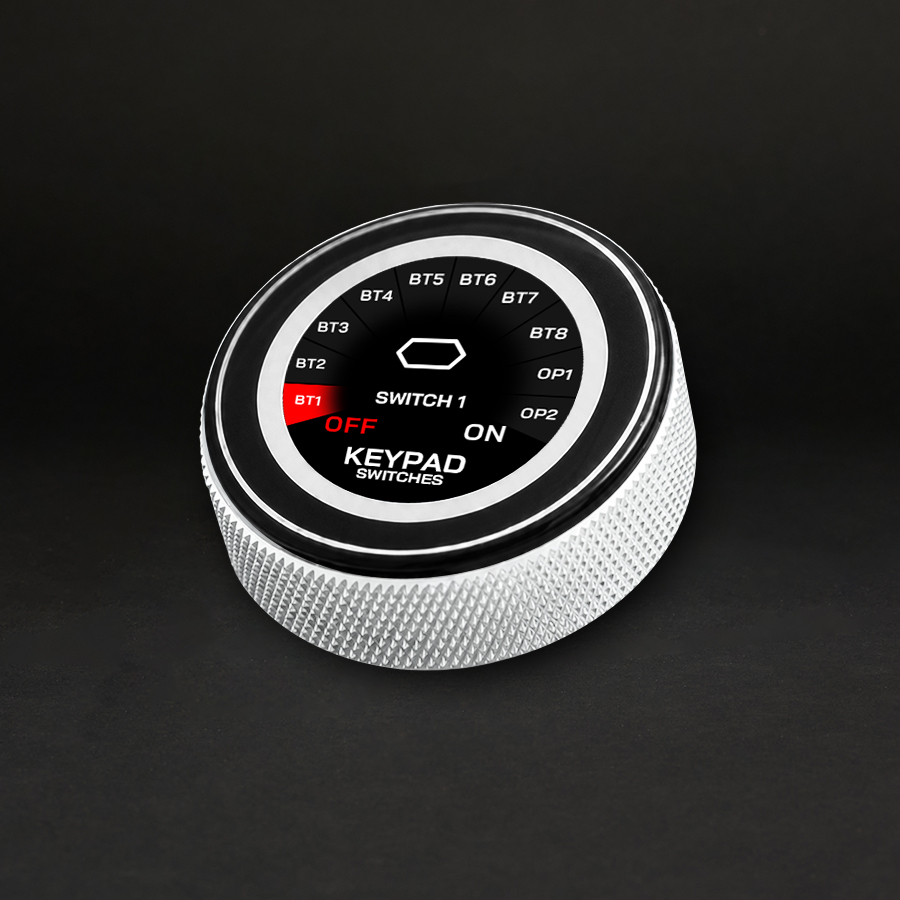
- Control keypad button switches
- Adjust RPM and boost levels using the rotary knob
- Reset Trip A, Trip B, and Current Trip
- Reset service notifications
- Clear diagnostic trouble codes
- Access the debug data view
- Start and Stop Datalogging
- Adjust screen brightness for day and night modes
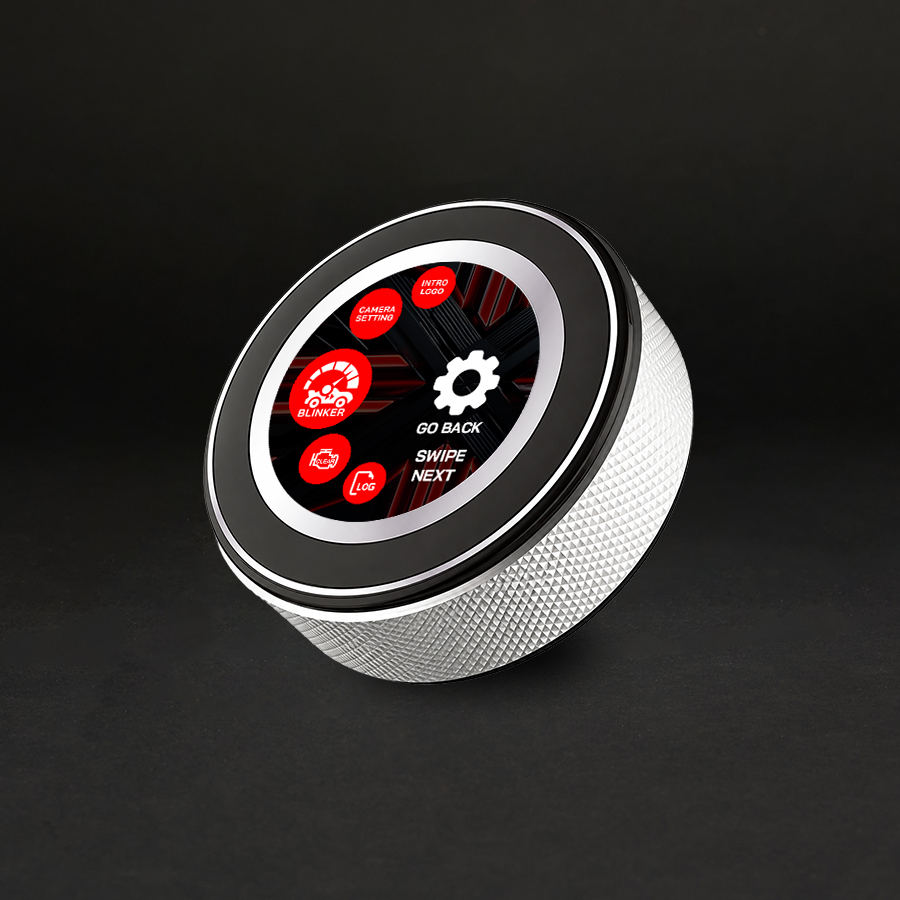
- Reverse-camera settings
- Front-camera settings
- Turn-signal camera settings
- RPM or launch-control blinker settings
- Intro logo setting
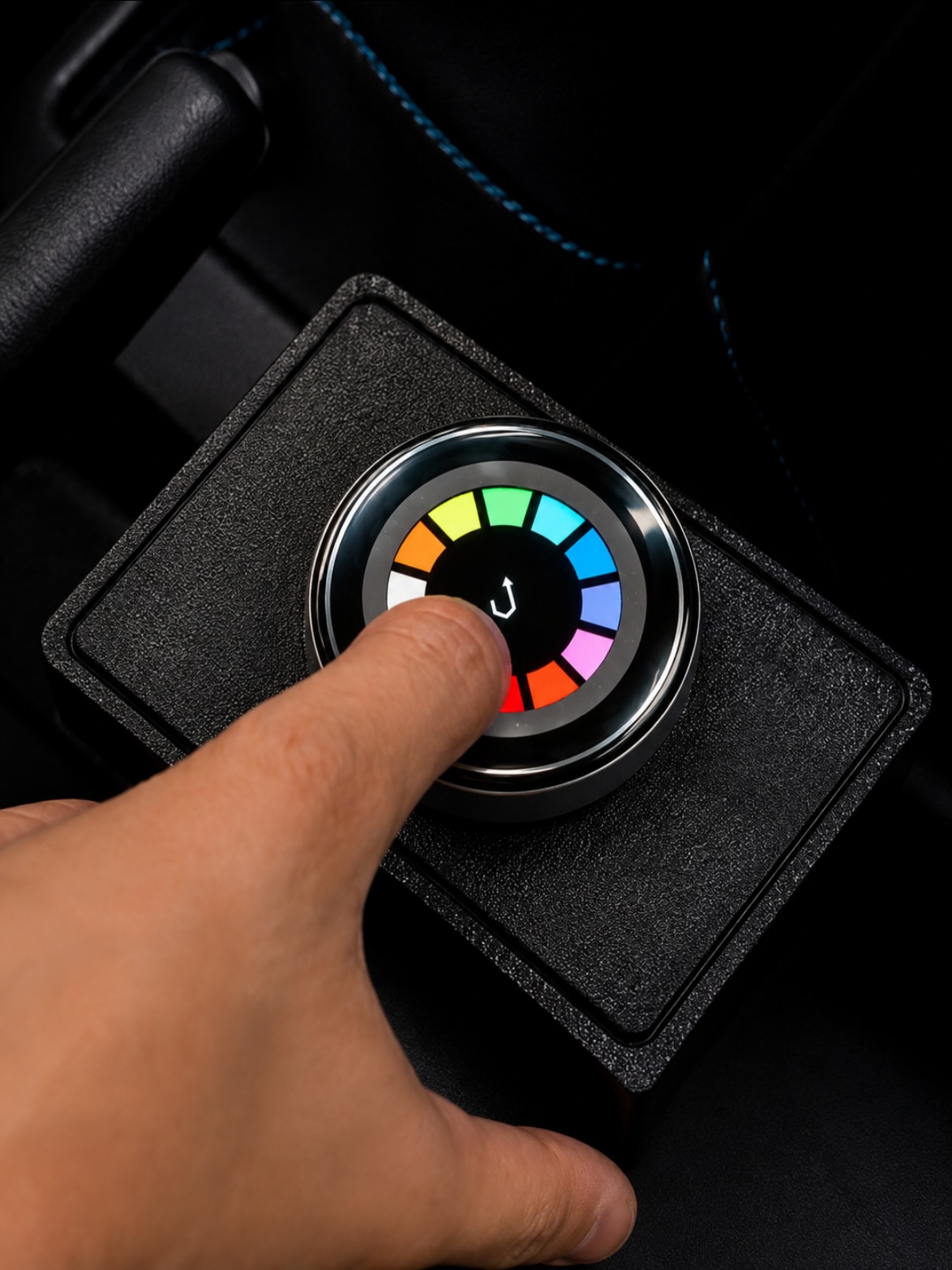
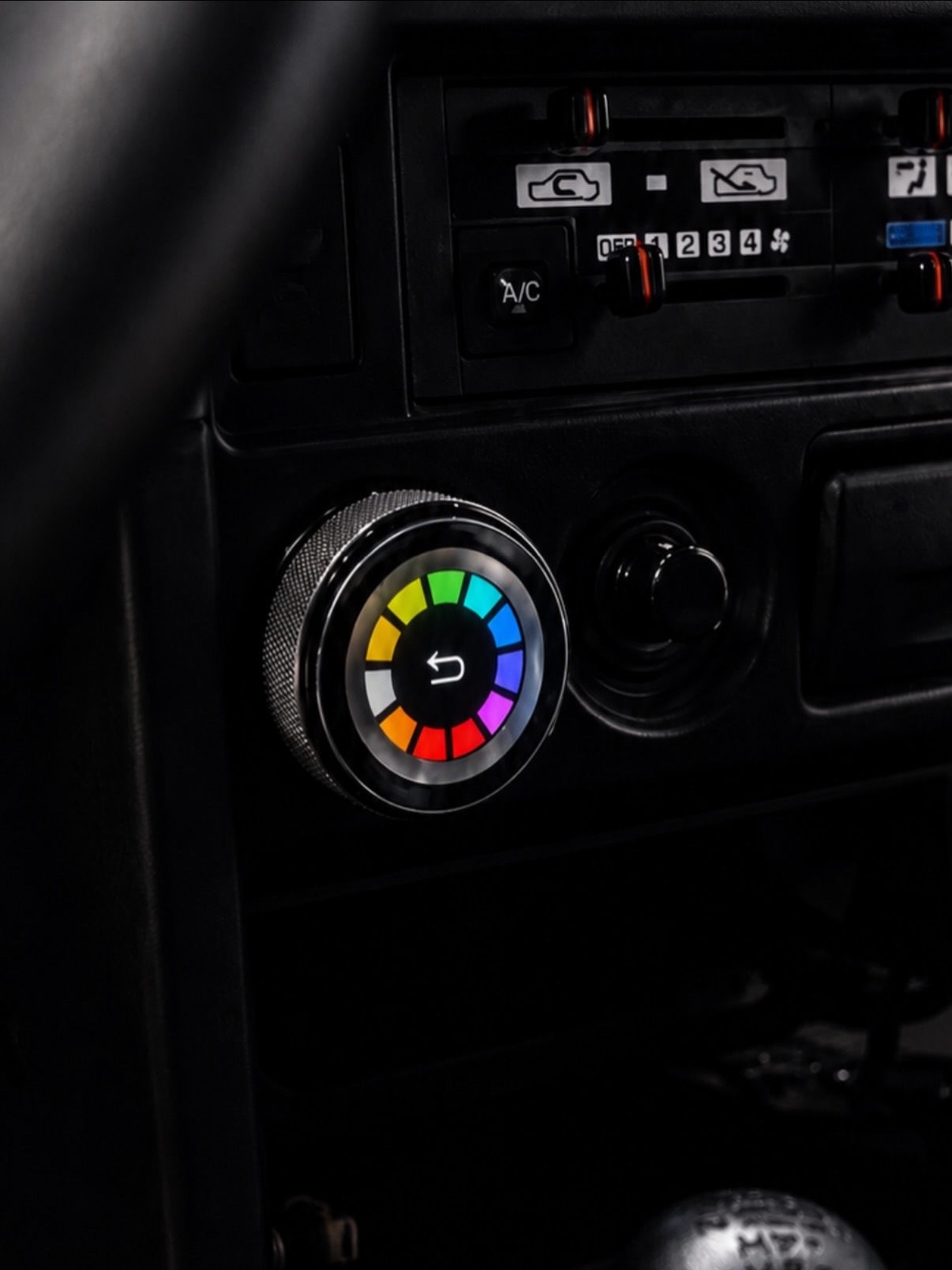
- Color buttons settings
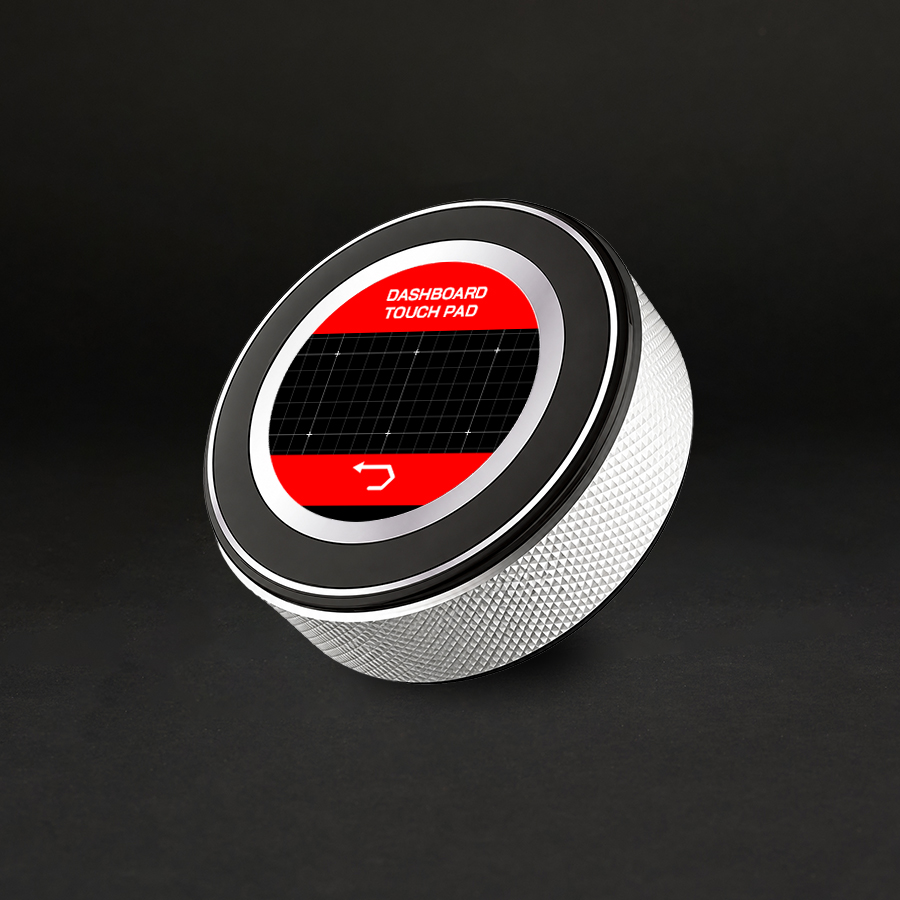
- Work as a touchpad for navigation and control
By combining touchscreen, rotary, push-button, and touchpad controls in one device, the ED Keypad provides a faster, cleaner, and more convenient way to manage the Elite Dash system while reducing the need to touch the E-10 or E-12 screen directly.