




Send an email to contact@elitedash.ae requesting an EliteDash account. The team creates the account and verifies it within 24 hours, then sends you the login email and password you use on the screen.
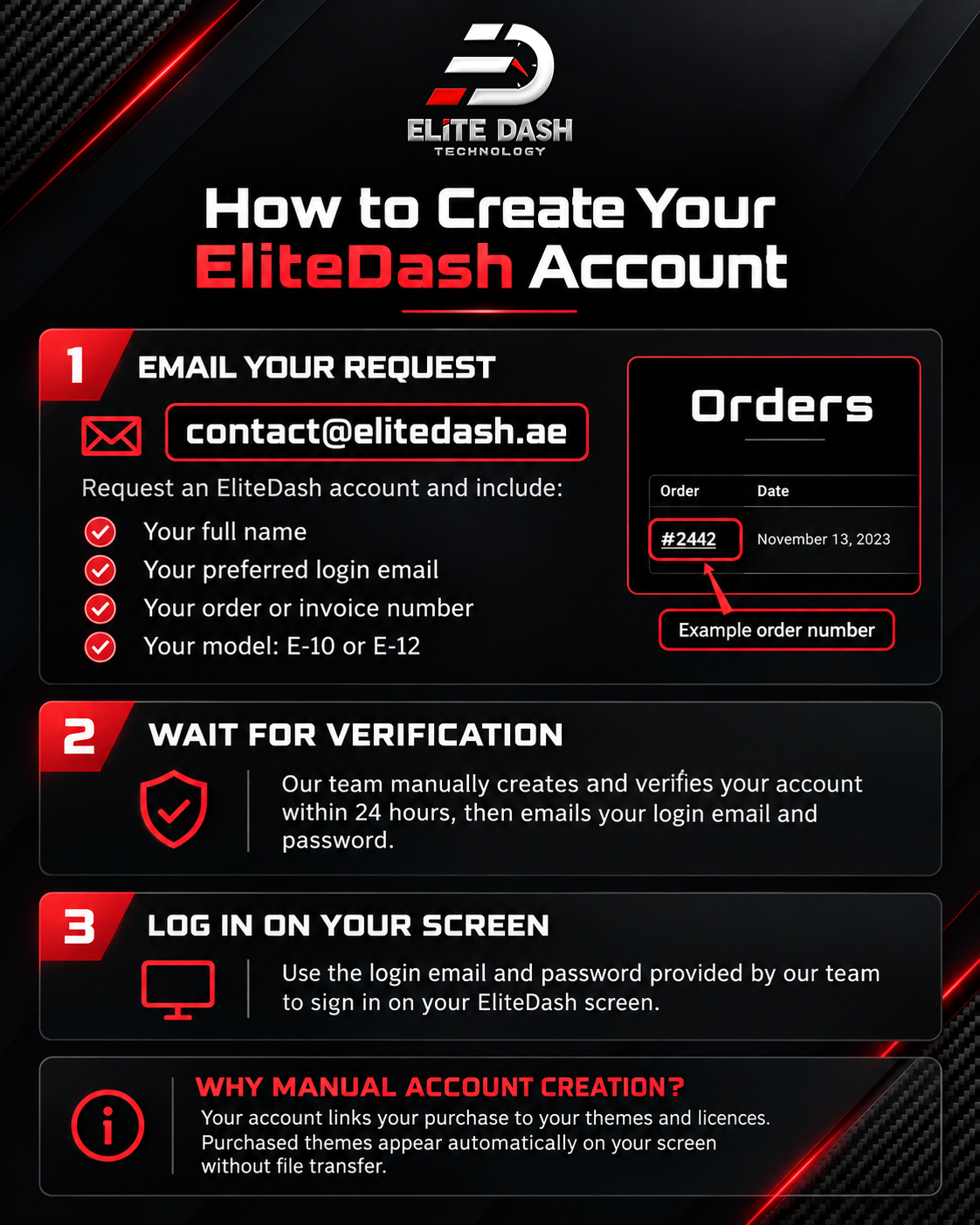
Accounts are created manually rather than by self signup because your account is tied to the themes and licences attached to your purchase. This is what allows a purchased theme to appear on your screen automatically rather than being installed by file transfer.
Include these details in your email to avoid a day of back and forth:
- Your full name
- The email address you want as your login
- Your order or invoice number
- The model you purchased (E-10, E-12 or E-12 Mini)
Related: How to Log In to Your Screen for the First Time · How to Reset Your my.elitedash.ae Password · How EliteDash Activation Works

