




Open the Color Slider from the main menu, or press the Color Setting shortcut button. Adjust gauge glow, color brightness, bar color, line color and gauge color to match your interior or your team colors.
Color customization is style dependent. Not every dashboard layout uses these theme colors, so if nothing changes, switch to another page or another theme and try again. That is expected behaviour, not a fault.
| Control | What it changes |
| Gauge glow | The halo around the gauge face |
| Color brightness | Intensity of the applied color |
| Bar color | Bar type gauges |
| Line color | Outlines and separators |
| Gauge color | The main gauge fill |
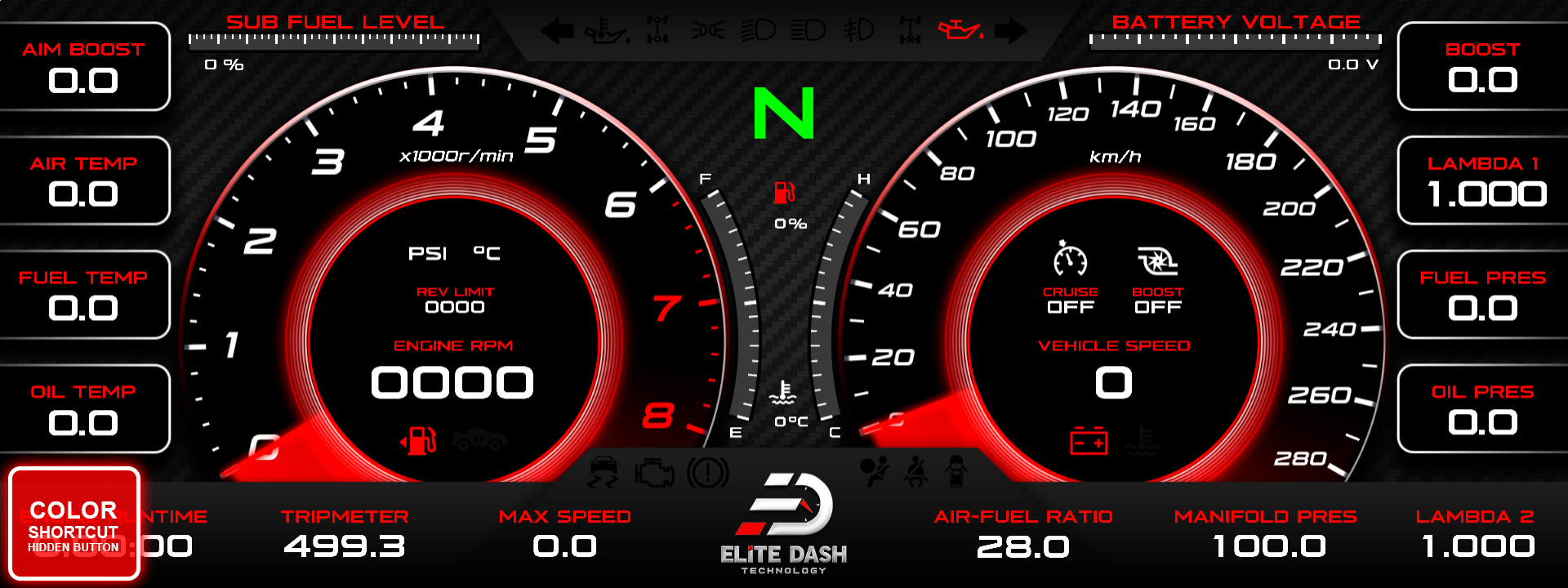
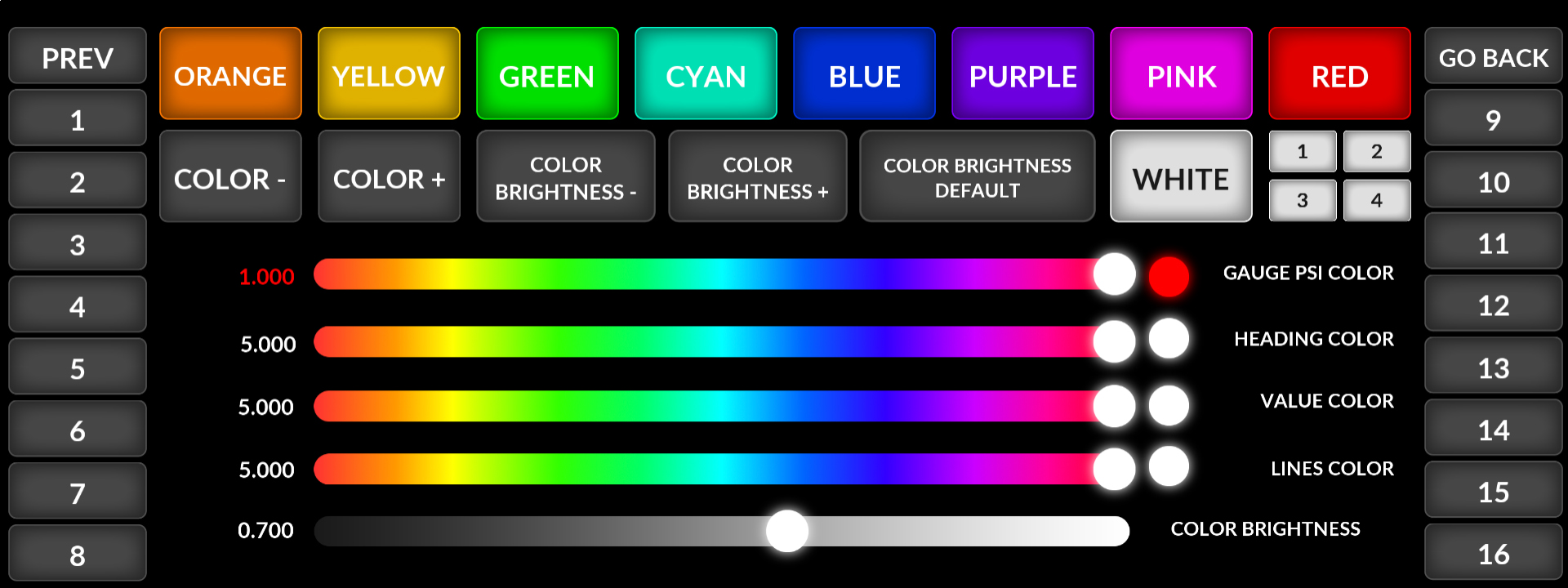
The ED Keypad can also open the Color Setting directly from the Pages Setting menu. Unlike the other shortcuts there, Color Setting requires a tap to open rather than opening on selection.
Related: Gauge Customization: Titles, Data Sources and Smoothing · E-10 Shortcut Buttons: Default Layout · Navigating the ED Keypad Main Menu

