




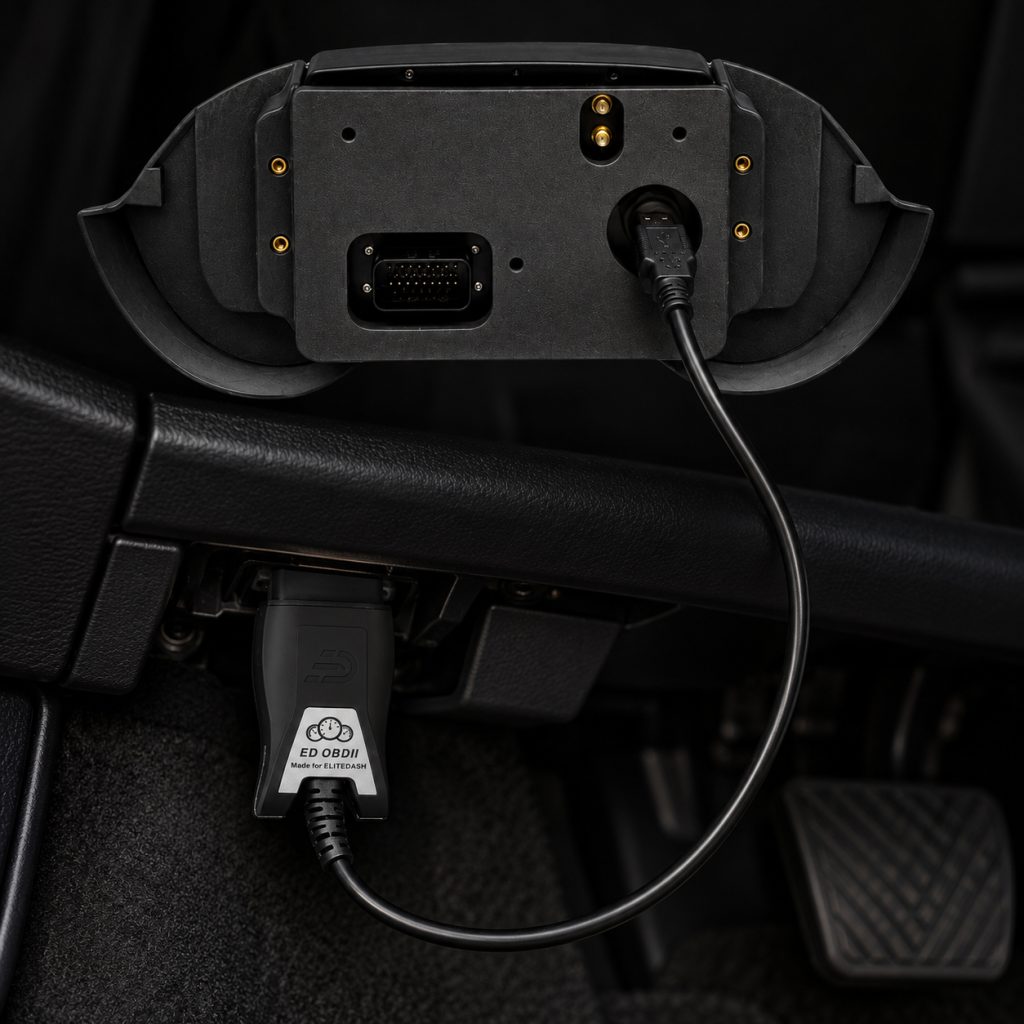
Plug the ED OBD-II cable into the vehicle’s OBD-II port and connect the USB end to the Elite Dash screen. The screen then reads and displays the vehicle data available through the OBD-II system.
Use this route when the vehicle has no standalone ECU and no accessible CAN broadcast. It is the quickest way to get a factory car onto an Elite Dash screen with no tuning and no splicing into the vehicle harness.
What you see depends on the vehicle. The displayed information is limited to the data the vehicle model, its ECU and its OBD-II port actually provide. A modern vehicle exposes a wide set of channels. A twenty year old one may expose very little.
The ED OBD-II is supported on the E-10, E-12 and E-12 Mini.
Related: What the ED OBD-II Cable Does · Which Vehicles Work With the ED OBD-II · My Screen Turns On but Shows No ECU Data

