




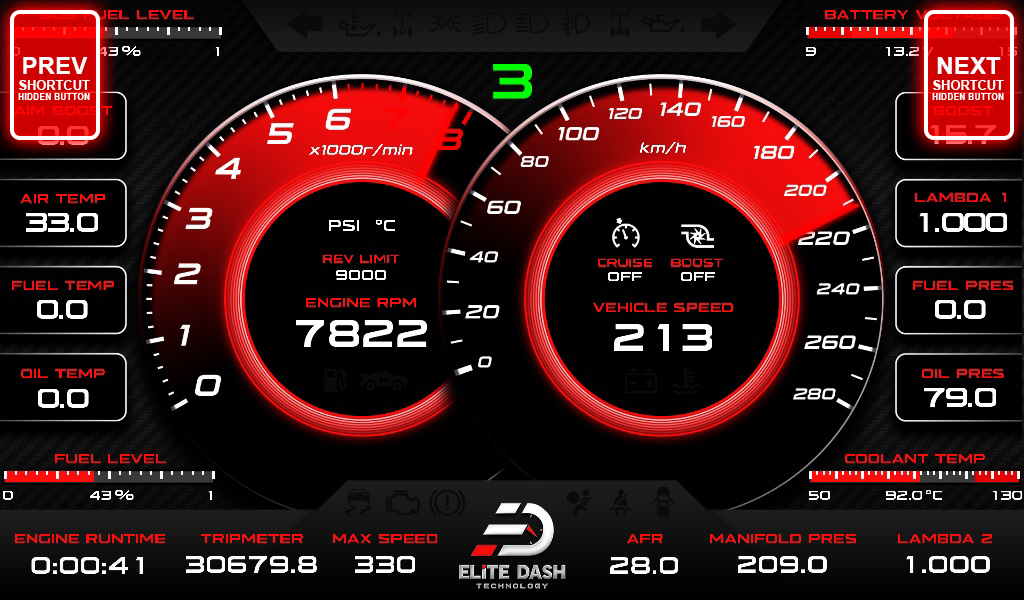
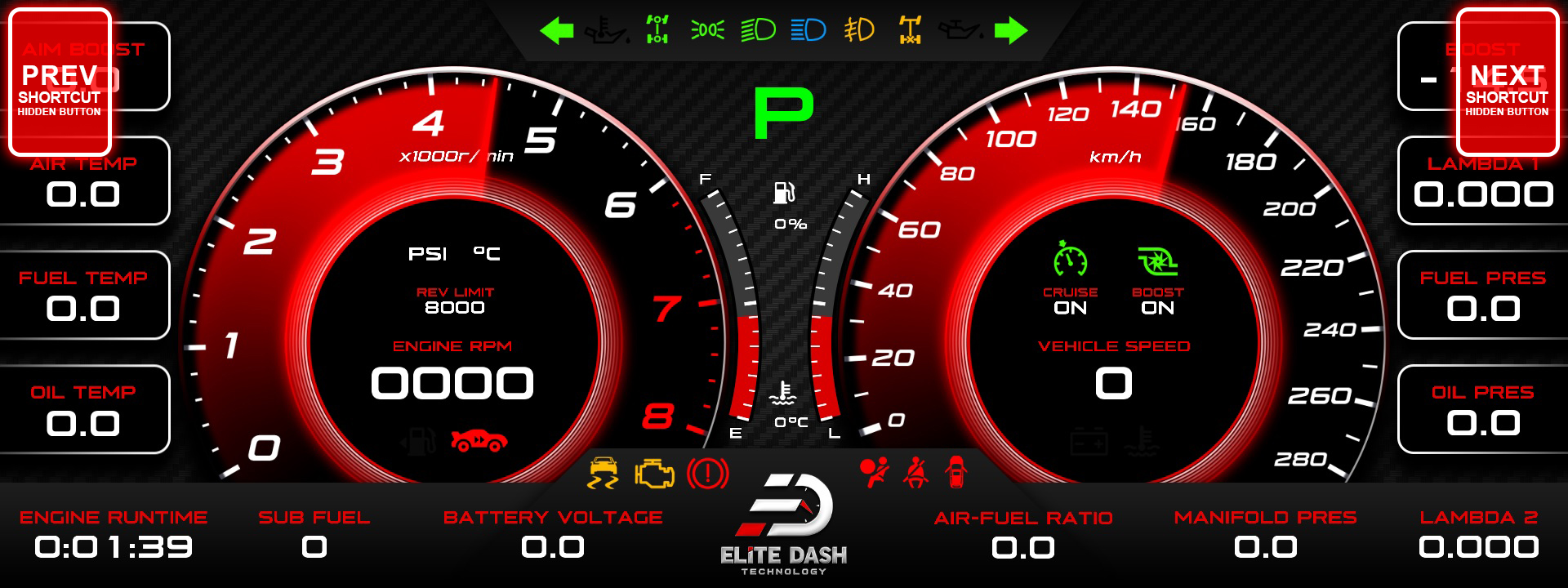
Use the Previous and Next shortcut buttons on the screen to move between dashboard pages, or rotate the ED Keypad if one is fitted. Clockwise moves to the next page, counterclockwise to the previous.
Set your pages up so the one you need under load is one press away. A driver scrolling through five pages at 200 km/h looking for oil pressure is a driver not looking at the road.
Three ways to change pages:
| Method | How |
| On screen | Press the Previous or Next shortcut button |
| ED Keypad | Open the Pages screen, rotate clockwise or counterclockwise |
| ED Remote | Press the left or right arrow to change theme |
Related: E-10 Shortcut Buttons: Default Layout · Navigating the ED Keypad Main Menu · ED Remote Overview and Button Layout

