




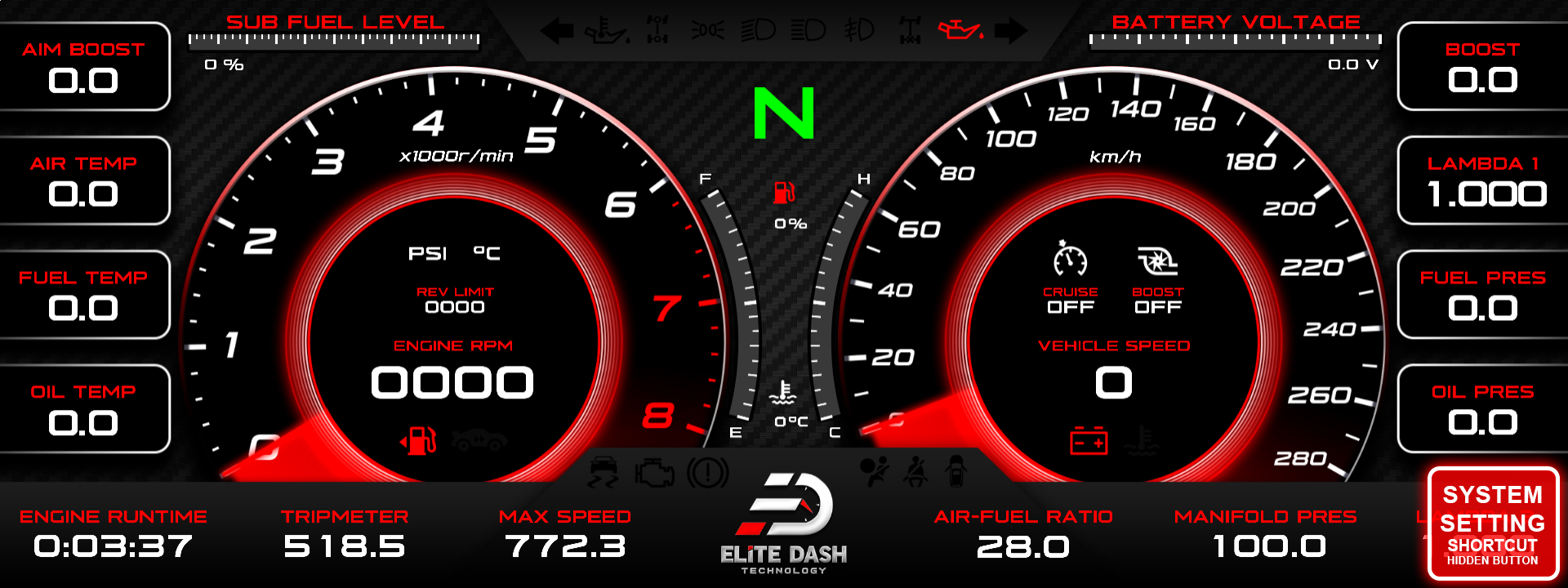
Open the Intro Logo Setting from the Setting Menu and select ON or OFF. The intro logo is the animation shown on the screen at startup.
Installers building a customer car with a custom theme often turn it off so the cluster appears instantly rather than playing an animation the owner has already seen a thousand times.
| Mode | Behaviour |
| ON | Intro animation plays at startup |
| OFF | Screen goes straight to the dashboard |
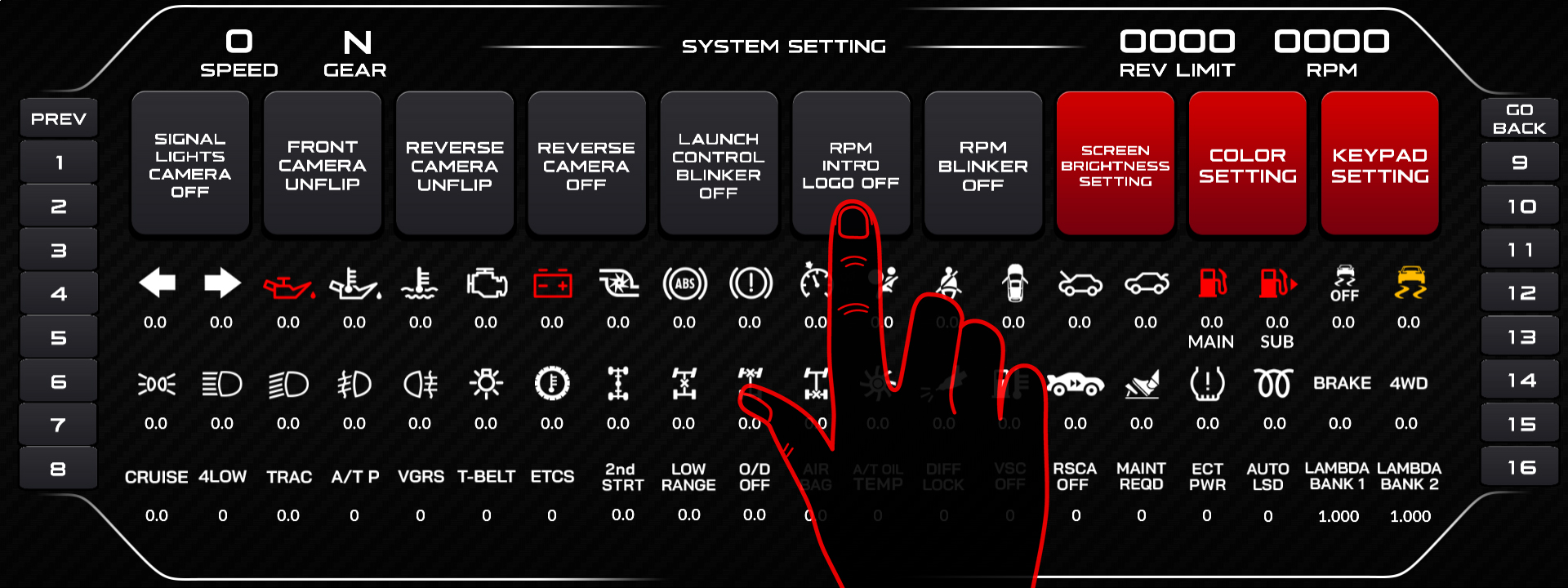
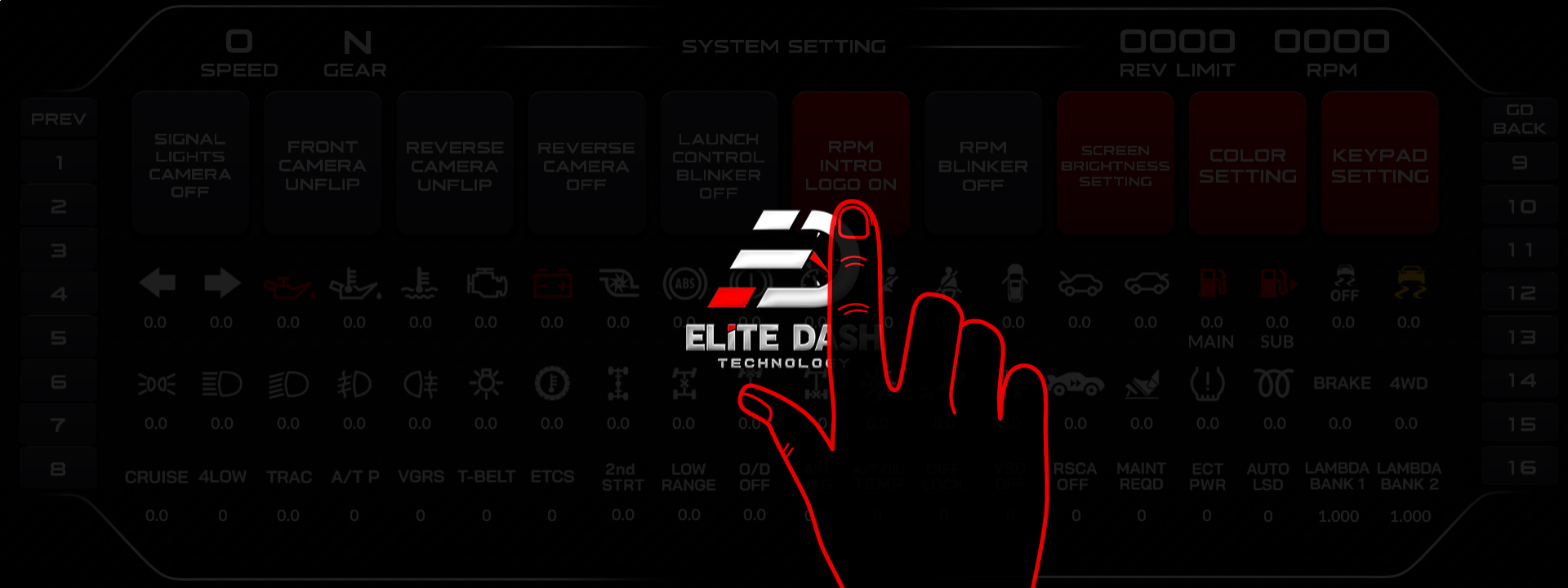
The setting can also be changed by rotating the ED Keypad dial in the Intro Logo Setting interface.
Related: My Screen Is Slow to Boot · Navigating the ED Keypad Main Menu · Day and Night Brightness Settings

