




Activation happens at the first login. The screen connects to Wi-Fi, you enter your registered email and password, and the unit is activated against your account through my.elitedash.ae. After that the screen works without a network.
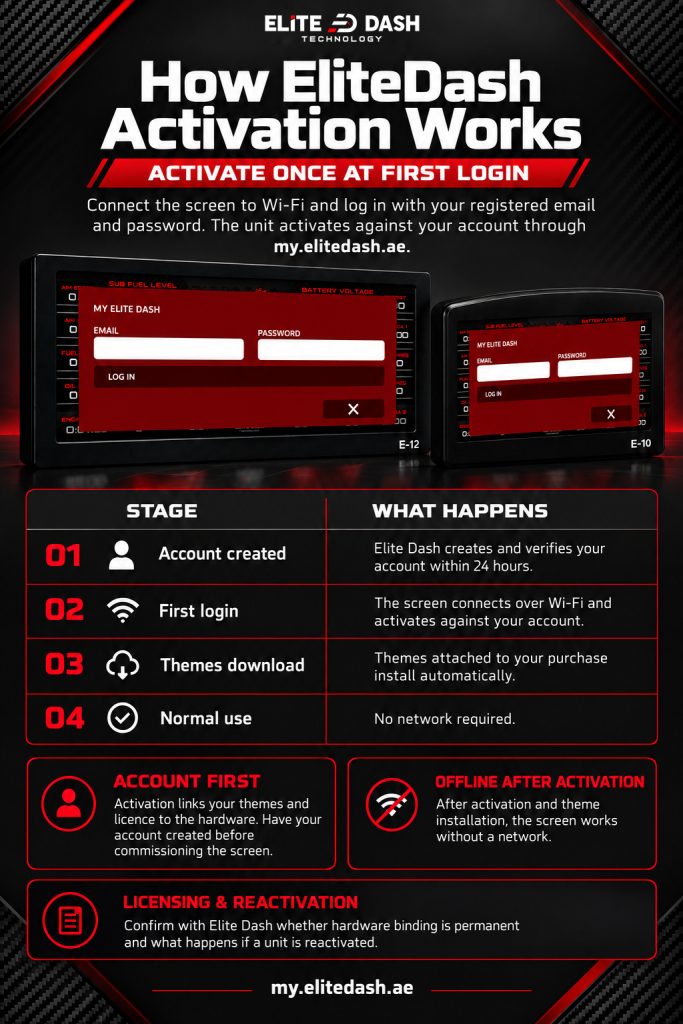
Activation is what ties your themes and licence to the hardware. It is also why the account has to exist before the screen is commissioned, not after.
| Stage | What happens |
| Account created | Elite Dash creates and verifies your account within 24 hours |
| First login | Screen connects over Wi-Fi and activates against your account |
| Themes download | Themes attached to your purchase install automatically |
| Normal use | No network required |
Licensing rules: whether activation is tied to the hardware permanently, and what happens if a unit is reactivated.
Related: How to Create Your EliteDash Account · How to Log In to Your Screen for the First Time · Can I Move My License to Another Screen

