




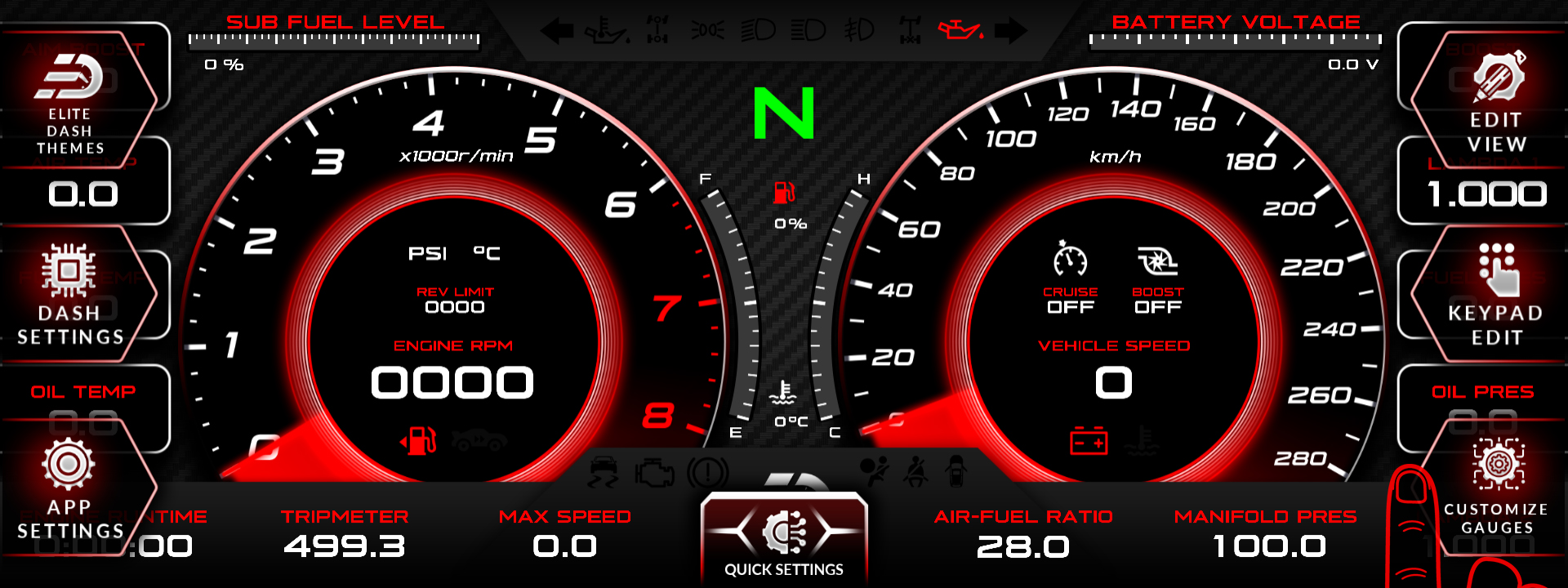
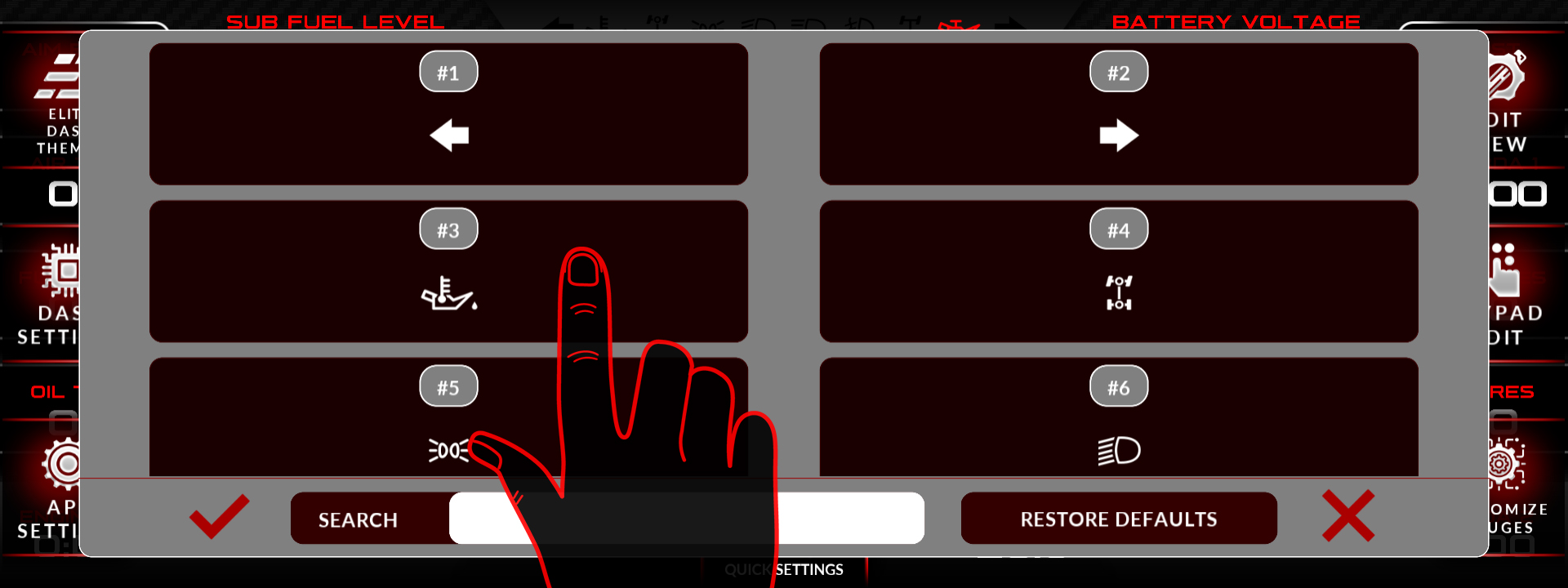
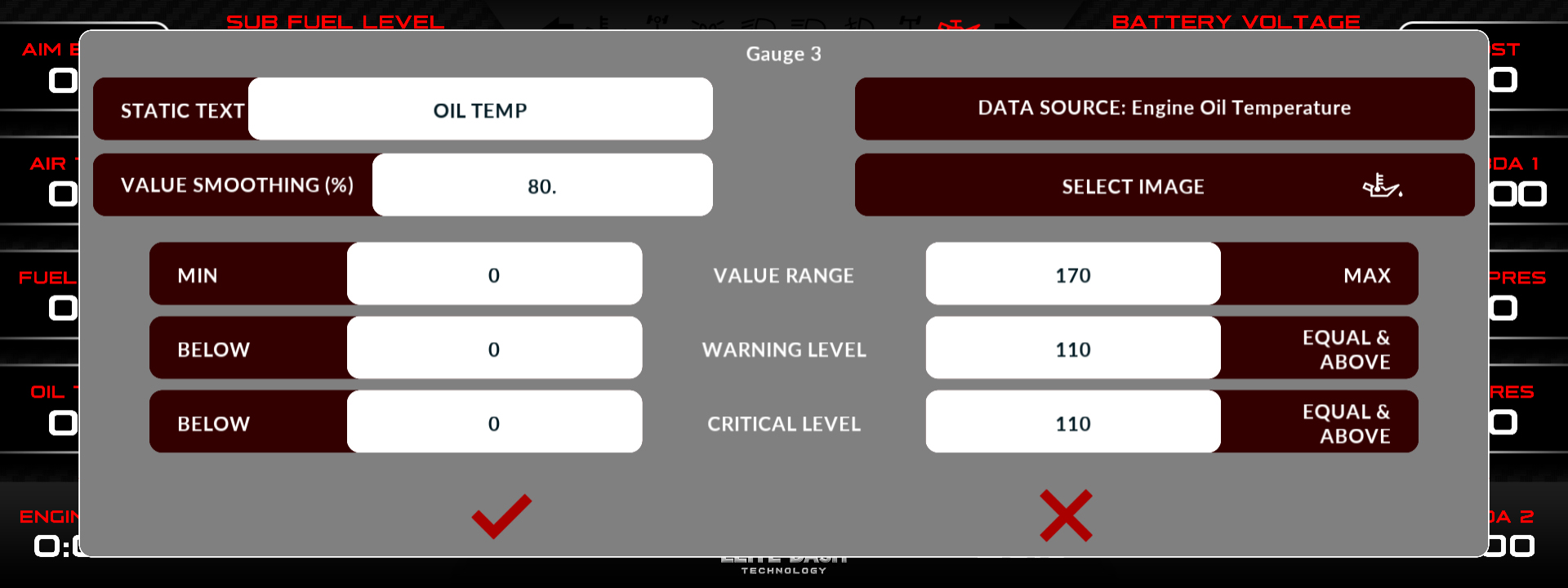
Open Gauge Customization from the main menu. You can edit the title text, the data source, the smoothing, the icon and the values for each gauge on the page.
Smoothing is the setting most people get wrong. Raise it and a noisy channel like oil pressure becomes readable. Raise it too far and you will not see a pressure drop until several seconds after it happened, which defeats the purpose of having the gauge.
| Setting | What it changes |
| Title text | The label shown above or beside the gauge |
| Data source | Which ECU channel feeds the gauge |
| Smoothing | How heavily the reading is averaged |
| Icon | The symbol shown on the gauge |
| Values | Range, warning points and units |
Use low smoothing on anything you need to react to: oil pressure, fuel pressure, lambda, EGT. Use higher smoothing on slow moving channels like coolant and oil temperature.
Related: How to Use the Color Slider · How to Change Dashboard Pages · How to Use the Debug Data View

