




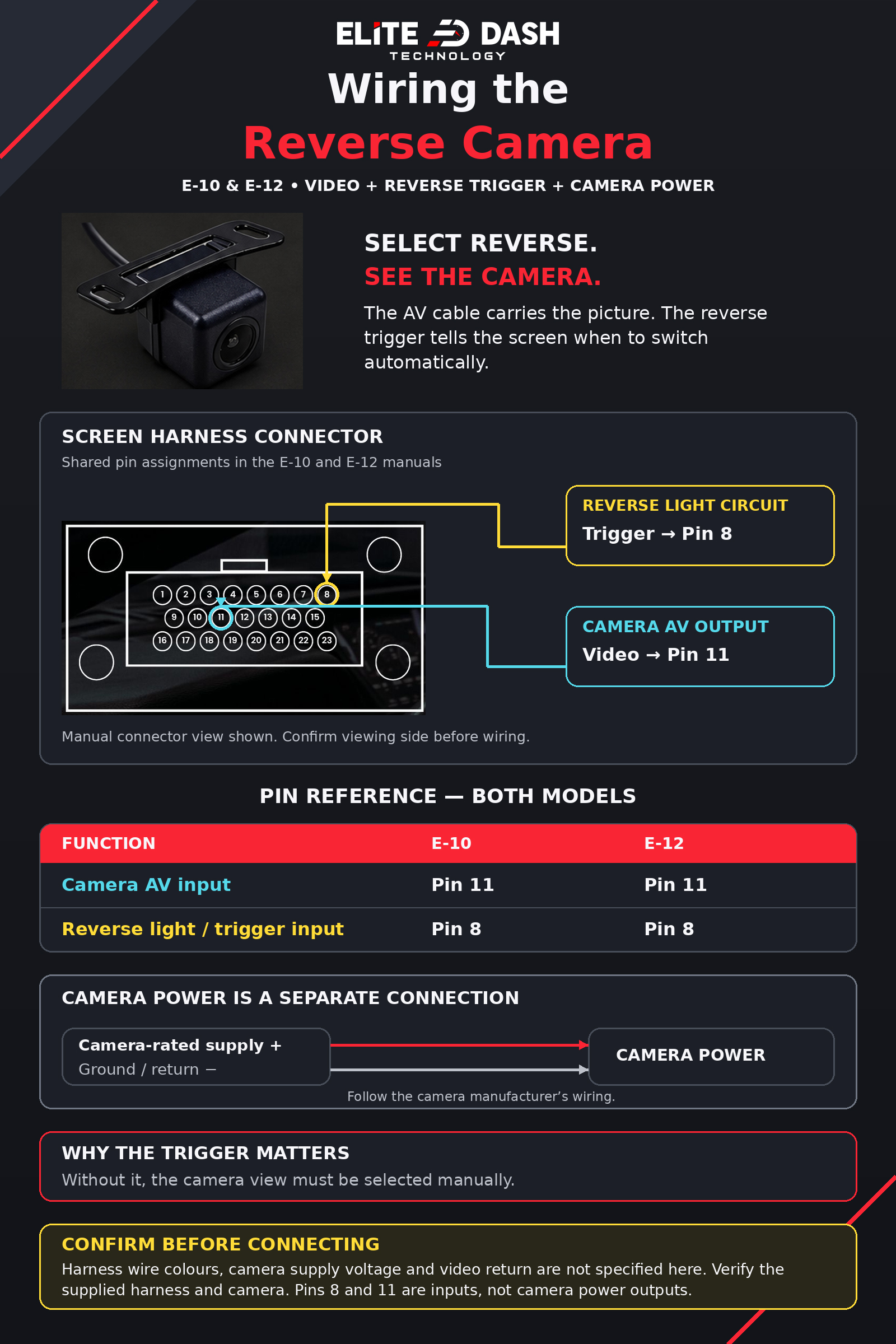
The camera image works but the screen does not change when you select reverse. That is the reverse trigger wire, not the camera. Check that the trigger is connected to the vehicle’s reverse light circuit.
Check in order:
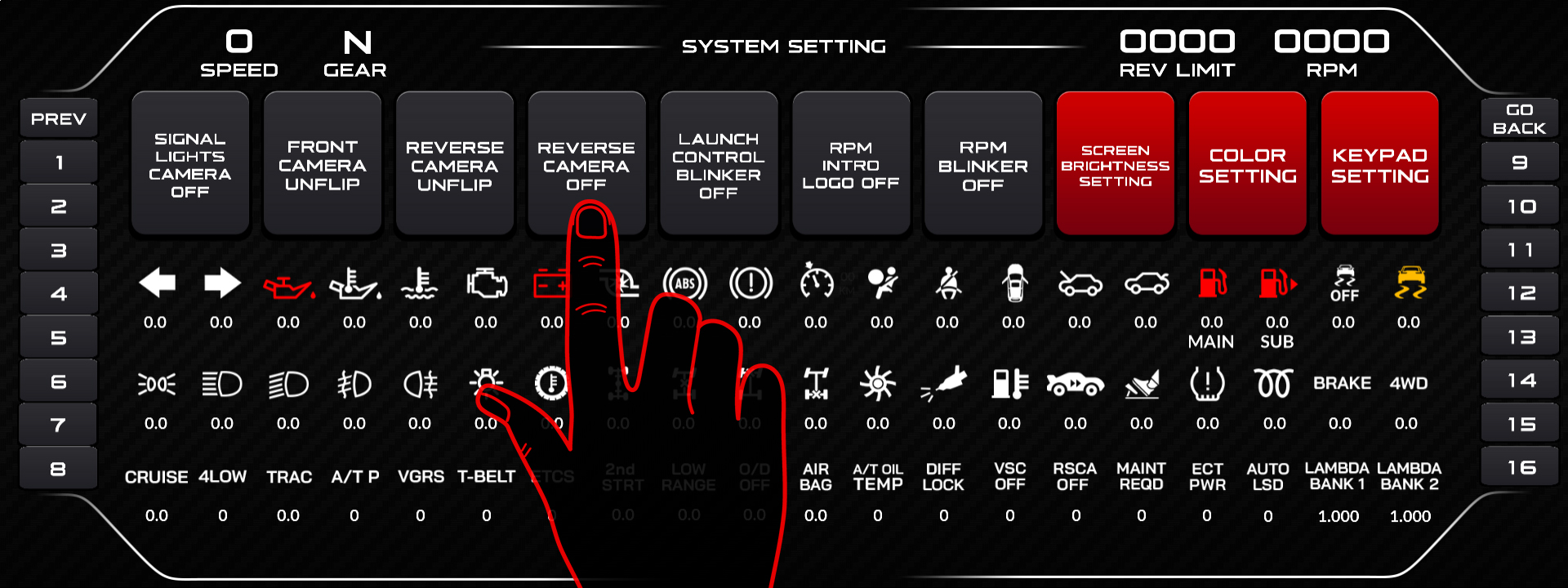
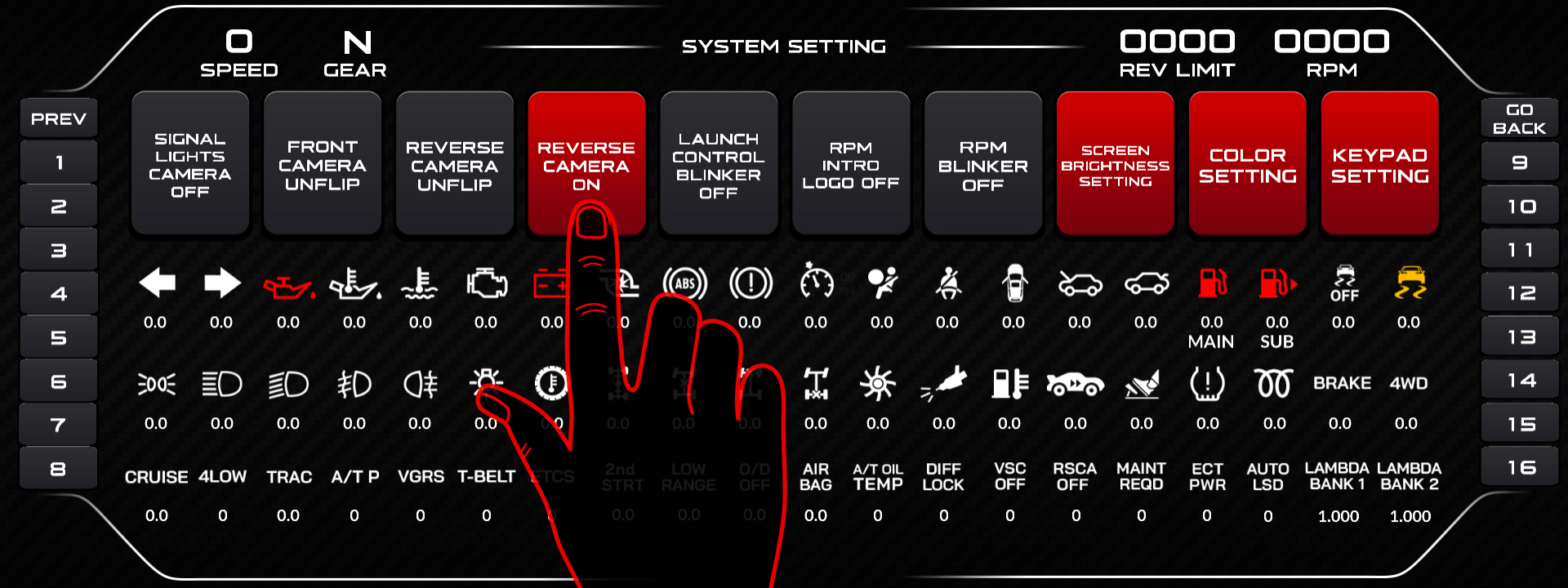
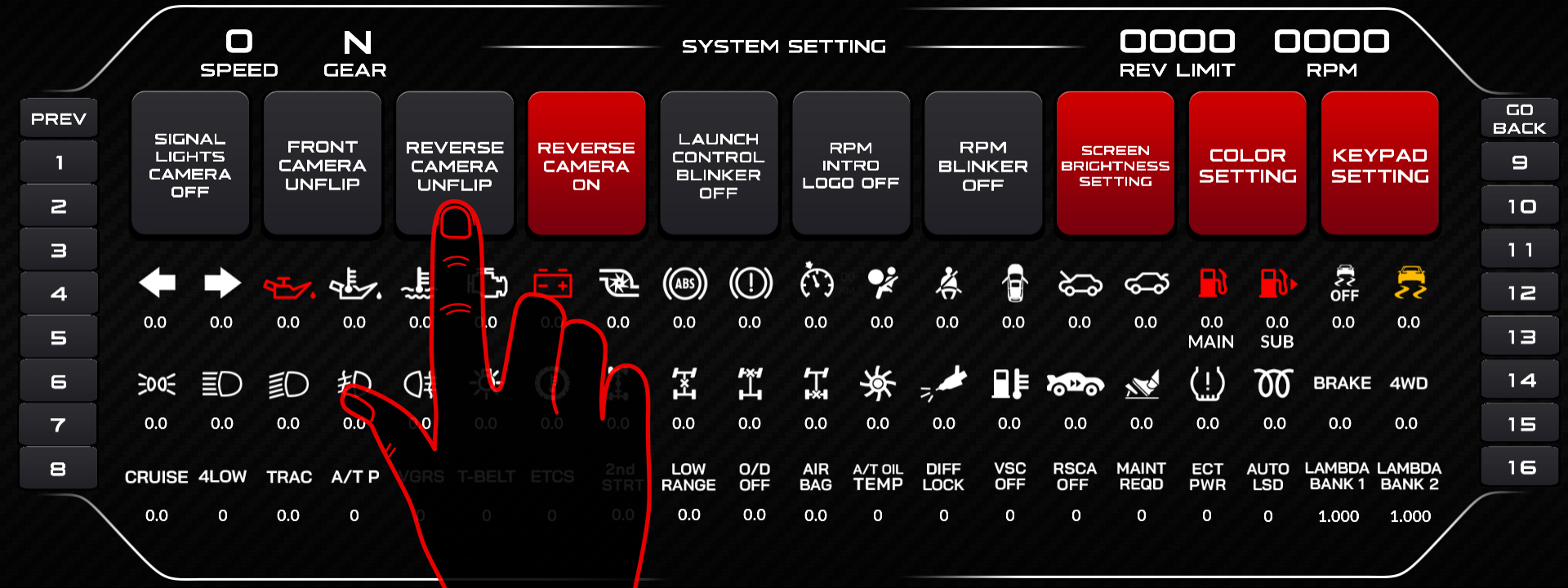
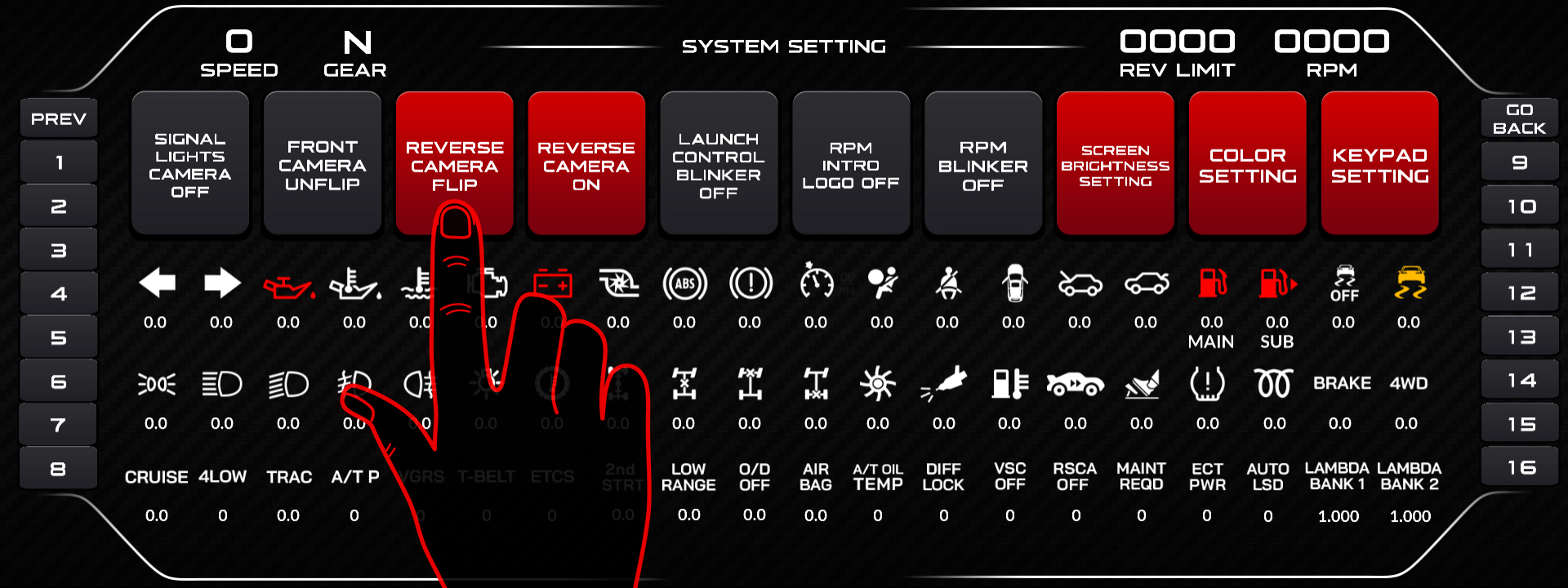
- Reverse Camera is set to ON in the Camera Setting menu.
- Reverse trigger wire is connected to the reverse light circuit and sees 12V when reverse is selected.
- Measure at the connector with reverse selected and ignition on.
- Reverse signal on CAN. If the trigger comes from the ECU rather than a wire, confirm the reverse channel is arriving in Debug Data View.
- Image mirrored? That is Reverse Camera Flip, a separate setting.
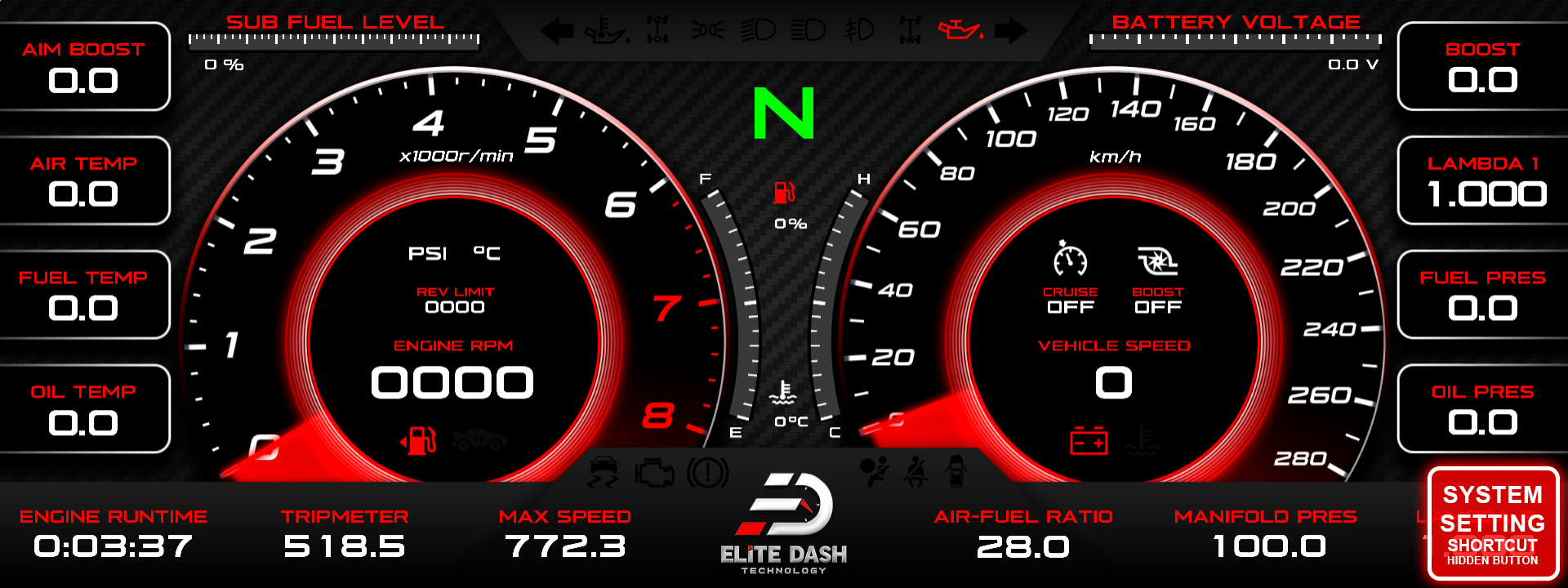
Related: Wiring the Reverse Camera · Wiring the Front and Turn Signal Cameras · How to Use the Debug Data View

