




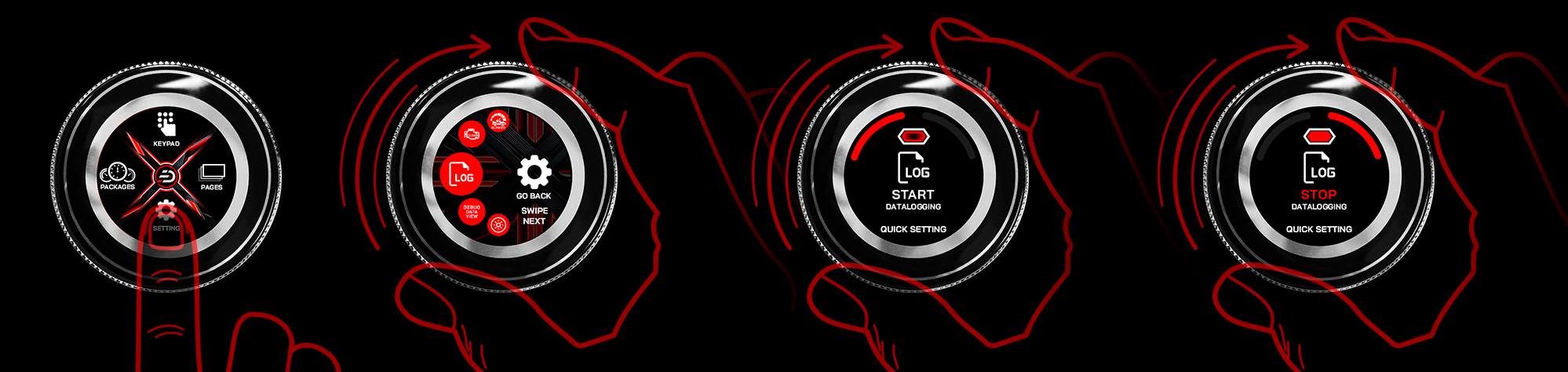
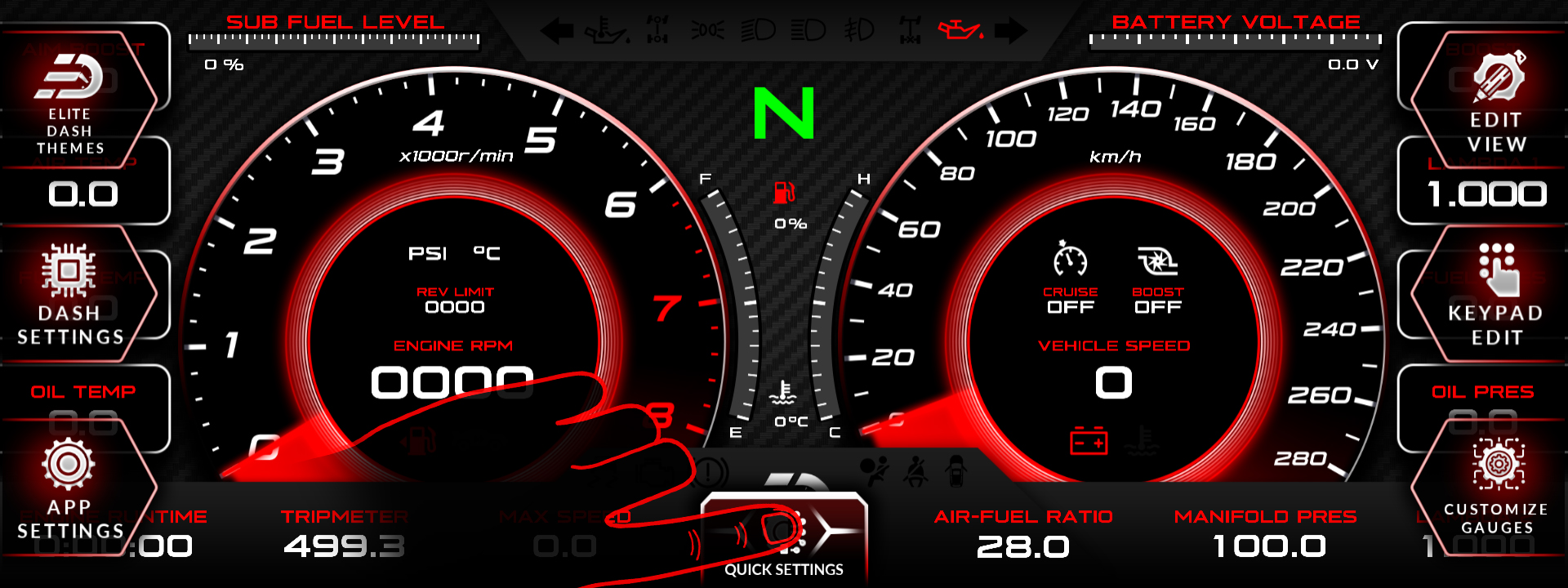
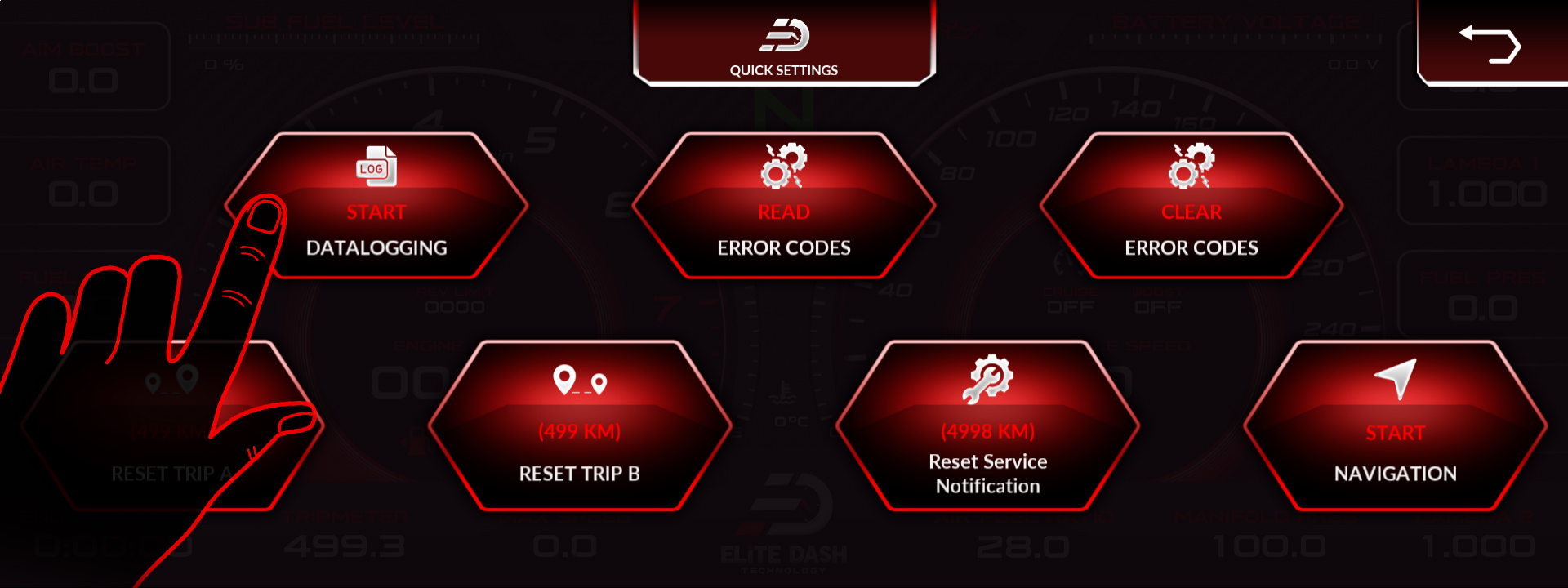
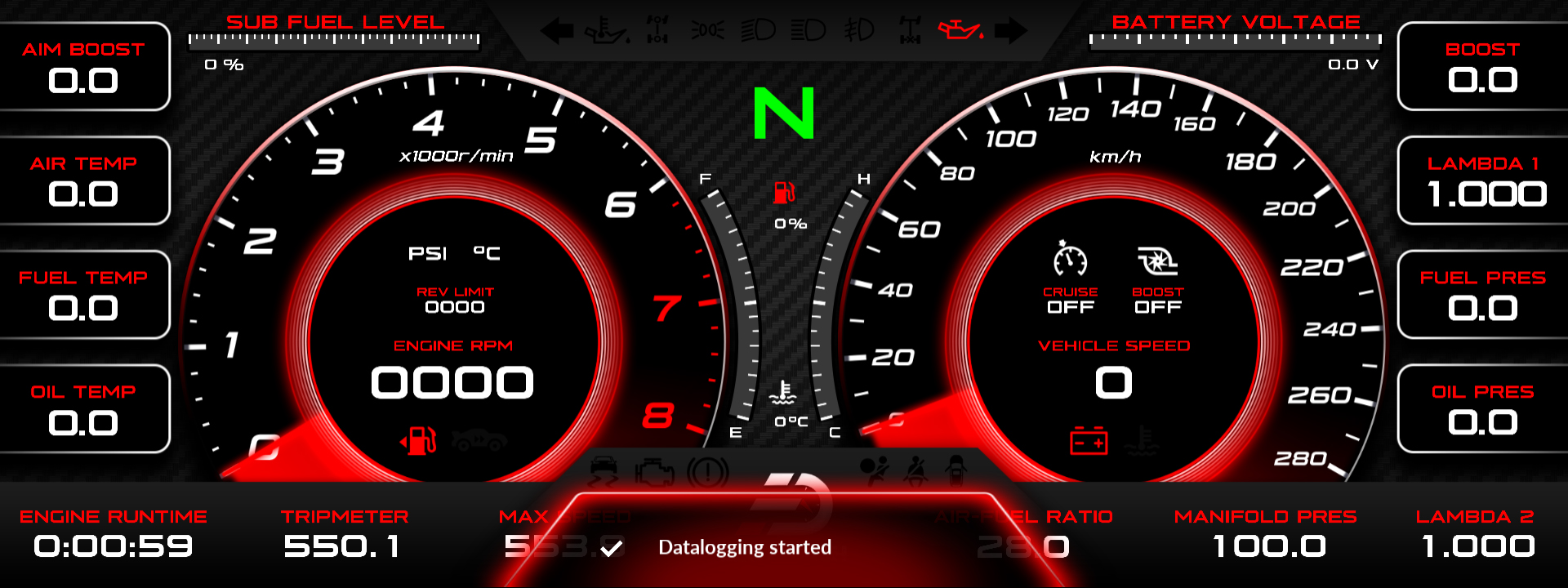
Tap the bottom center of the screen to open Quick Settings and select start or stop datalogging. From an ED Keypad, open Datalogging in the Setting Menu, rotate clockwise to start and counterclockwise to stop.
Start the log before the run, not during it. A log that starts halfway through the pull misses the part you need, and you cannot go back and get it.
From the ED Keypad:
- Open Datalogging from the Setting Menu.
- Rotate the dial clockwise to begin recording.
- Rotate clockwise again to stop.
- Tap the bottom center to save the log file and return to the Setting Menu.
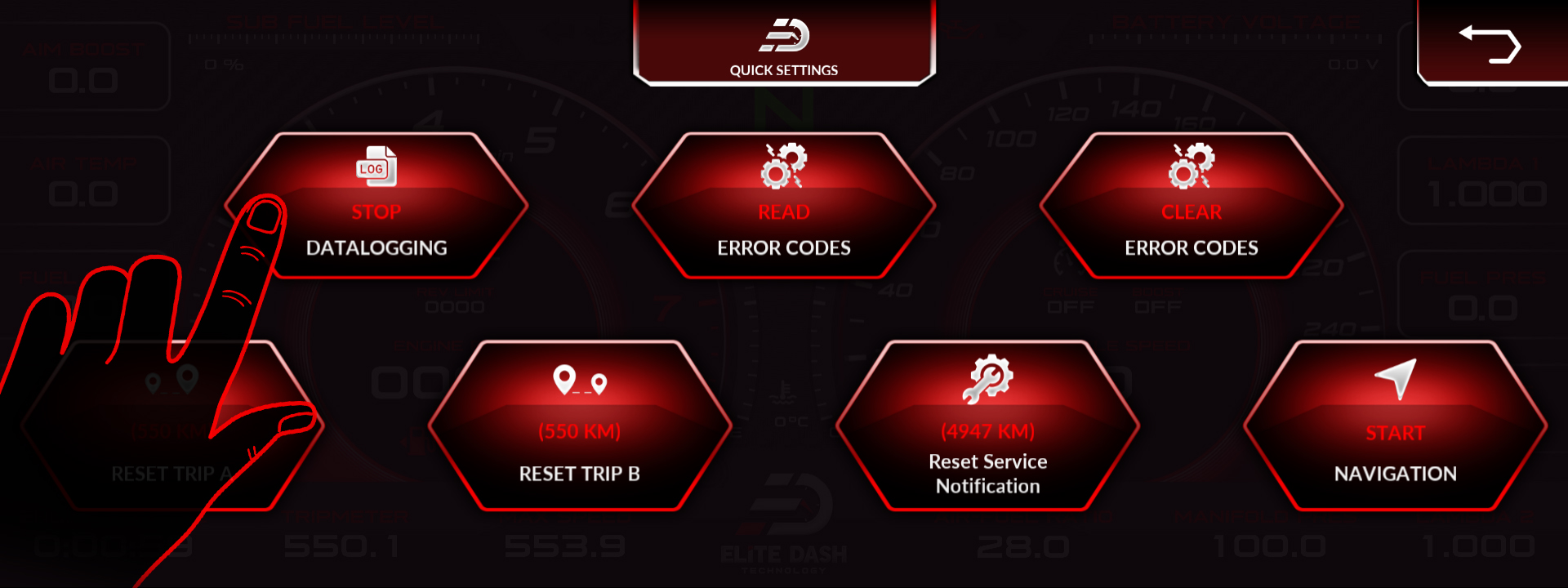
Trip logs are separate and are found under APP SETTINGS, where you can also add oil maintenance service records.
Related: Where Your Data Logs Are Saved · How to Use the Debug Data View · Navigating the ED Keypad Main Menu

