




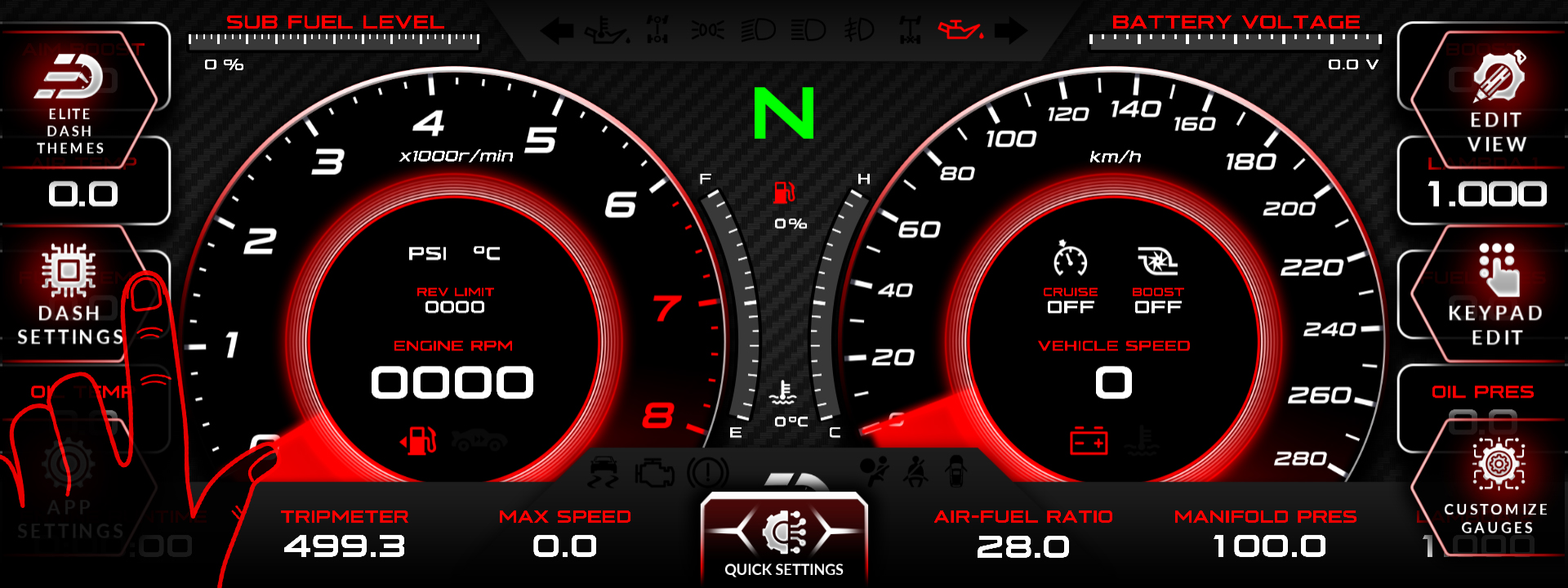
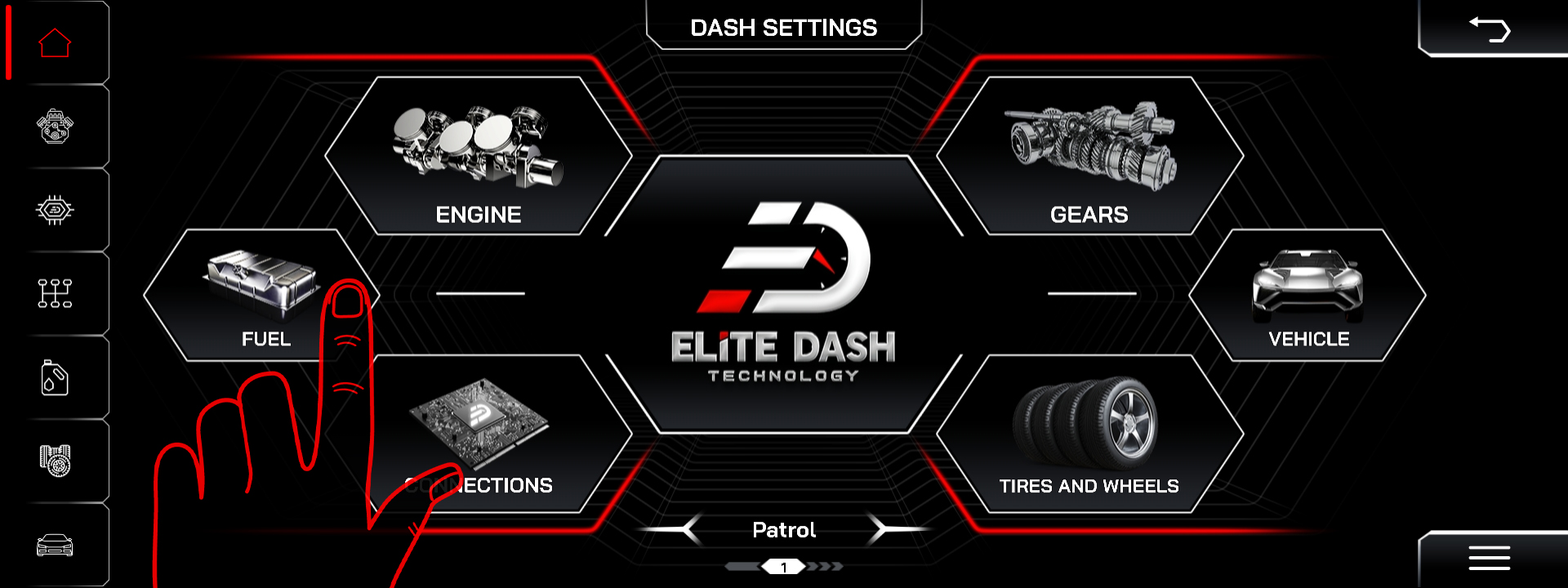
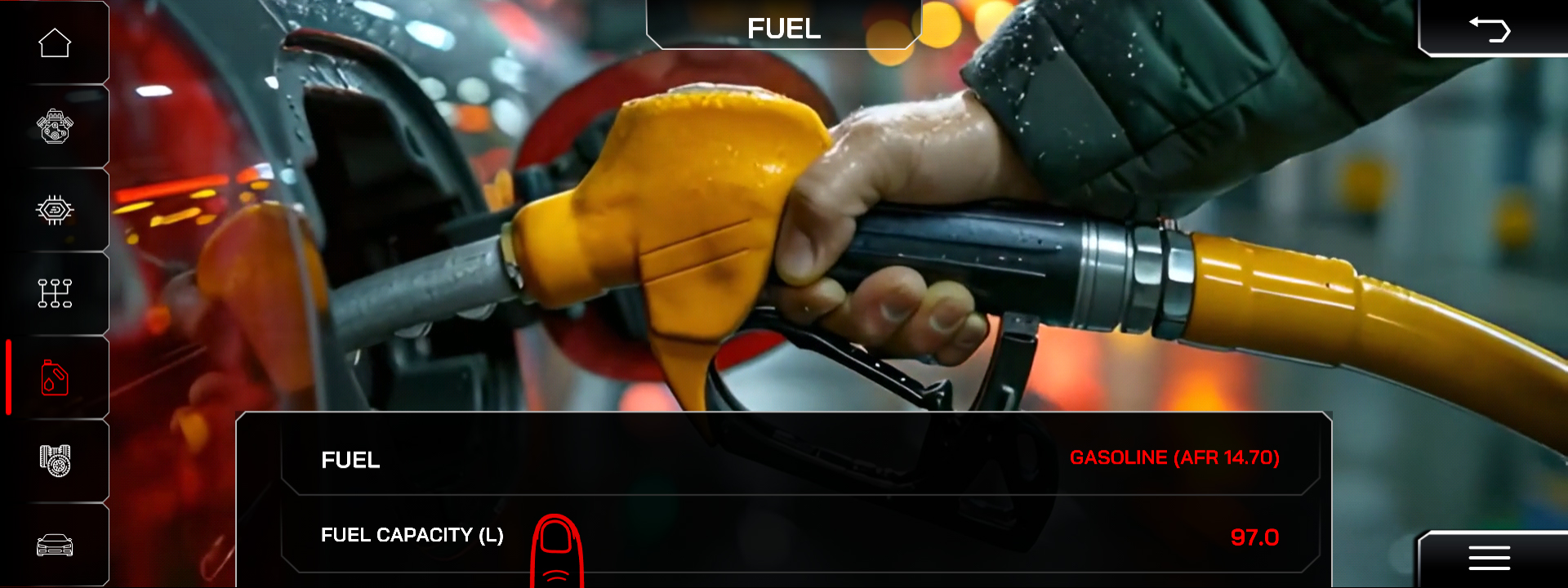
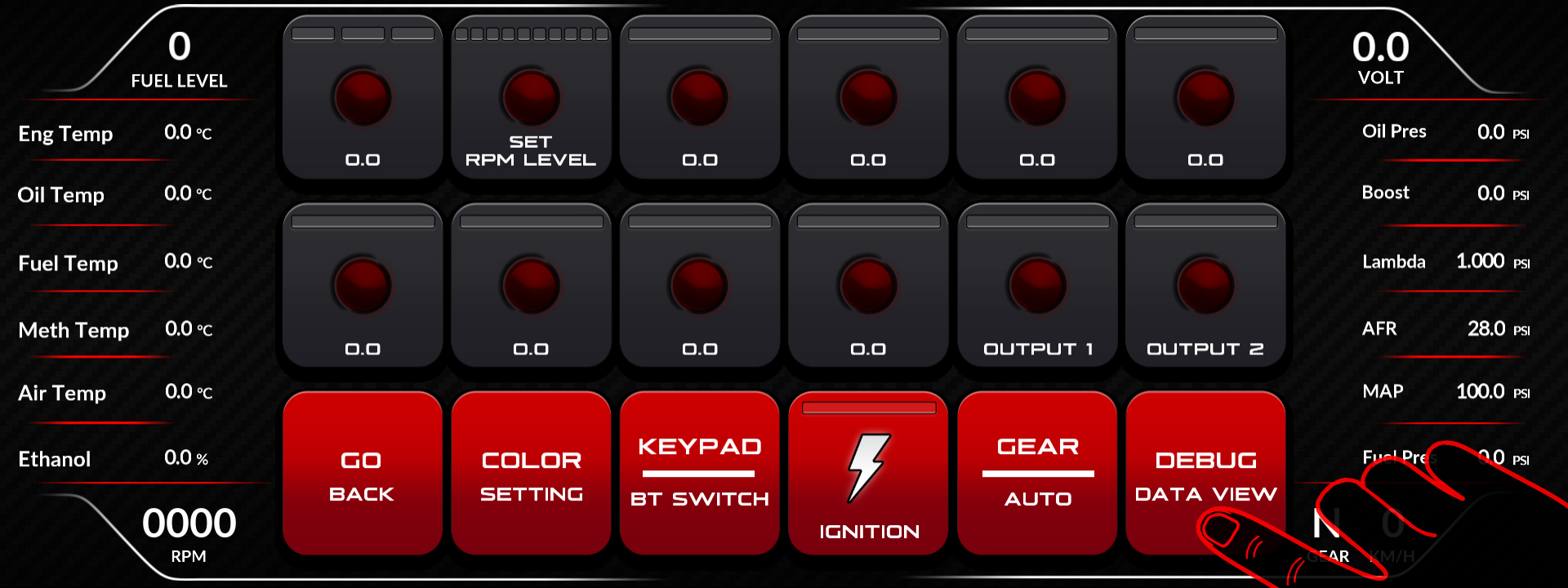
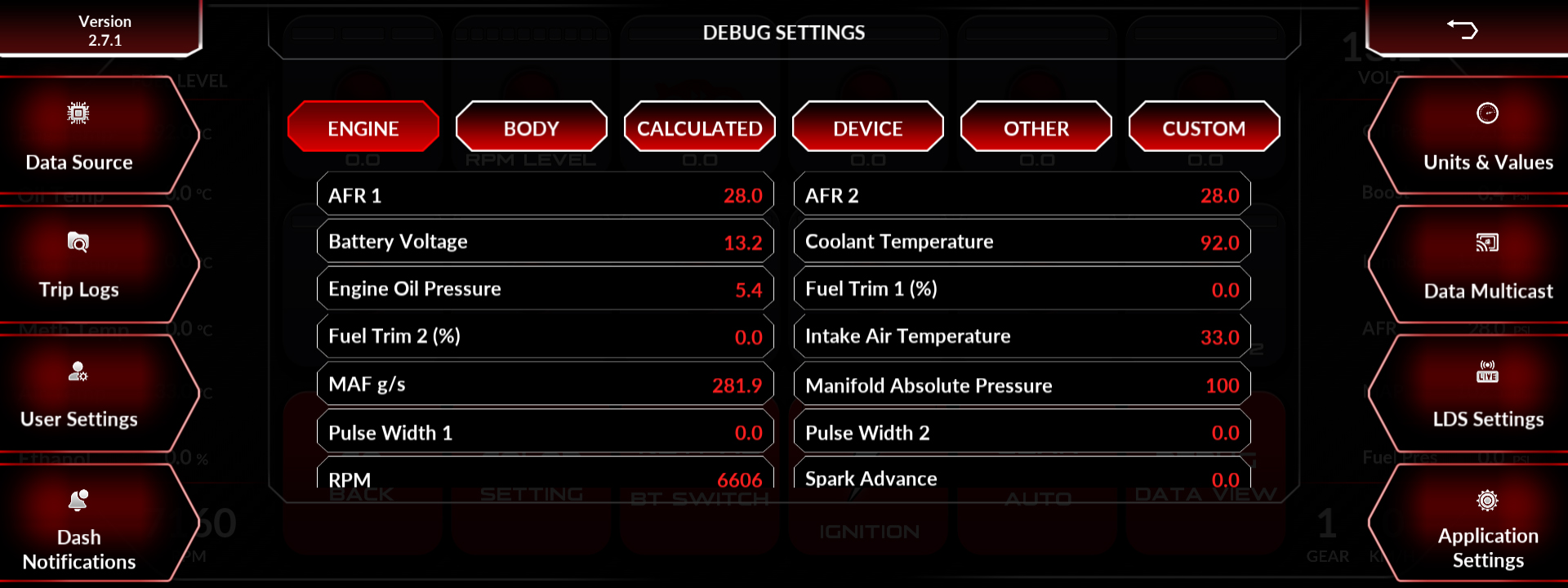
Check the tank capacity entered under Dash Settings, then Fuel, and confirm the fuel level channel is arriving in Debug Data View. The display converts a level signal into a quantity using the capacity you entered, so a wrong capacity gives a wrong reading from a correct signal.
A fuel sender is rarely linear. A tank that reads accurately when full and badly when low usually has a correct signal and no calibration behind it, not a broken sender.
Check in order:
- Tank capacity. Enter the real capacity of the tank fitted, not the factory figure, if the tank has been changed.
- Debug Data View. Confirm the fuel level channel is present and moving.
- ECU or sender side. Confirm the sender is wired and configured on the ECU or on an Elite X analog input.
- Sender calibration. If reading through Elite X, calibrate the input against known fuel quantities.
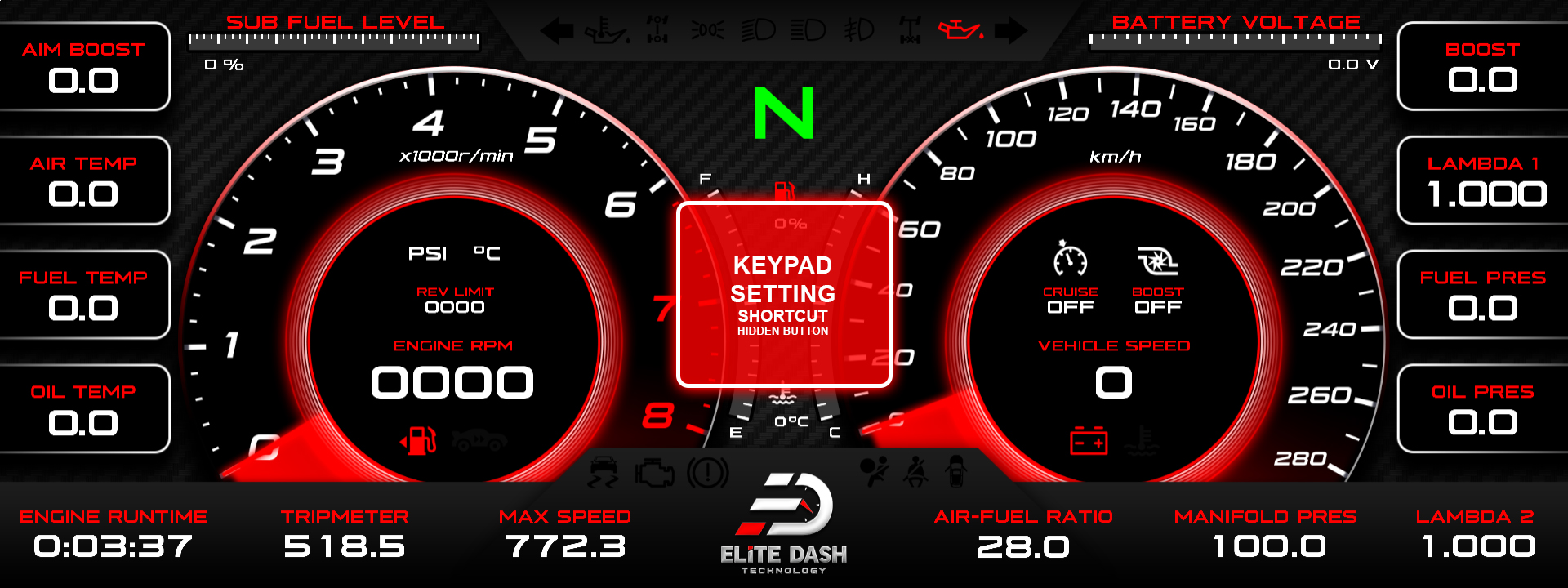
- Main and sub tanks. On vehicles with two tanks, confirm which one the channel reports.
Related: Fuel Setup: Fuel Type and Tank Capacity · How to Set Up an Analog Sensor on Elite X · How to Use the Debug Data View

