




The ED Keypad is a round touchscreen controller with a precision rotary dial, designed exclusively for the Elite Dash E-10 and E-12. You rotate, press, tap and swipe to control dashboard functions without reaching for the main screen.
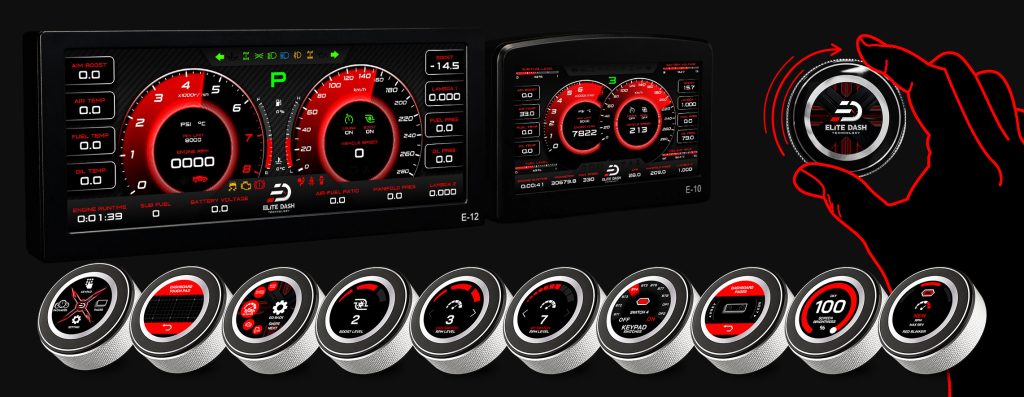
It replaces a bank of switches. Instead of wiring separate buttons for boost level, datalogging, camera and trip reset, one 56 mm device on the dash does all of it, and its labels change with the menu.
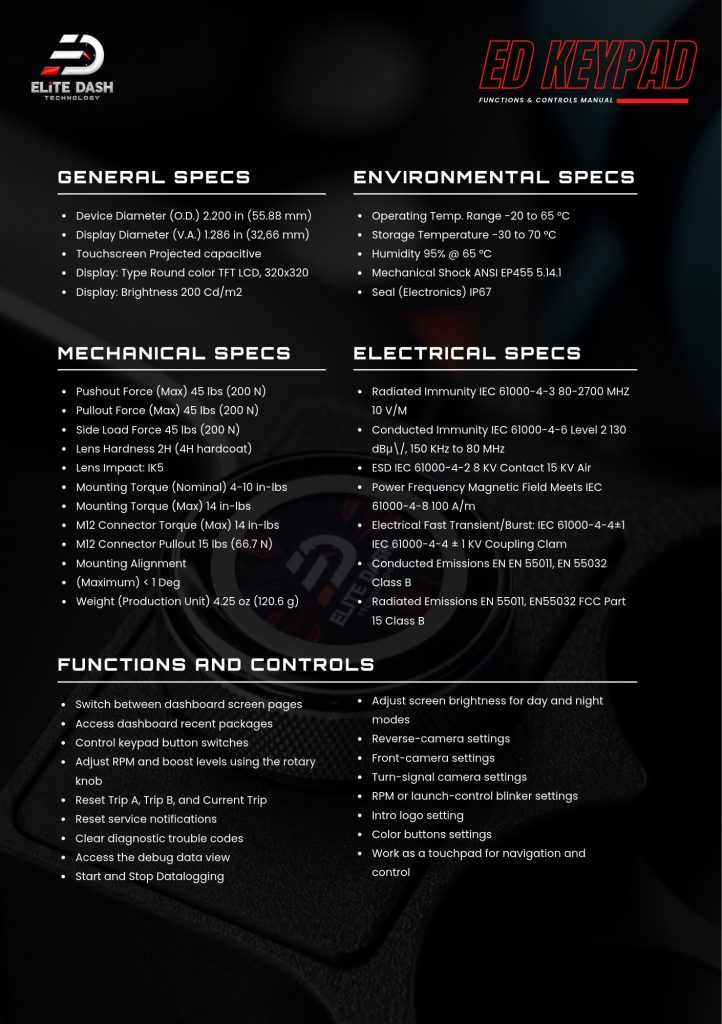
What it controls:
- Switch between dashboard screen pages
- Access recent theme packages
- Control keypad button switches
- Adjust RPM and boost levels with the rotary dial
- Reset Trip A, Trip B and Current Trip
- Reset service notifications
- Clear diagnostic trouble codes
- Access the Debug Data View
- Start and stop datalogging
- Adjust day and night brightness
- Reverse, front and turn signal camera settings
- RPM and launch control blinker settings
- Intro logo setting
- Color button settings
- Work as a touchpad for the main display
| Specification | Value |
| Device diameter | 2.200 in (55.88 mm) |
| Display diameter | 1.286 in (32.66 mm) |
| Display | Round color TFT LCD, 320 x 320 |
| Brightness | 200 cd/m² |
| Touchscreen | Projected capacitive |
| Weight | 4.25 oz (120.6 g) |
| Sealing | IP67 |
| Operating temperature | -20 to 65 °C |
| Storage temperature | -30 to 70 °C |
| Lens hardness | 2H with 4H hardcoat, IK5 impact |
Related: ED Keypad Wiring and Connector Pinout · Navigating the ED Keypad Main Menu · CAN Keypad or MaxxECU BT Keypad: What Is the Difference

