




Wire CAN High and CAN Low from the screen harness to the Haltech CAN bus, enable the Haltech CAN broadcast in NSP or ESP, then add the Haltech source in Connection on the screen.
Haltech broadcasts a defined data set over CAN, so once the broadcast is enabled on the ECU there is no channel mapping to build. This makes Haltech one of the fastest brands to commission.
On the ECU side:
- Open the Haltech software for your ECU (Elite, Nexus, 2500 series).
- Enable the CAN broadcast output.
- Set the bit rate.
- Save to the ECU.
On the screen:
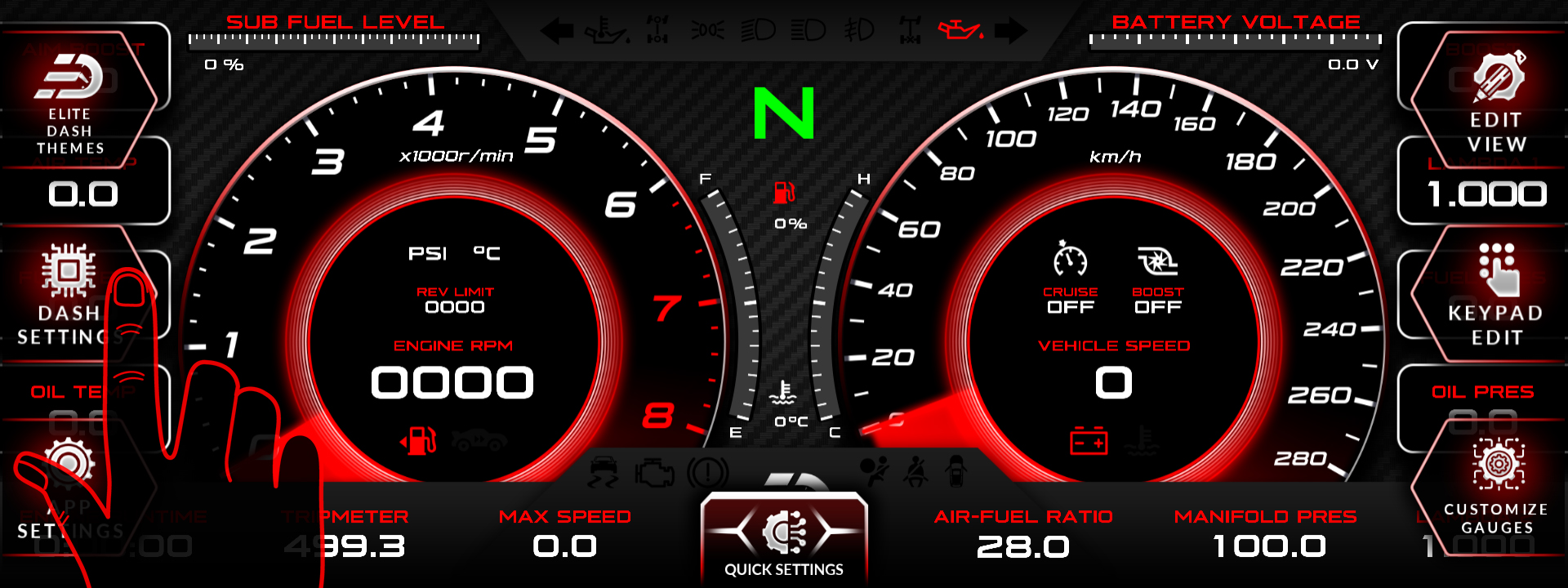
- Tap the top middle of the screen. The menu bar appears.
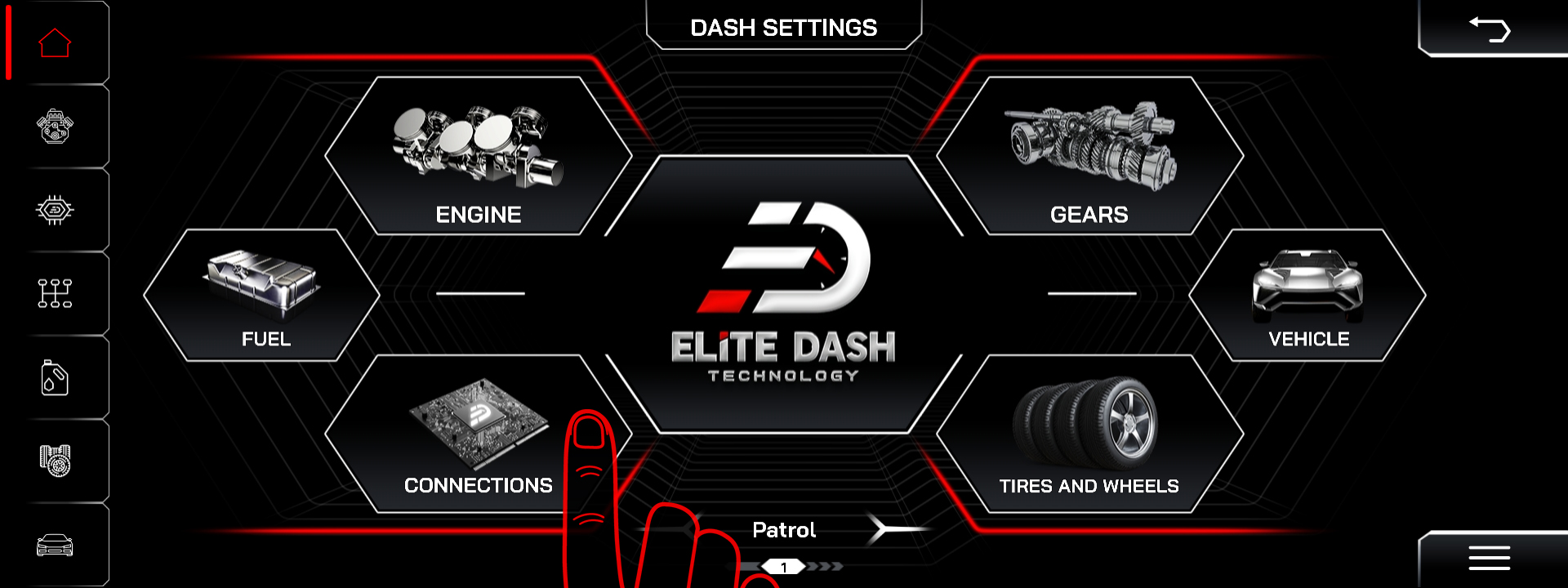
- Tap DASH SETTINGS.
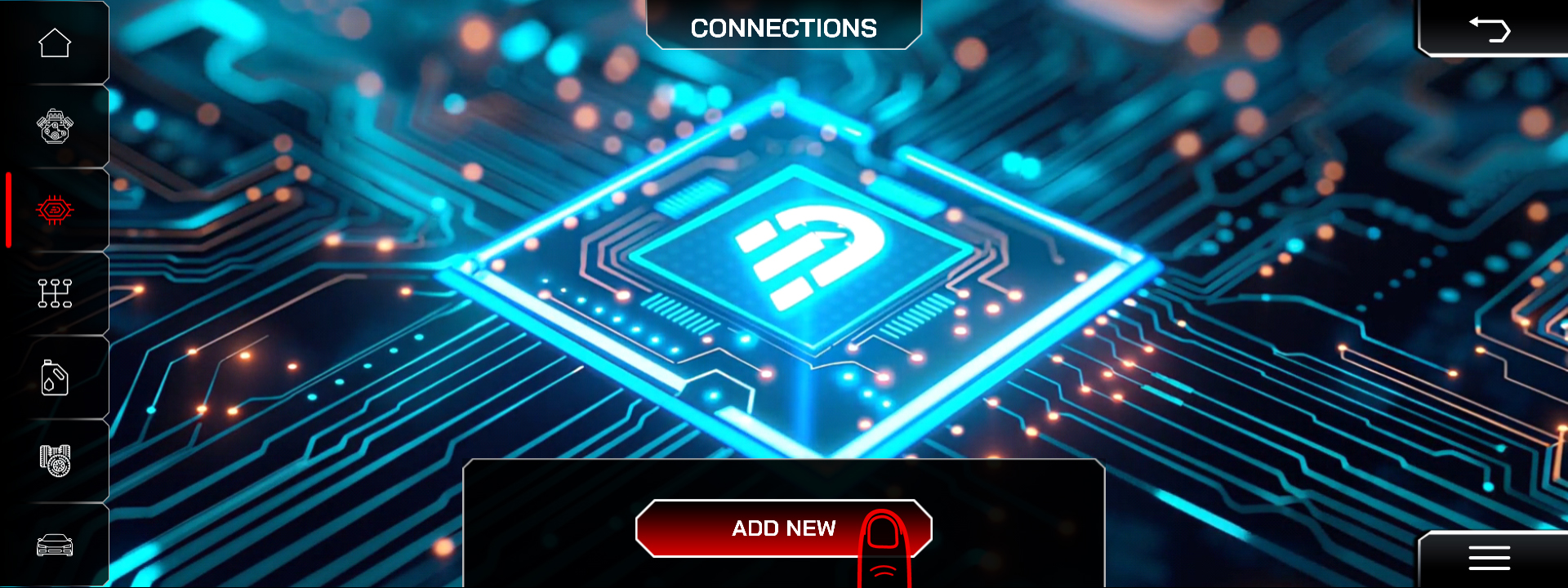
- Open Connection to view the current list of data sources.
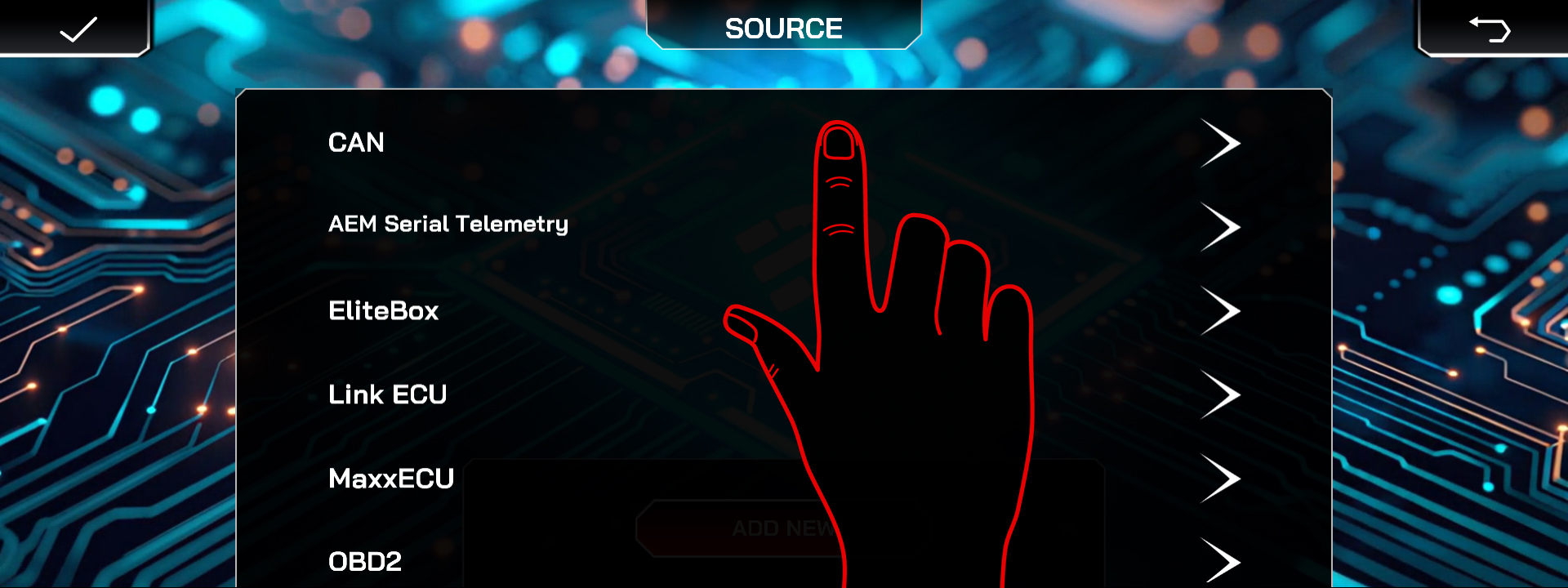
- Select the CAN source.
- Add CAN Description File
- Then select the Haltech source.
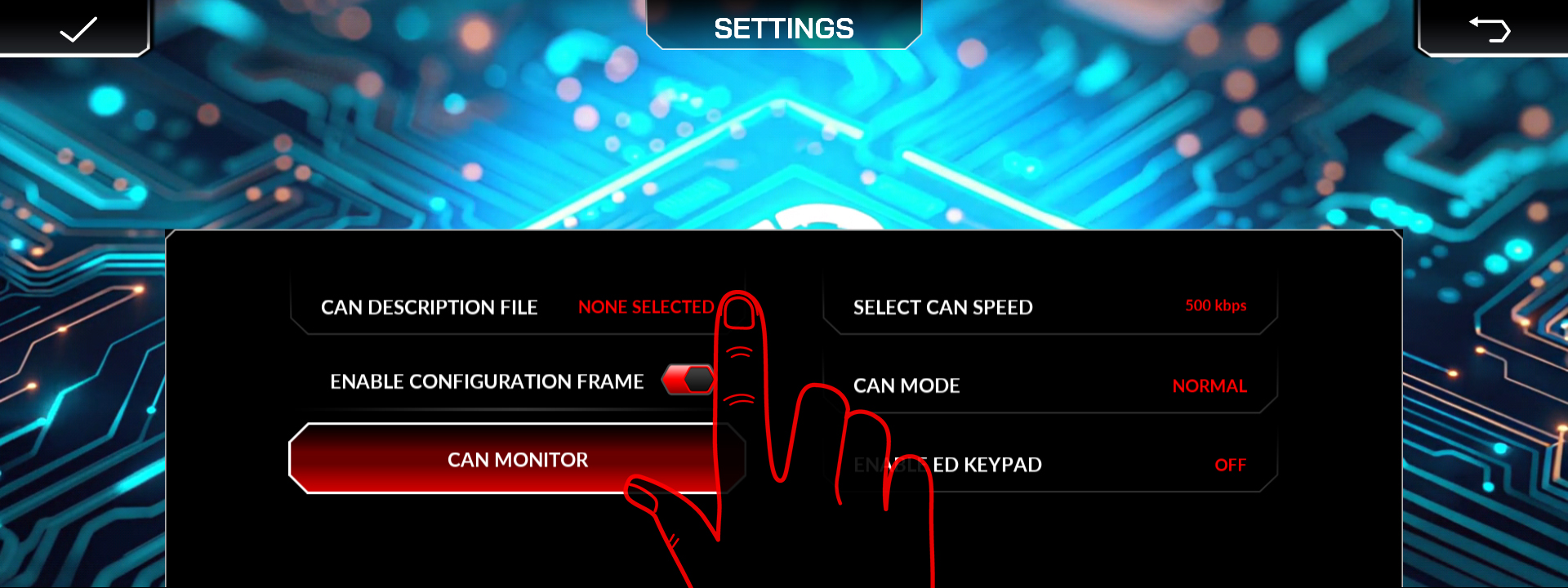
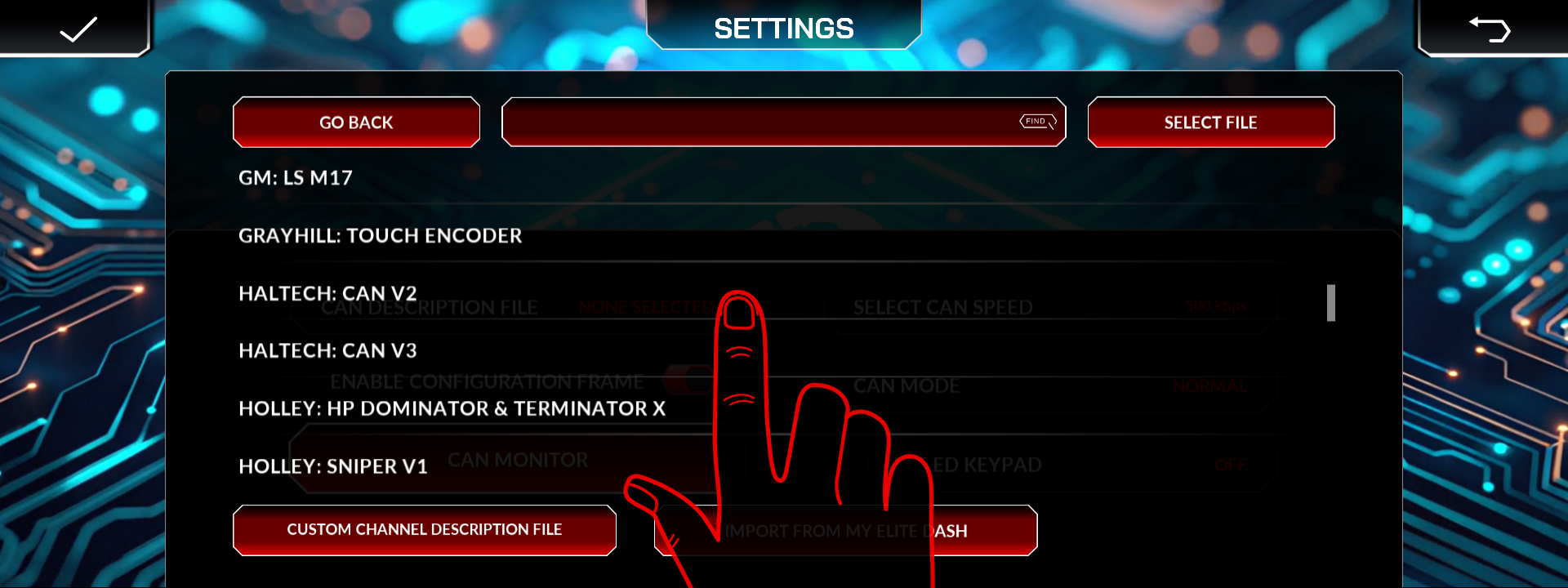
Published XML file name for Haltech and the CAN bit rate.
Related: How to Add a New ECU Connection · CAN Bus Termination and the 120 Ohm Resistor · Supported ECUs: Full List

