




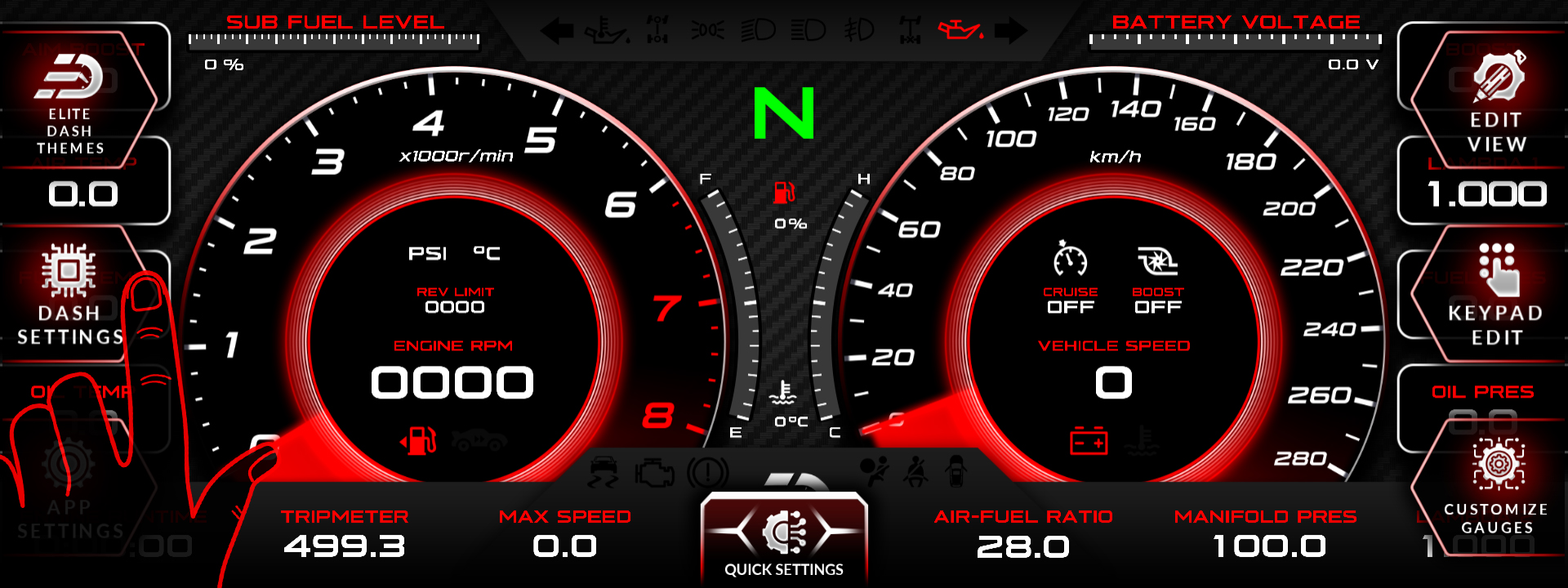
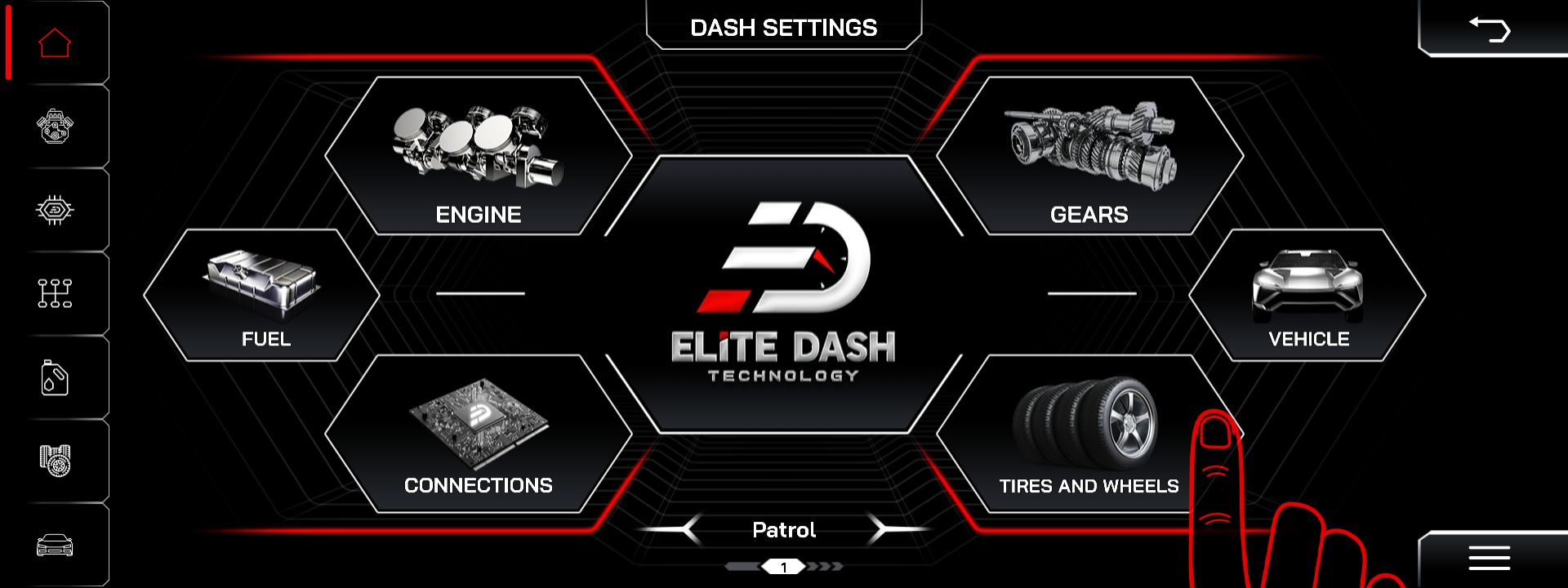
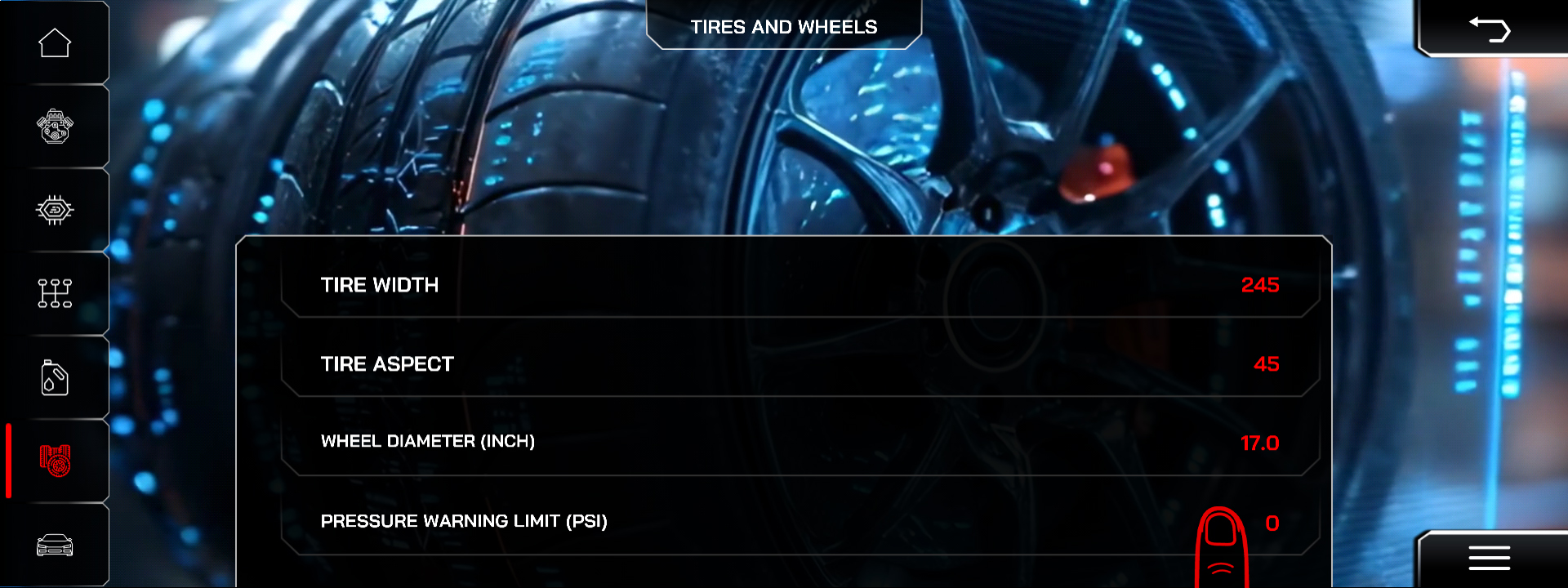
Check that the Pressure Warning Limit under Dash Settings, then Tires and Wheels is not set to 0. A value of 0 disables TPMS completely, and it is the most common reason a customer reports no TPMS data.
Check in order:
- Pressure Warning Limit. Any value above 0 enables TPMS. 0 disables it.
- Sensor pairing. Confirm the tire sensors are paired to the system.
- Sensor batteries. TPMS sensors have a finite battery life and fail quietly.
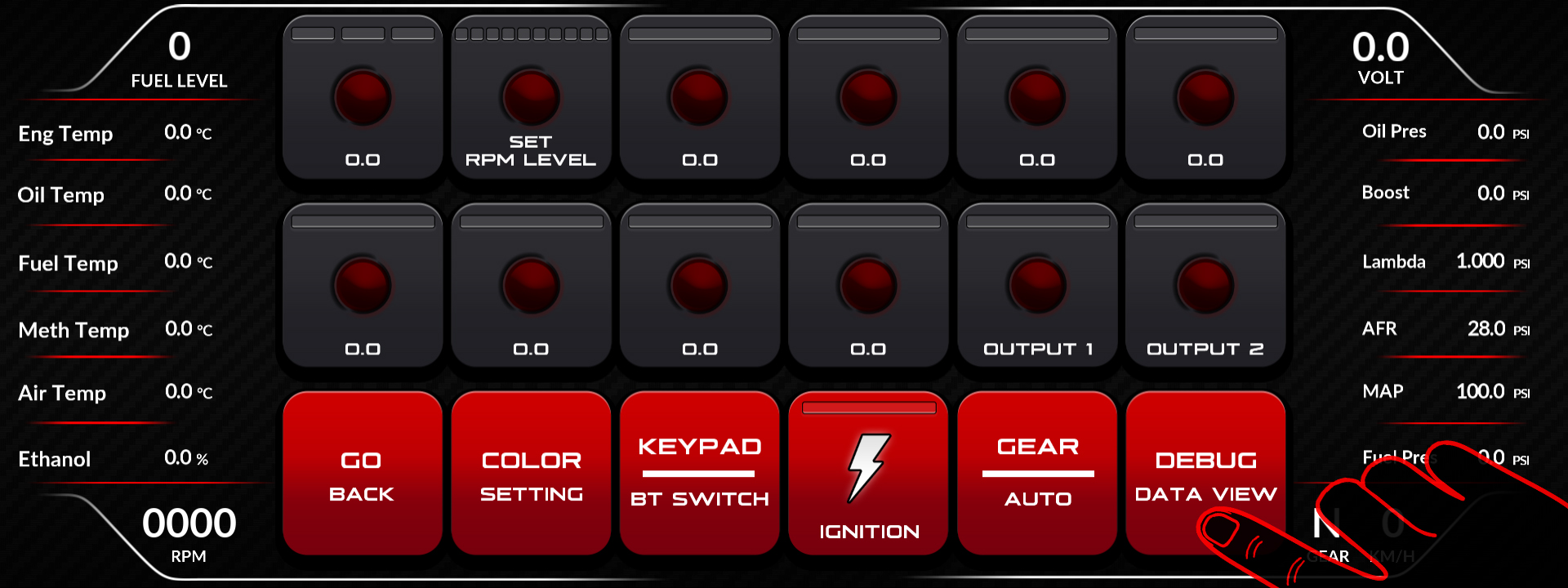
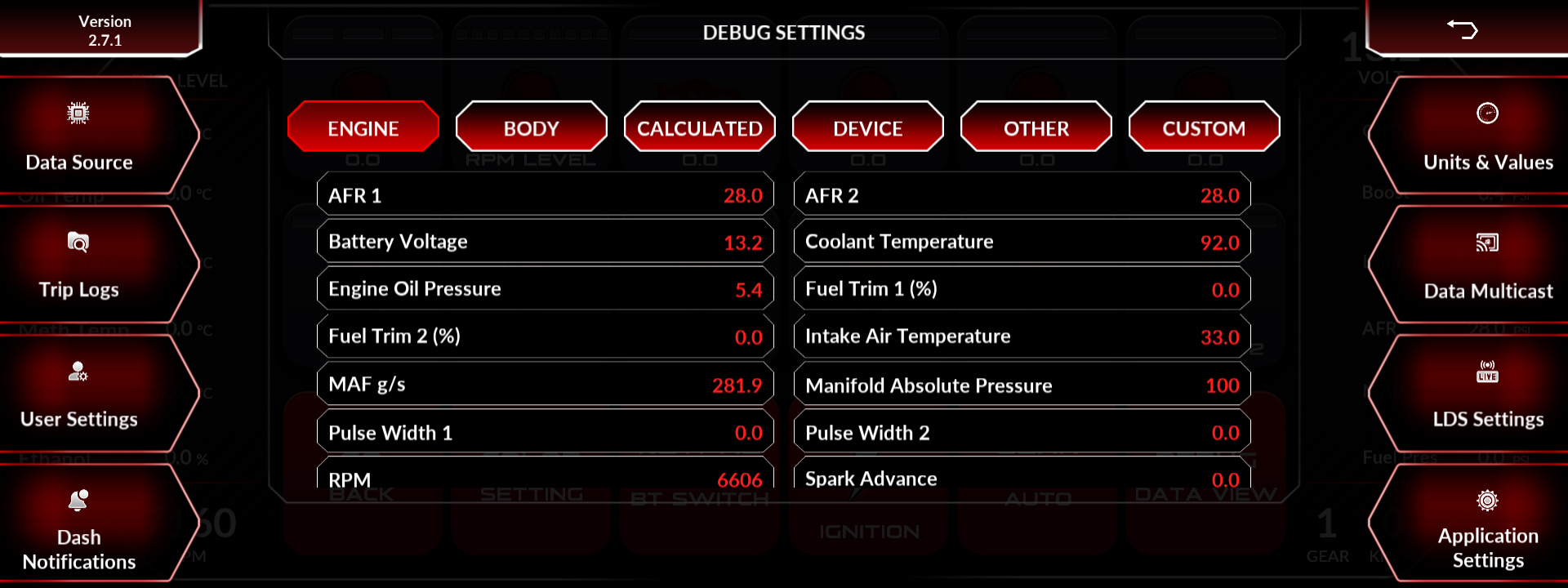
- Debug Data View. Confirm tire pressure channels are arriving.
- After a tire change. Sensors moved between wheels need to be re-paired to the correct positions.
Related: TPMS Setup and Pressure Warning Limits · Tires and Wheels Setup · How to Use the Debug Data View

