




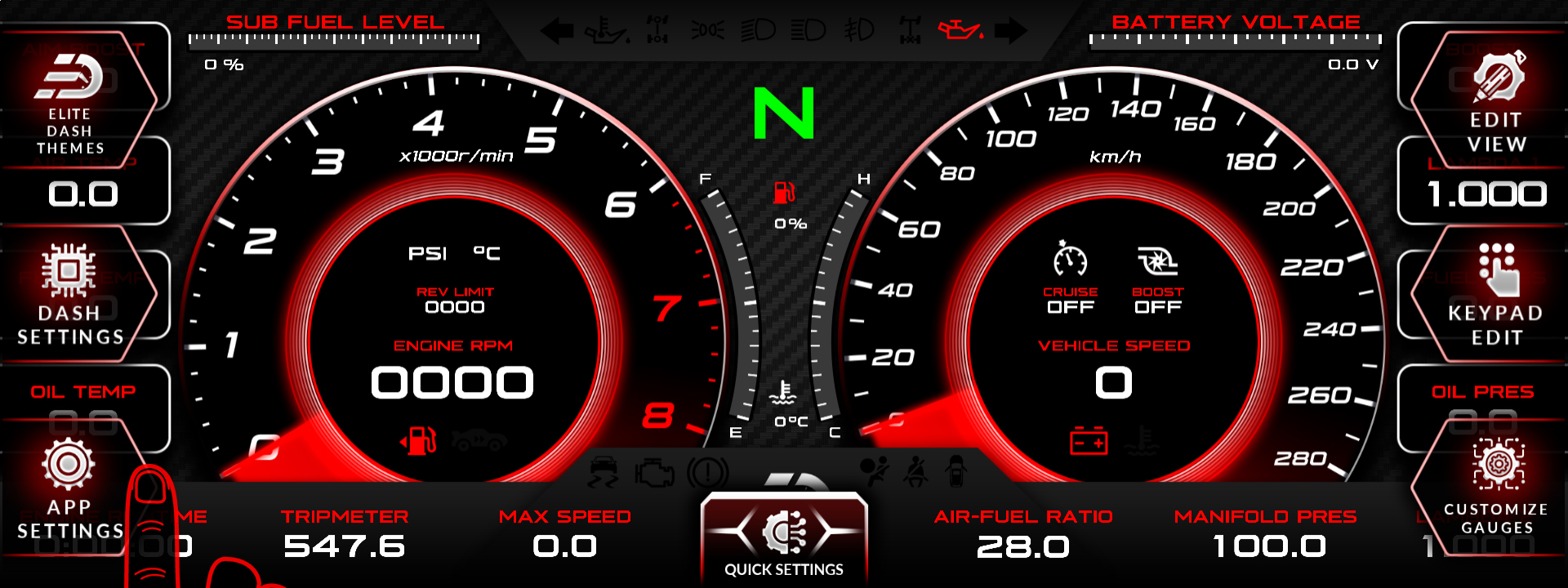
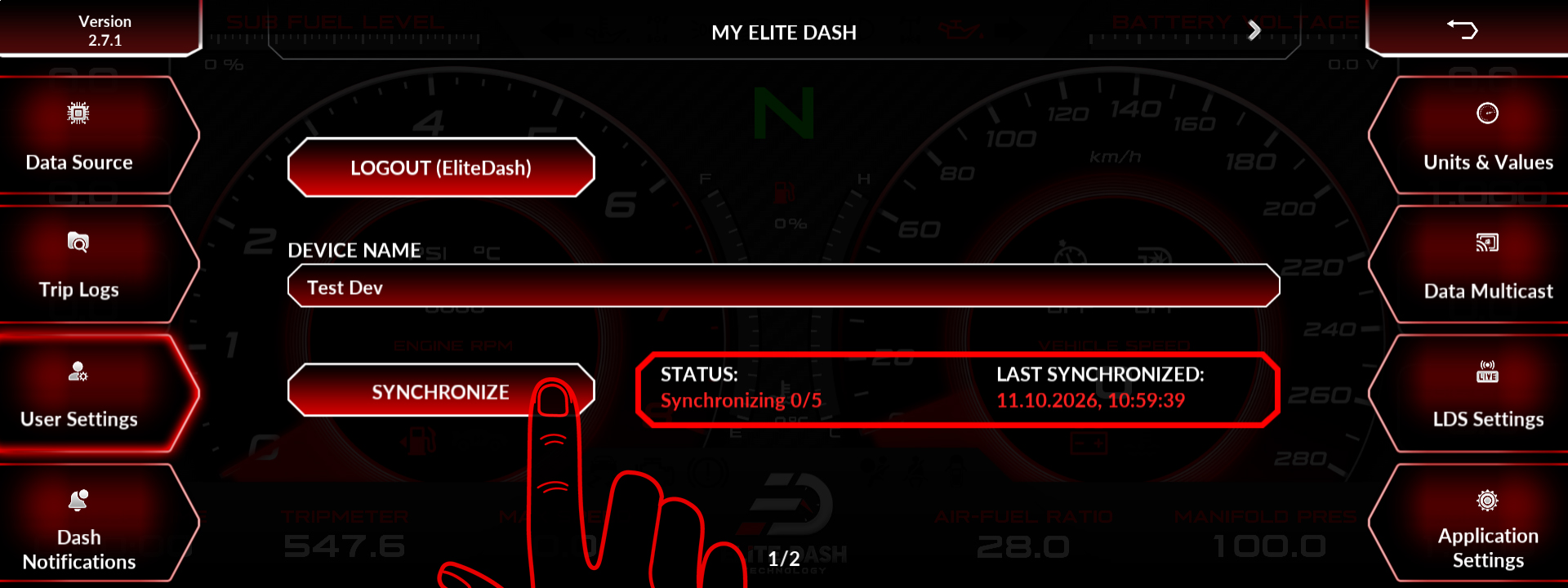
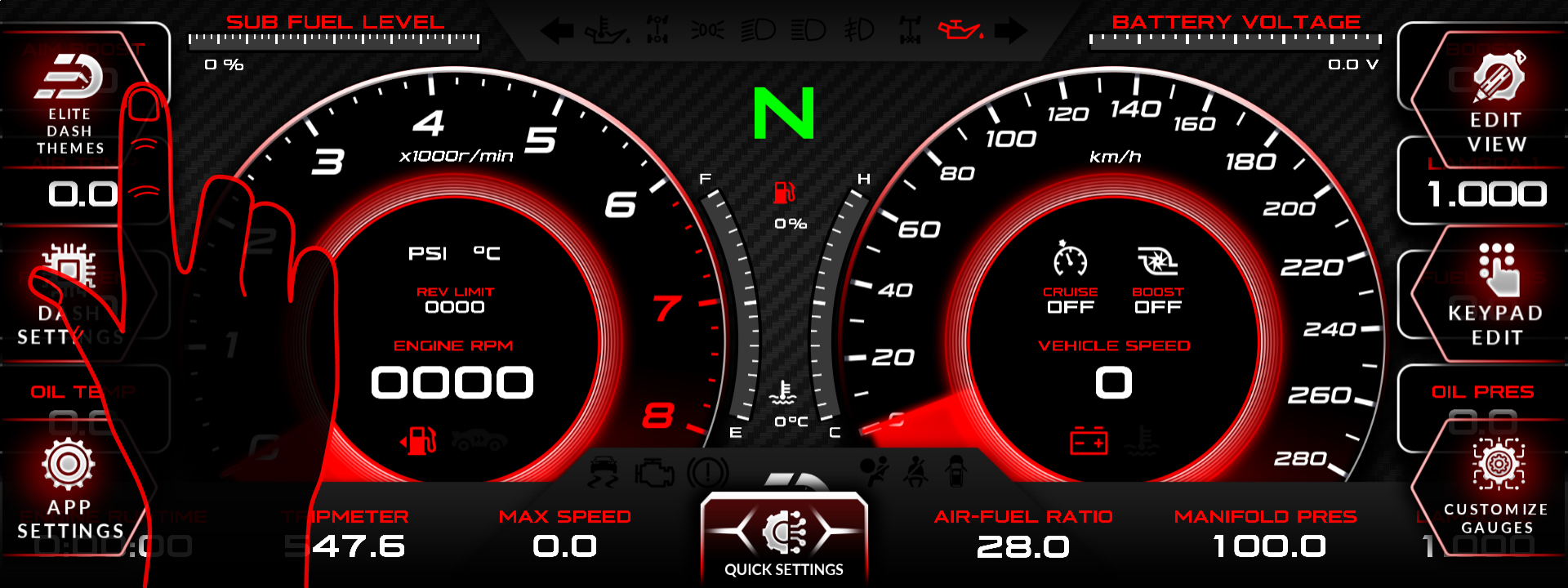
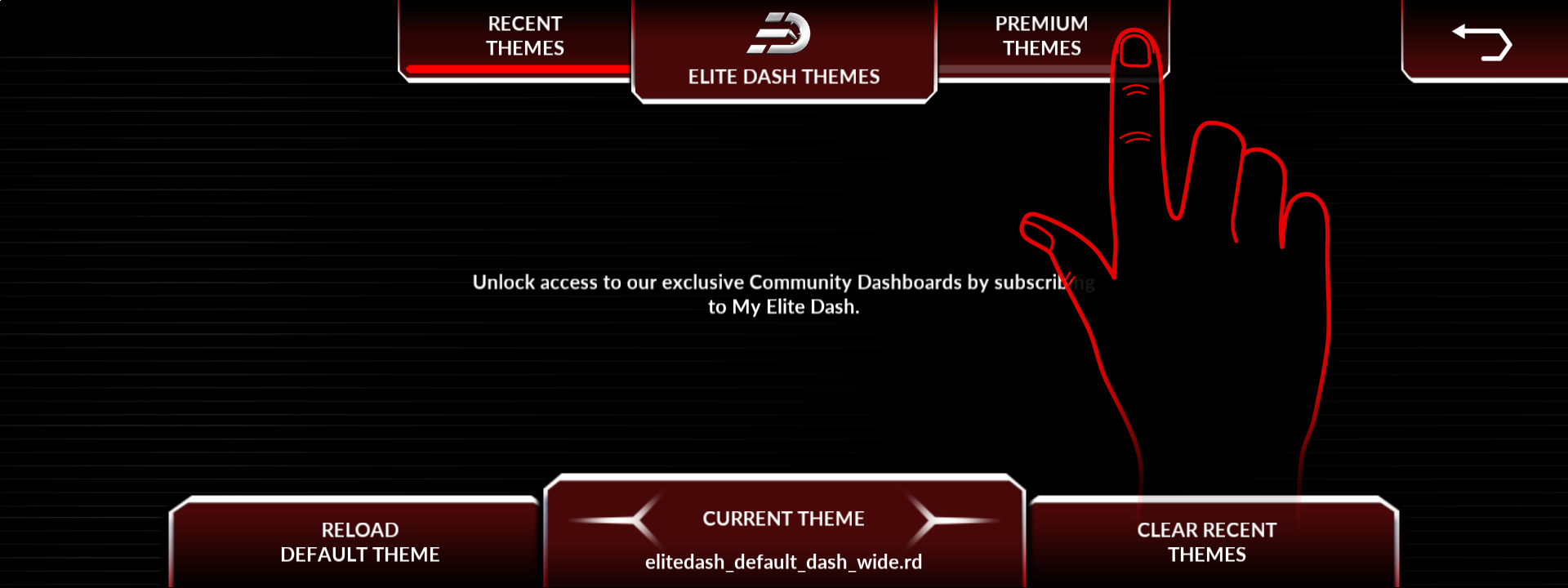
Connect the screen to Wi-Fi, open APP SETTINGS, go to User Settings and press synchronize. Your account details update and any newly purchased theme appears in the gallery.
Sync is a manual step by design. The screen does not hold a network connection while you drive, so it only checks for account changes when you ask it to.
- Connect the screen to Wi-Fi.
- Open APP SETTINGS from the home page.
- Open User Settings.
- Press synchronize.
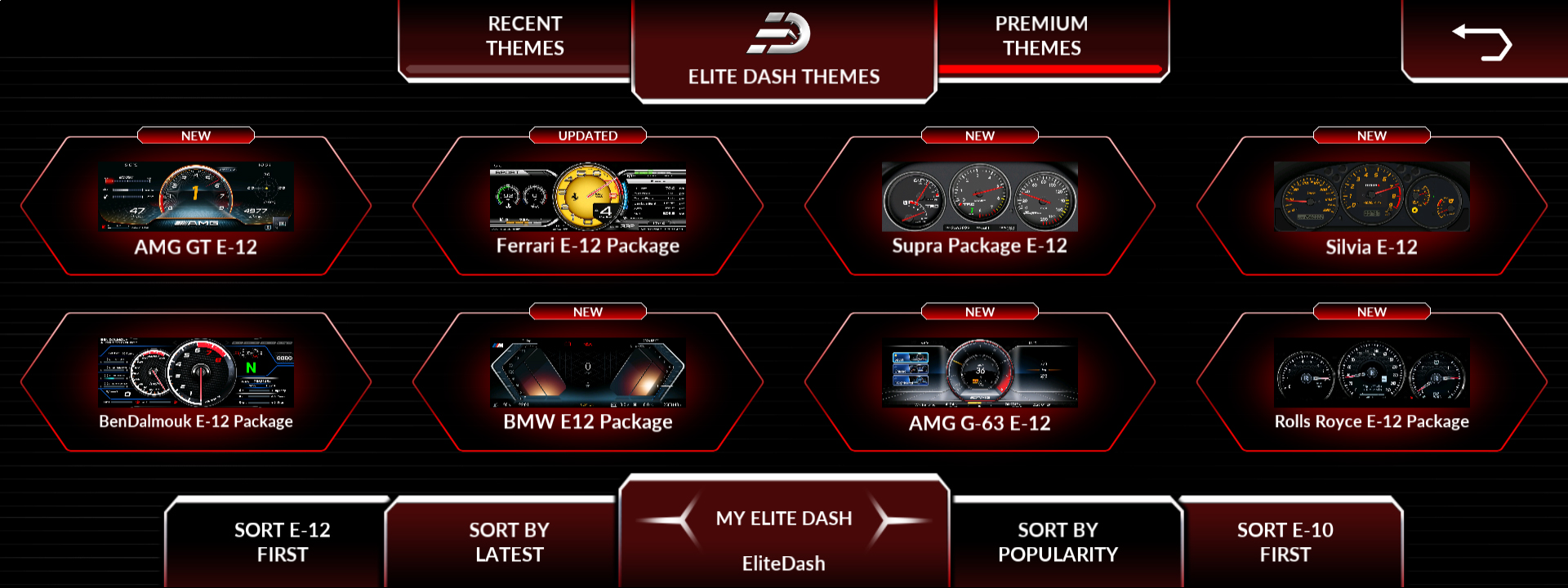
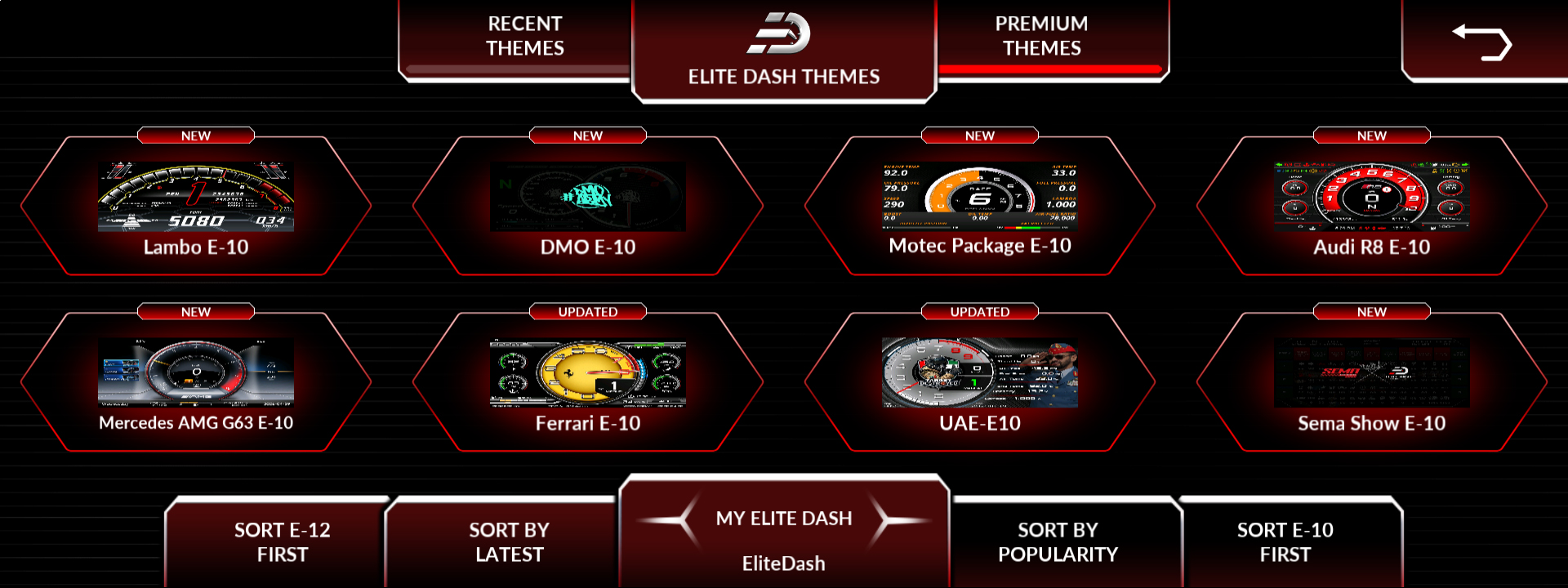
- Open ELITE DASH THEMES and check Premium Themes.
Related: How to Download a Purchased Theme · My Purchased Theme Is Not Showing · Do I Need Wi-Fi to Use EliteDash

