




Wire CAN High and CAN Low to the Link CAN bus, enable a CAN stream in PCLink that matches the EliteDash configuration, then add the Link source in Connection.
Link allows multiple user defined CAN streams. Use a dedicated stream for EliteDash rather than sharing one that already feeds another device, so that changing one device later does not break the other.
On the ECU side:
- Open PCLink and go to CAN Setup.
- Assign a free CAN stream to the EliteDash configuration.
- Set the bit rate.
- Store to the ECU.
On the screen:
- Tap the top middle of the screen. The menu bar appears.
- Tap DASH SETTINGS.
- Open Connection to view the current list of data sources.
- Select the CAN source.
- Add CAN Description File
- Then select the Link source.
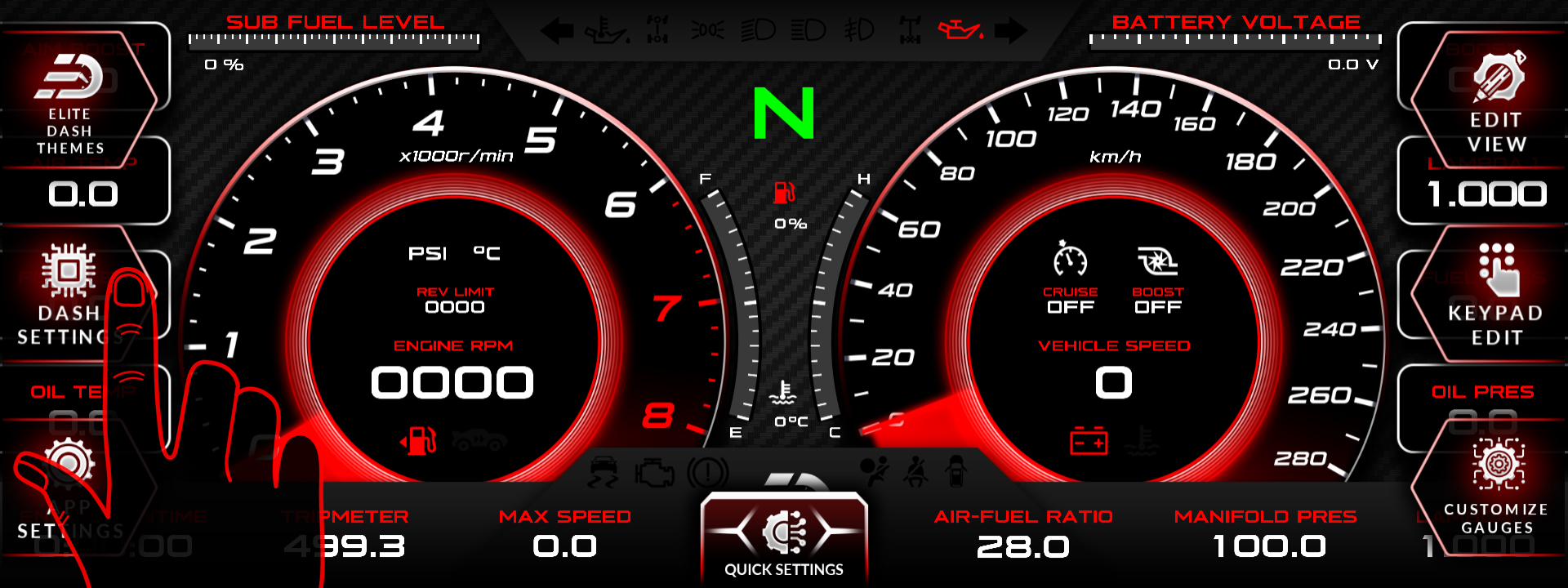
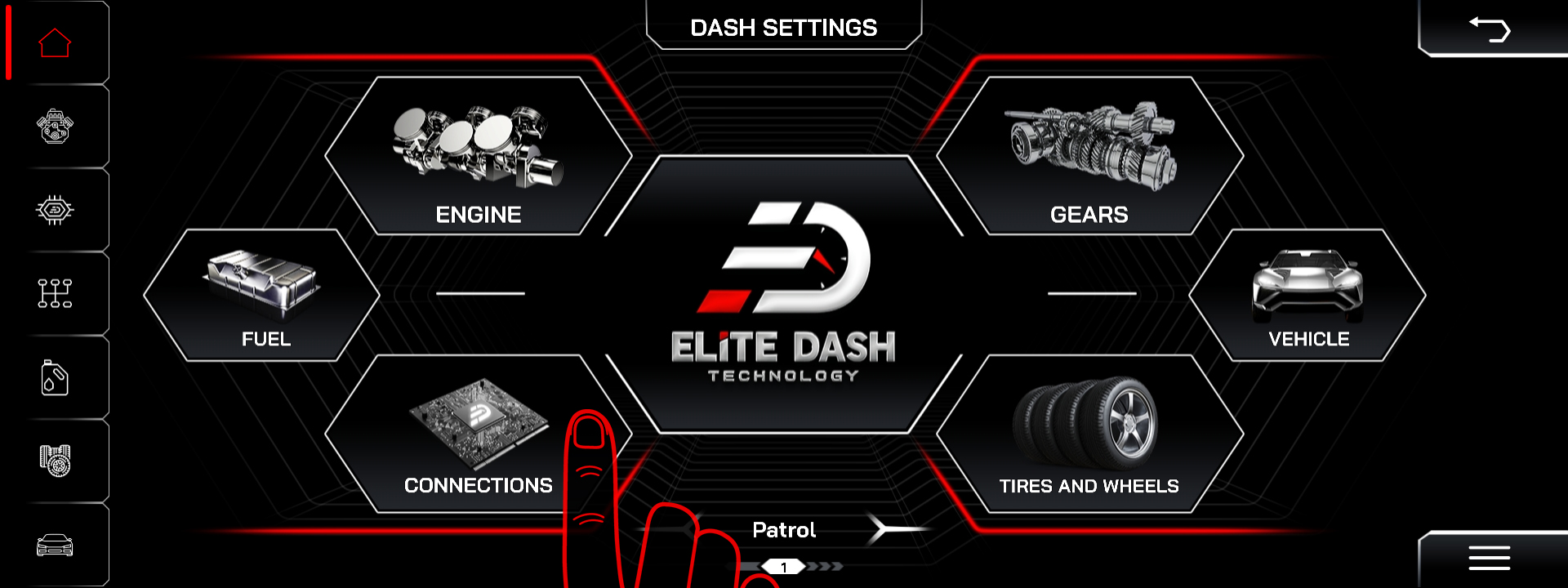
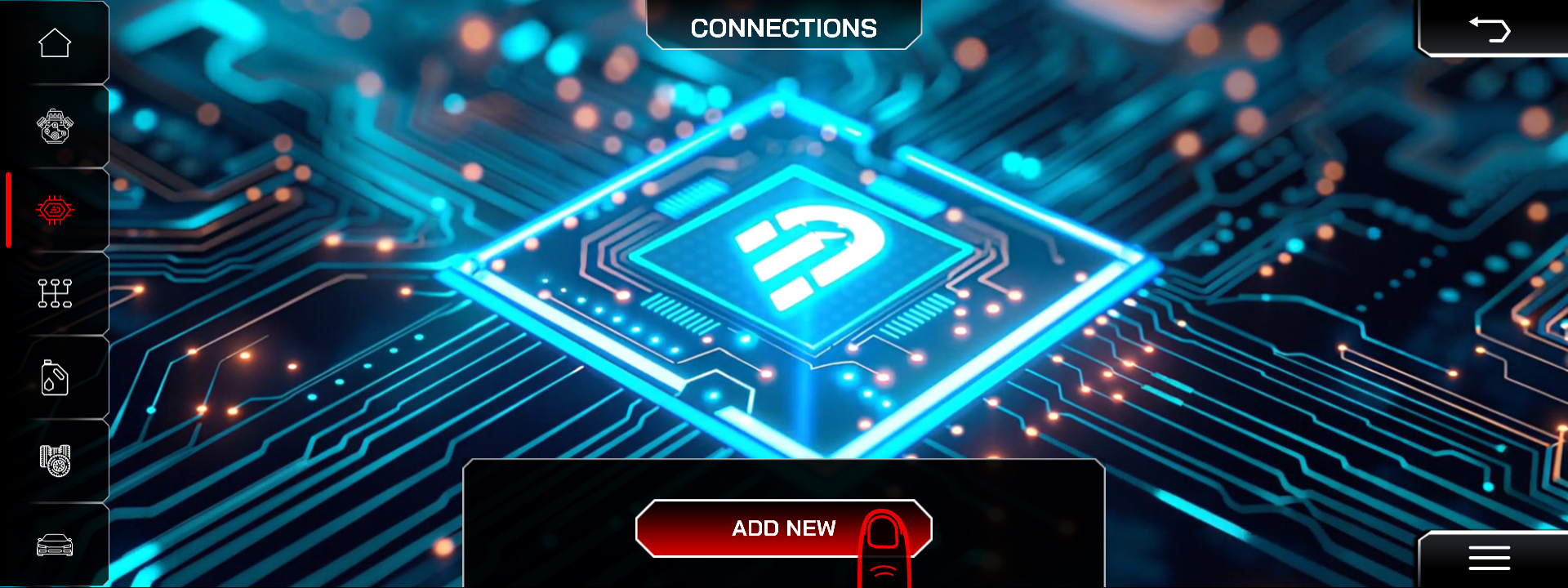
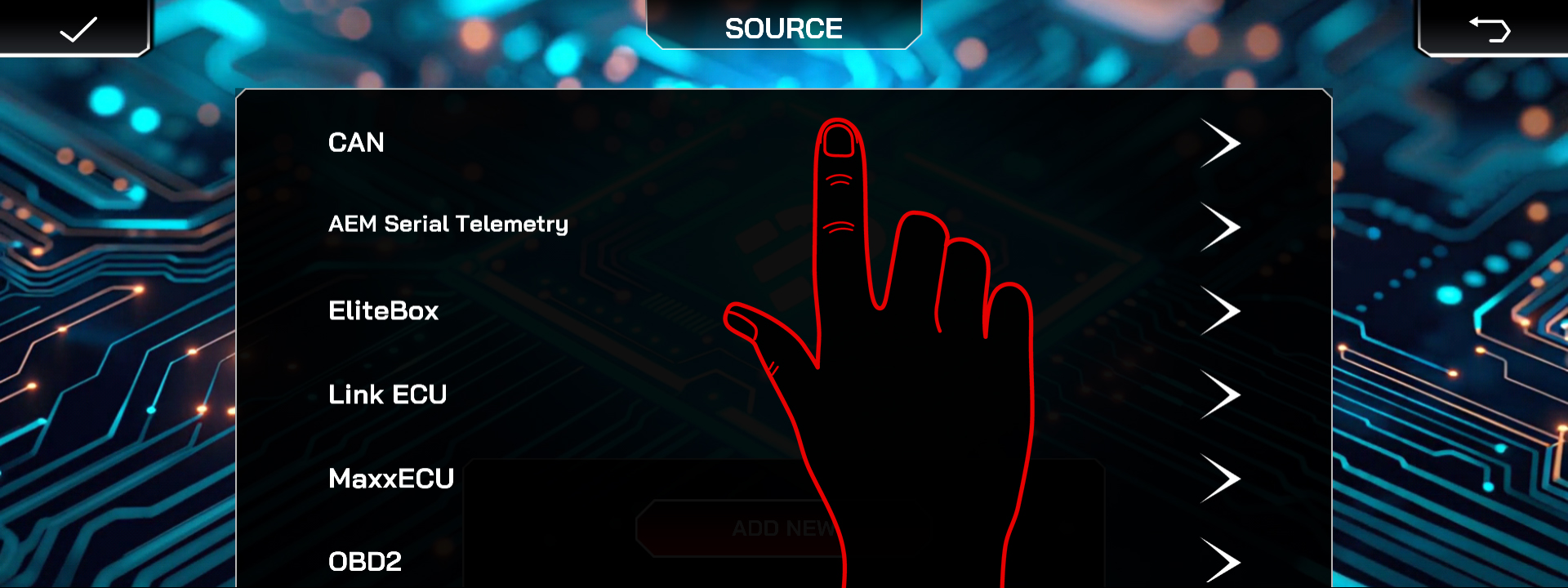
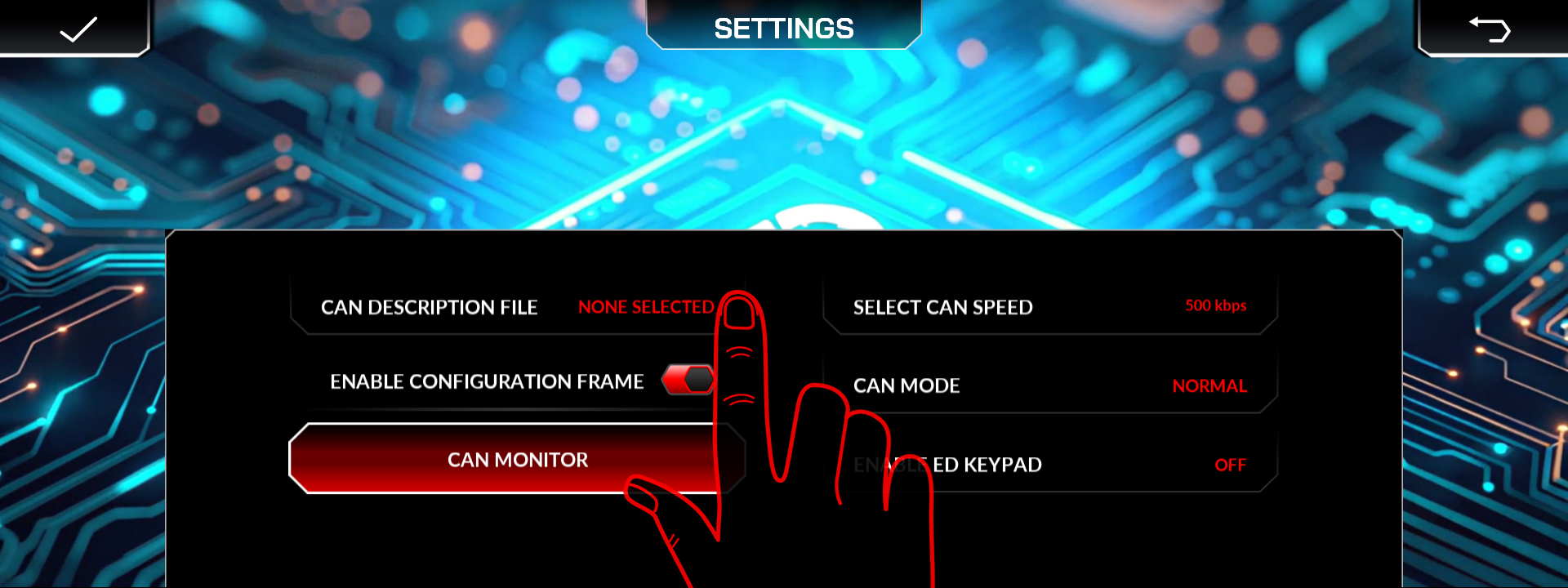
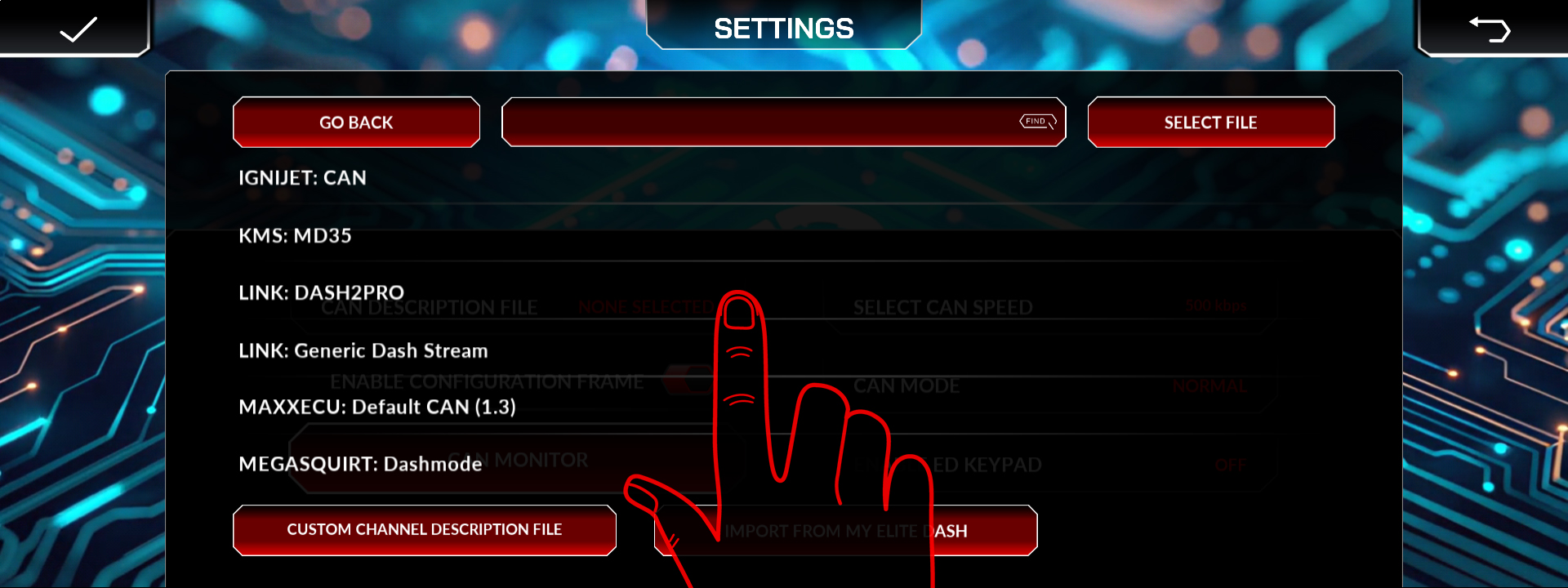
Published XML file name for Link and the CAN bit rate.
Related: How to Add a New ECU Connection · Understanding CAN XML Files and Channel Mapping · Supported ECUs: Full List

