




Open the Blinker Setting menu, select Launch Control Blinker, then set it ON or OFF. When on, the display flashes while launch control is active, driven by the launch control channel from your ECU.
This gives you a launch indication in your line of sight rather than on the ECU laptop. It requires your ECU configuration to broadcast a launch control channel. If that channel is absent, the setting turns on but nothing flashes.
| Mode | Behaviour |
| ON | Display flashes while launch control is active |
| OFF | No launch indication |
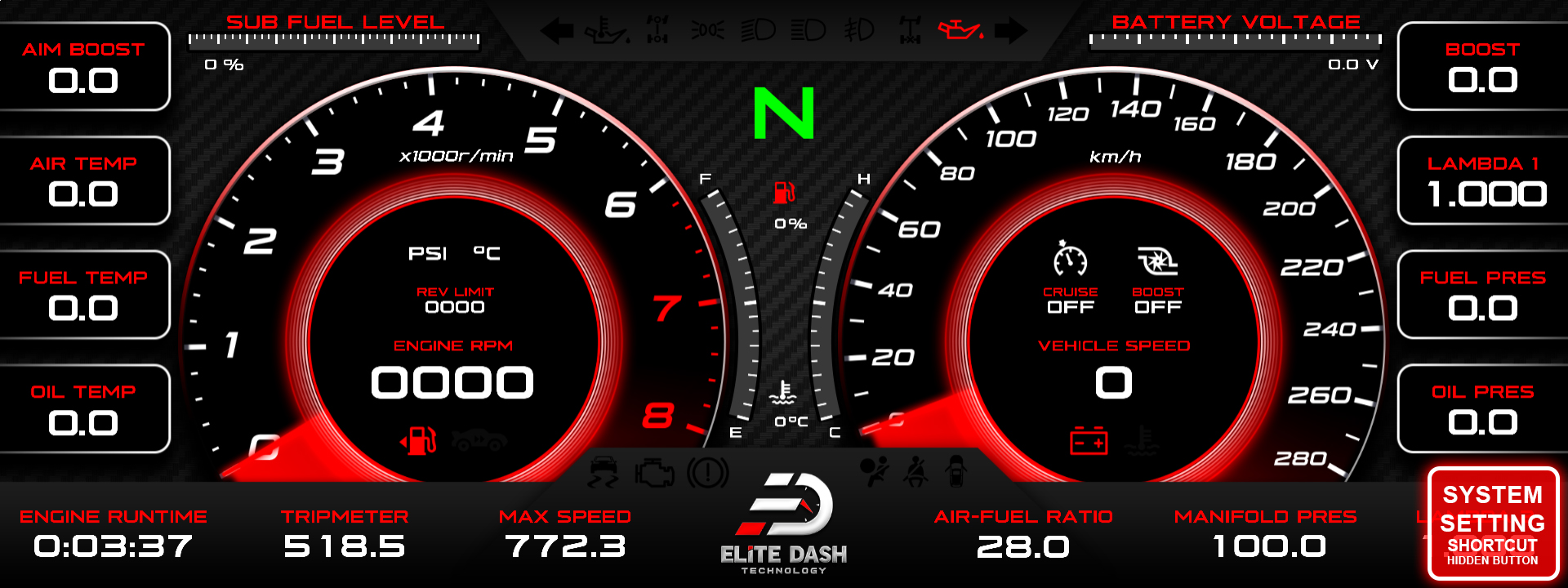
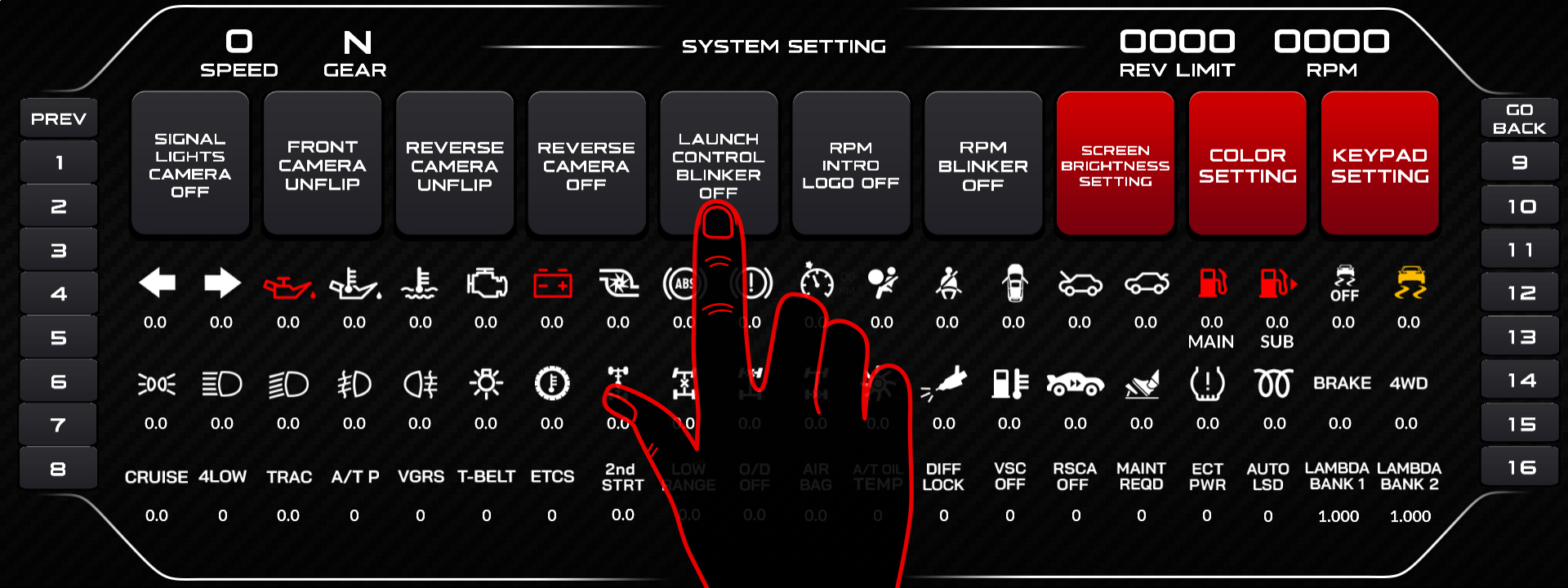
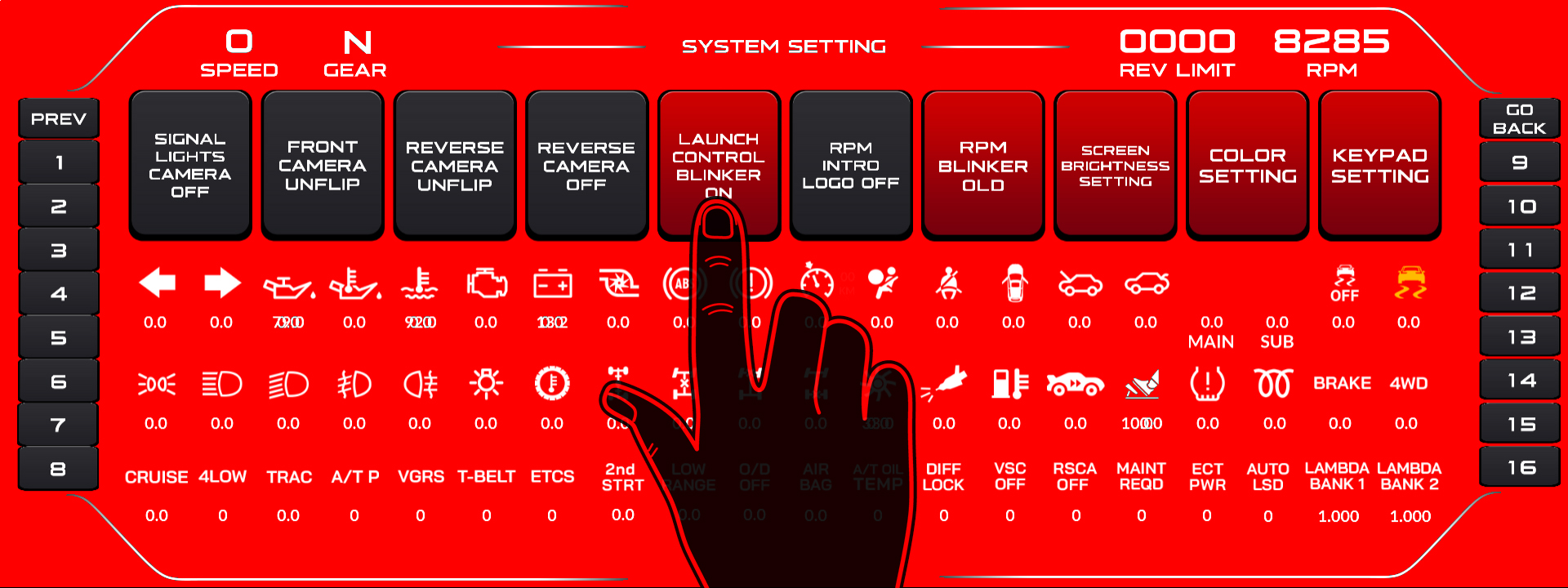
Confirm the channel is live in the Debug Data View before you rely on it at a start line.
Related: How to Set Up the RPM Shift Blinker · How to Use the Debug Data View · Understanding CAN XML Files and Channel Mapping

