




Wire CAN High and CAN Low to the Syvecs CAN bus, load the matching CAN transmit setup in Scal, then add the Syvecs source in Connection.
Syvecs installs frequently use more than one CAN bus. Confirm which bus your transmit setup is assigned to before you wire, because wiring to the wrong bus produces a bus that is electrically healthy and completely silent.
On the ECU side:
- Open Scal and go to the CAN configuration.
- Load or build the transmit setup matching the EliteDash configuration.
- Confirm which physical CAN bus the setup is assigned to.
- Set the bit rate.
On the screen:
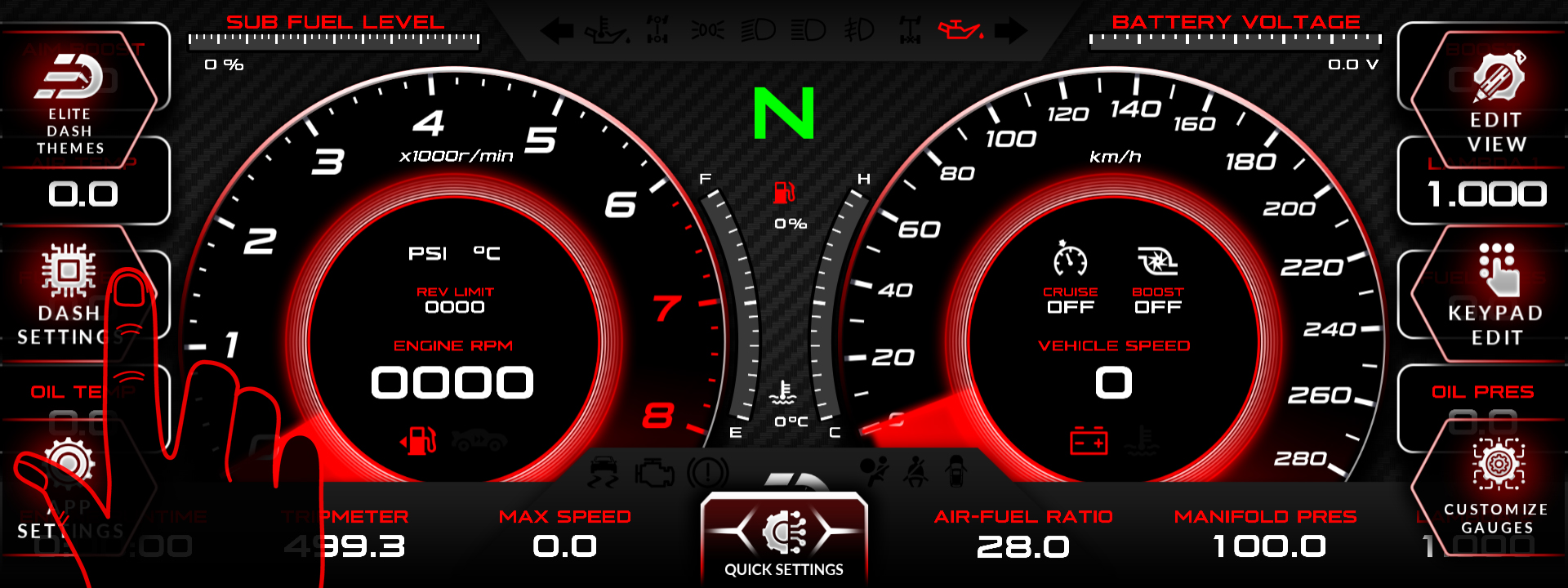
- Tap the top middle of the screen. The menu bar appears.
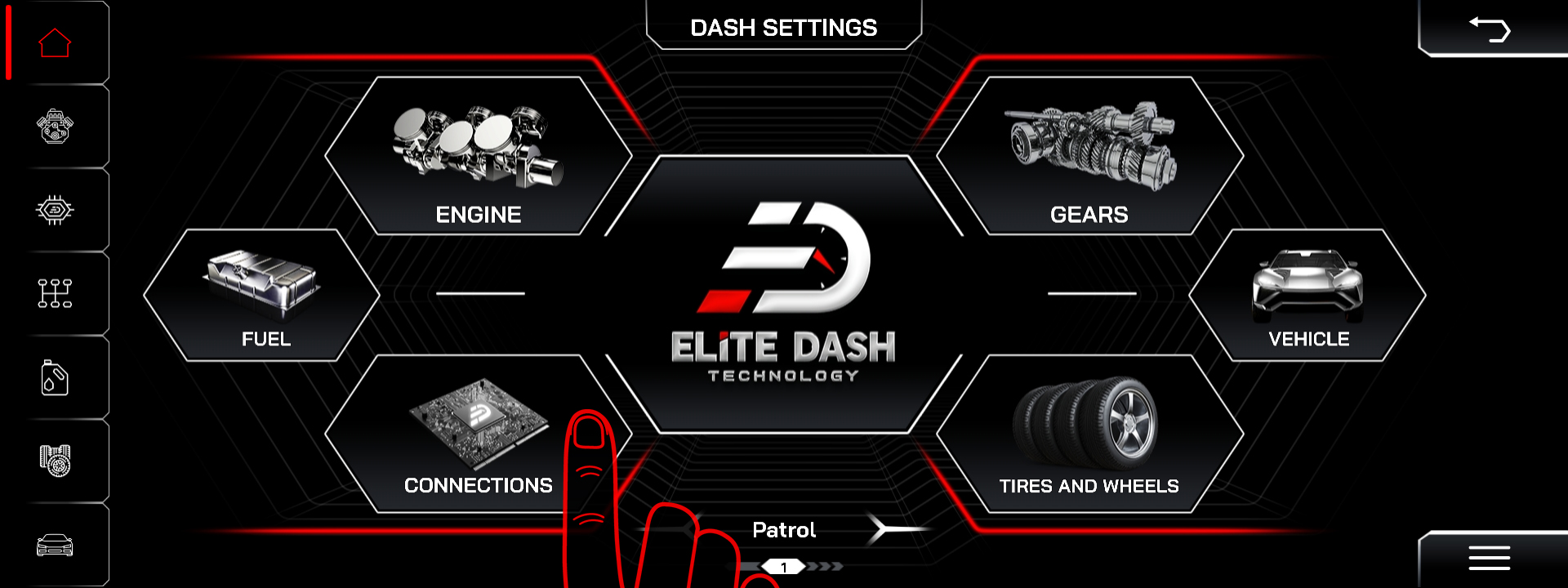
- Tap DASH SETTINGS.
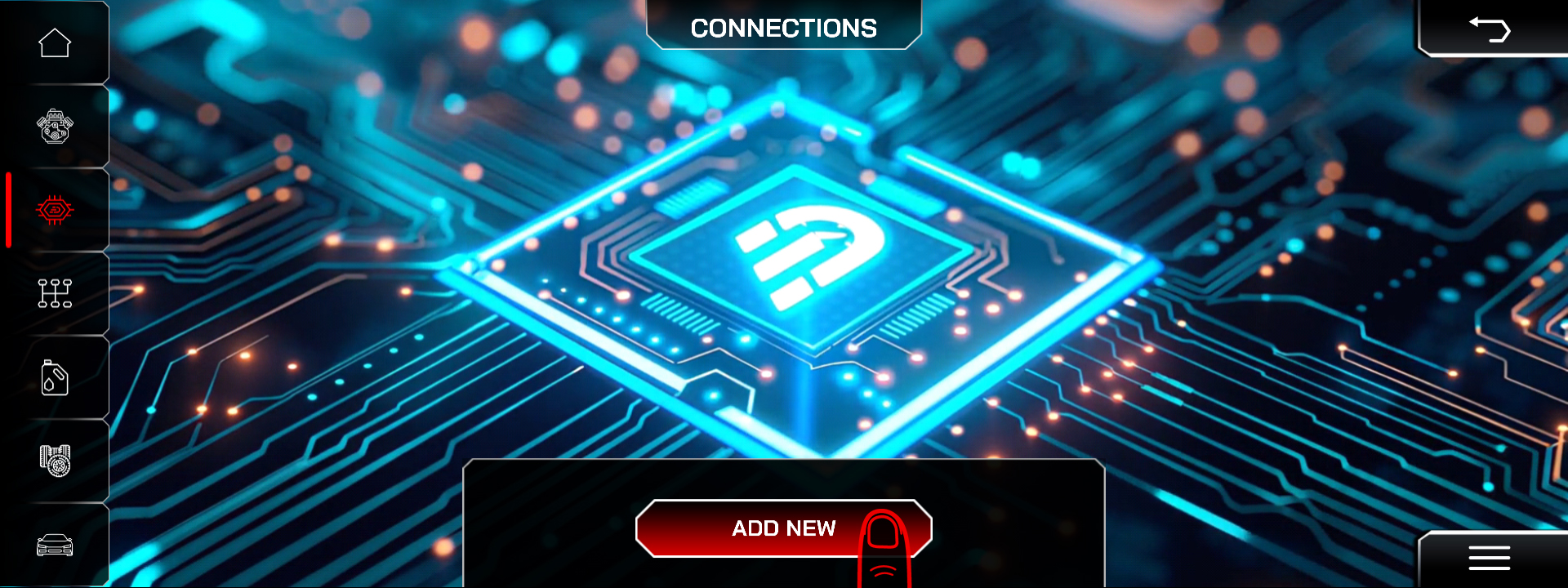
- Open Connection to view the current list of data sources.
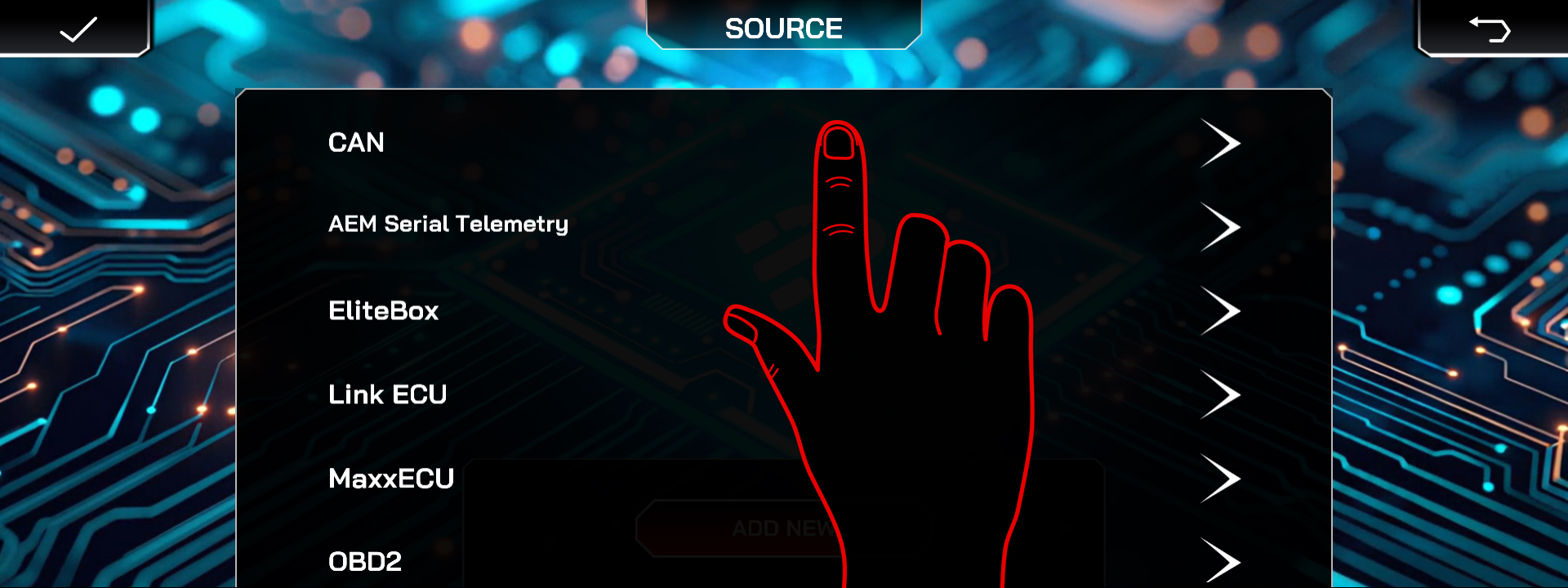
- Select the CAN source.
- Add CAN Description File
- Then select the Syvecs source that matches your ECU (S7, M2.3, M2.4 and similar).
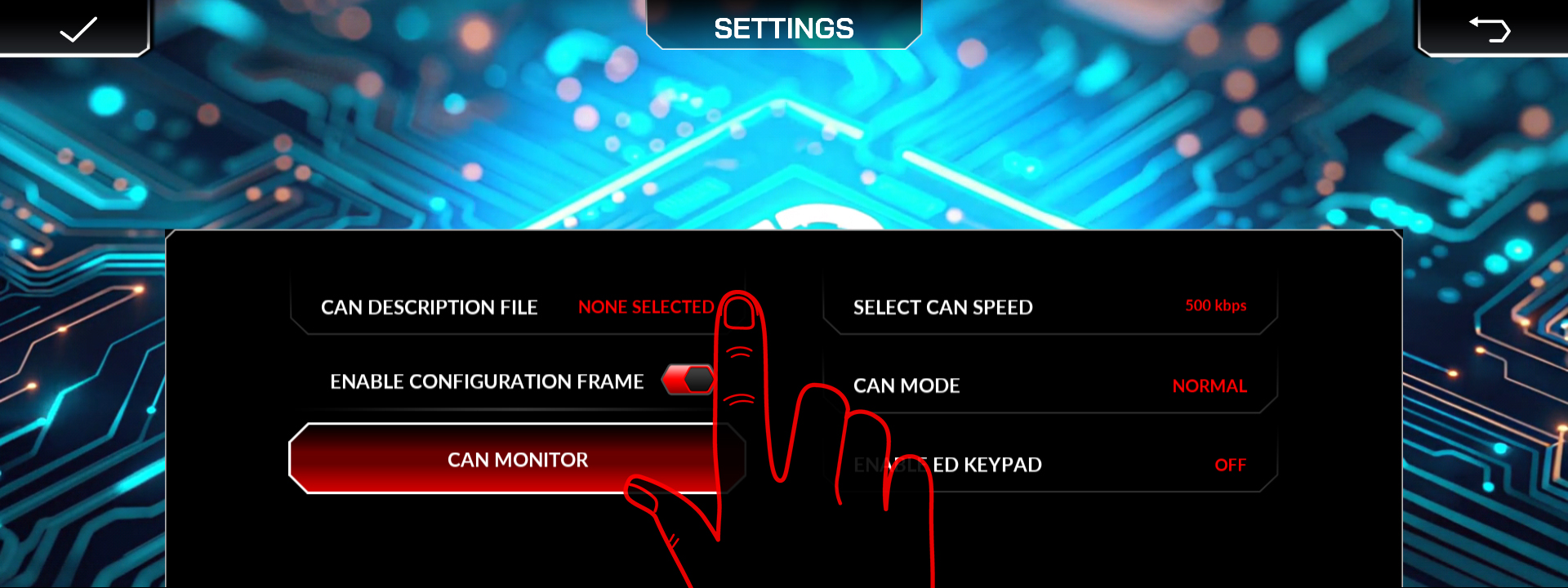
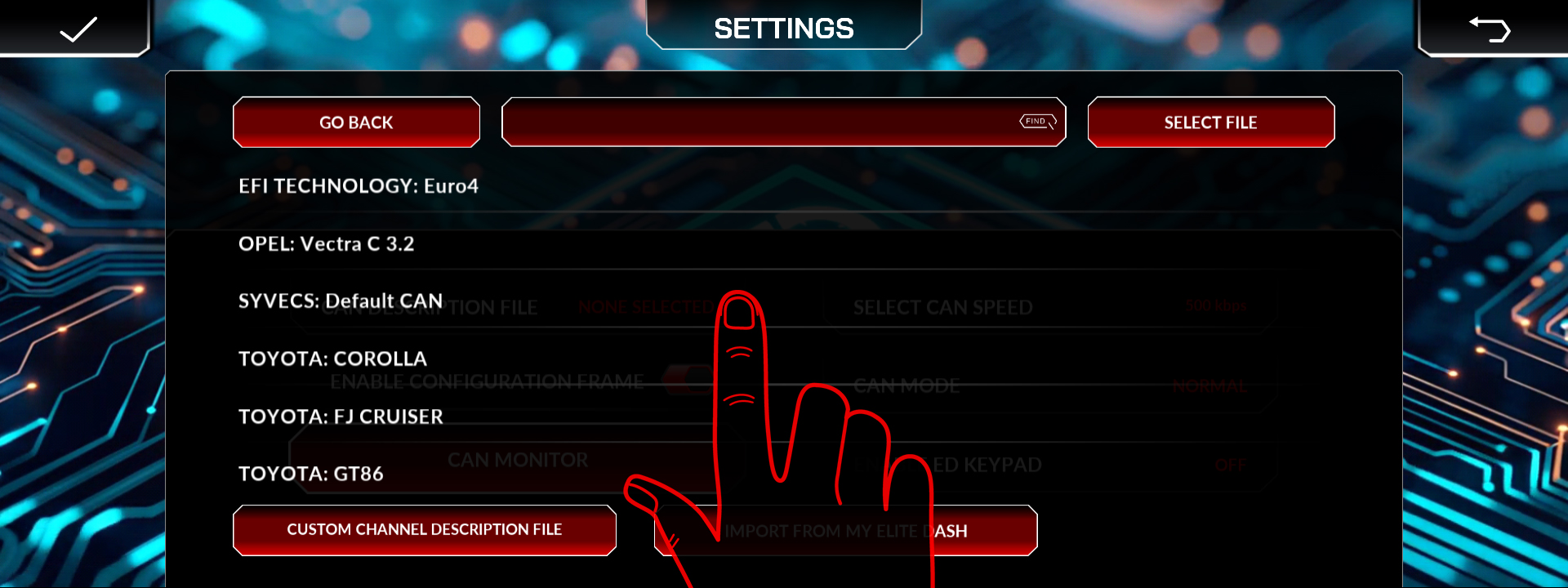
Published XML file names per Syvecs model and the CAN bit rate.
Related: Understanding CAN XML Files and Channel Mapping · CAN Bus Termination and the 120 Ohm Resistor · How to Add a New ECU Connection

