




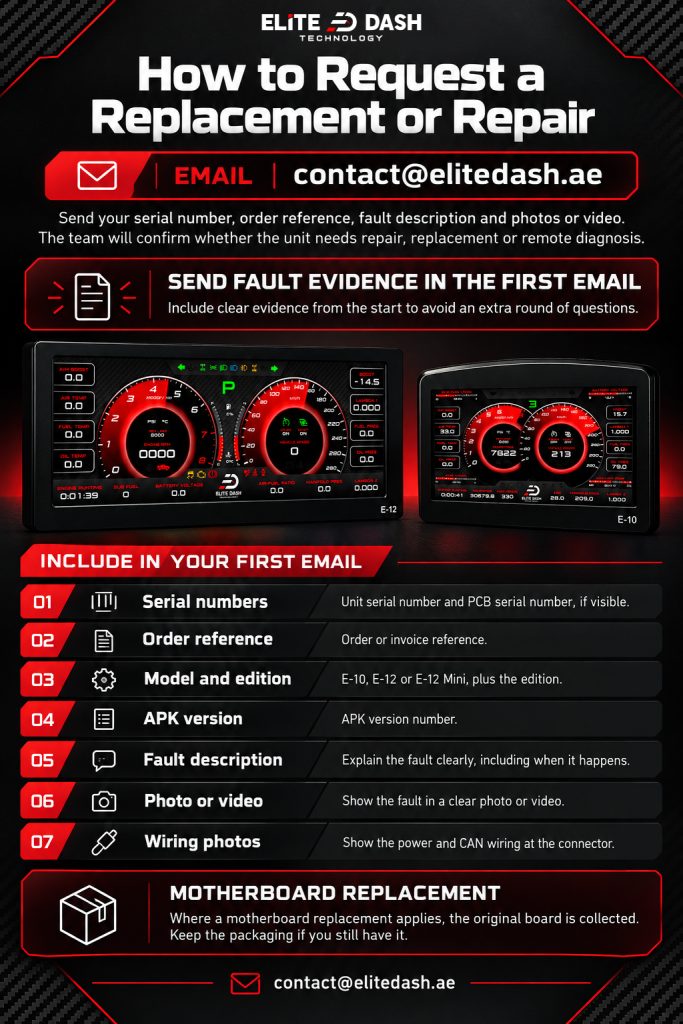
Email contact@elitedash.ae with your serial number, order reference, a description of the fault and photos or video showing it. The team will confirm whether the unit is repaired, replaced or diagnosed remotely.
Send the fault evidence in the first email. A support case that starts with “send me a video” loses a day before anyone has looked at the problem.
Include in your first email:
- Unit serial number and PCB serial number if visible
- Order or invoice reference
- Model (E-10, E-12, E-12 Mini) and edition
- APK version number
- Clear description of the fault, including when it happens
- Photo or video of the fault
- Photos of the power and CAN wiring at the connector
Where a motherboard replacement applies, the original board is collected. Keep the packaging if you still have it.
Related: What the Elite Dash Warranty Covers · Upgrading From an E-10 to an E-12 · How to Contact Elite Dash Support

