




Open the Blinker Setting menu, select RPM Blinker, then choose OFF, NEW or OLD. The blinker triggers at the RPM warning and critical thresholds you set in the Engine section of the Dash Settings.
The blinker only works as well as the thresholds behind it. Set those first, in Engine, then choose the blinker style. Choosing a style with default thresholds gives you a light that flashes at the wrong engine speed.
| Mode | Behaviour |
| OFF | No shift blinker |
| NEW | Current generation blinker animation |
| OLD | Previous generation blinker animation |
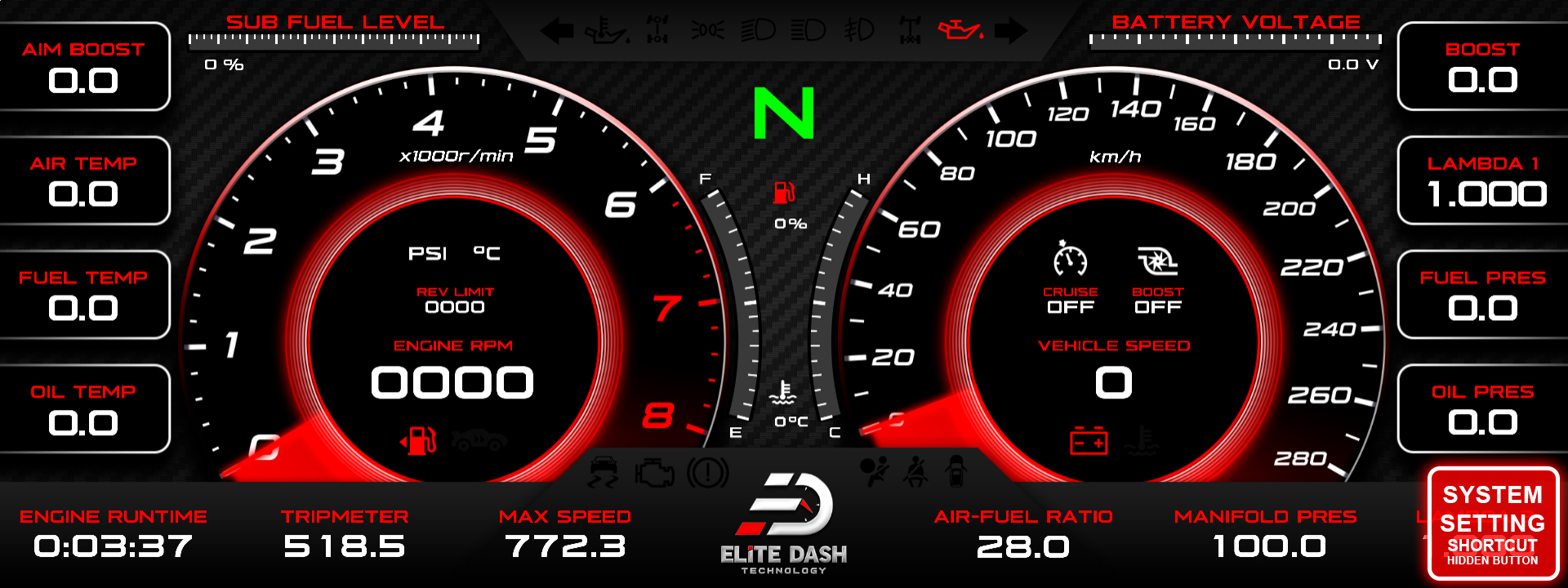
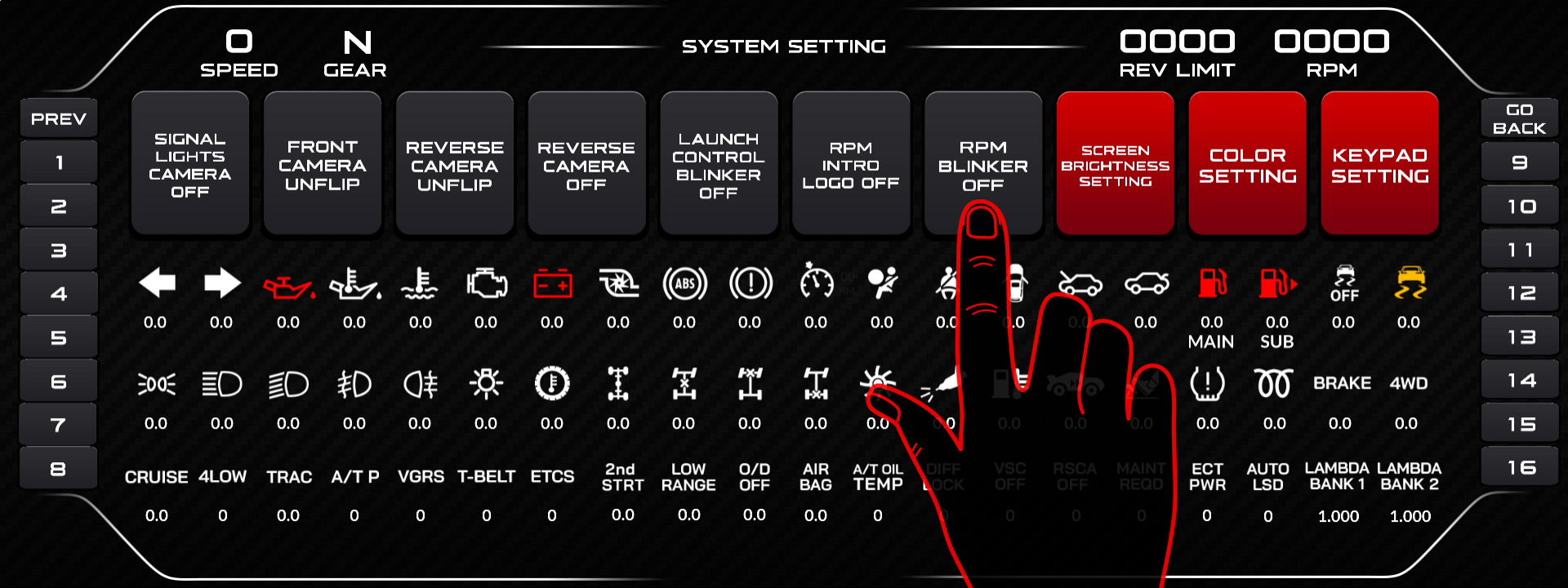
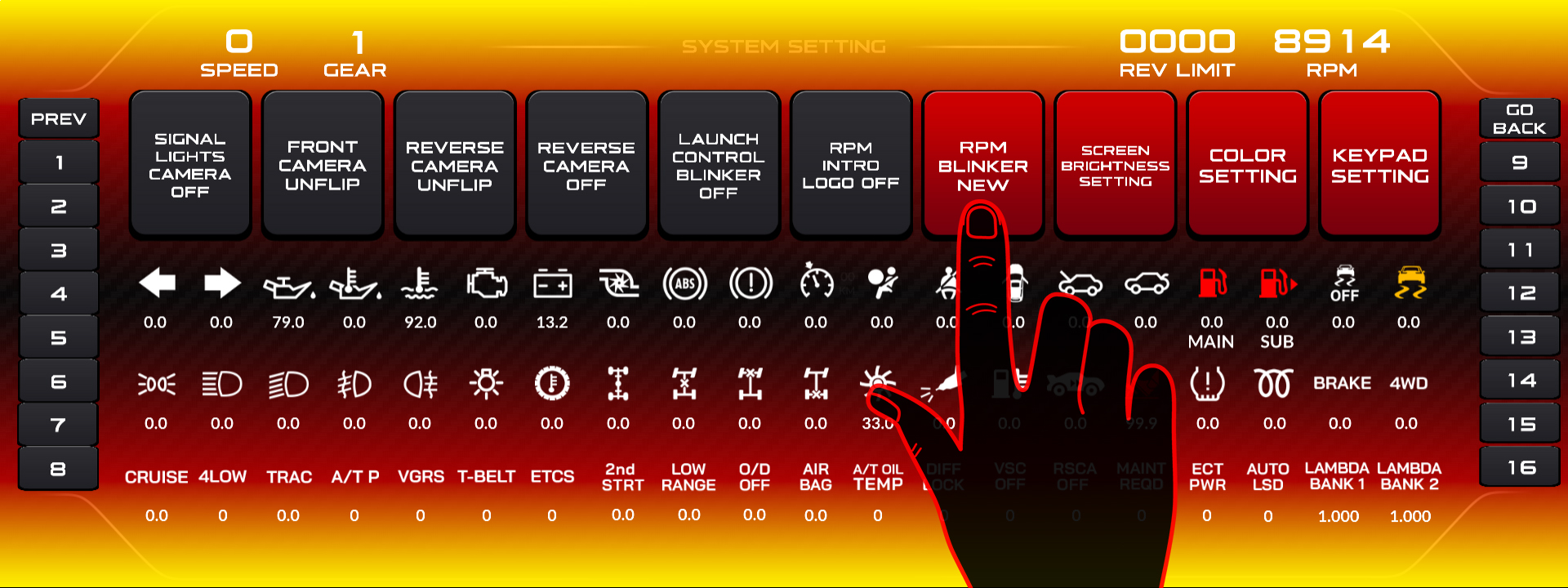
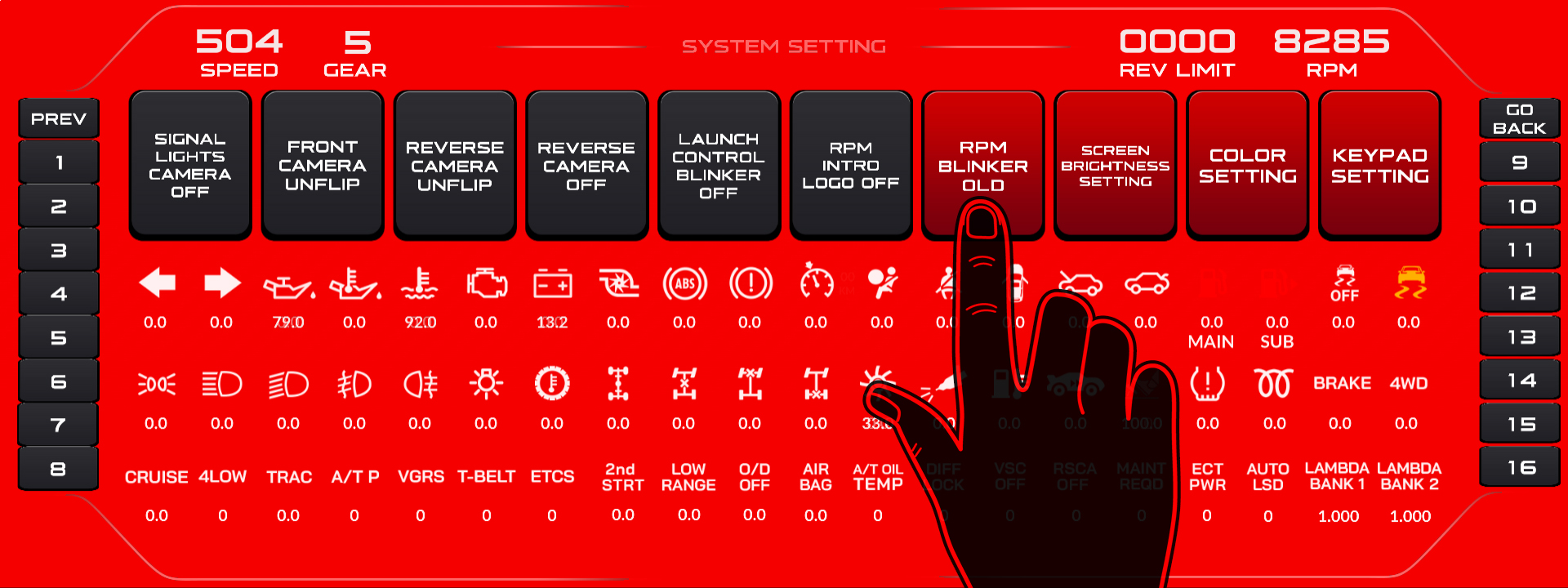
The setting is reachable from the screen or by rotating the ED Keypad dial in the RPM Blinker interface.
Related: Engine Setup: Max RPM, Warning and Critical Levels · How to Set Up the Launch Control Blinker · Navigating the ED Keypad Main Menu

