




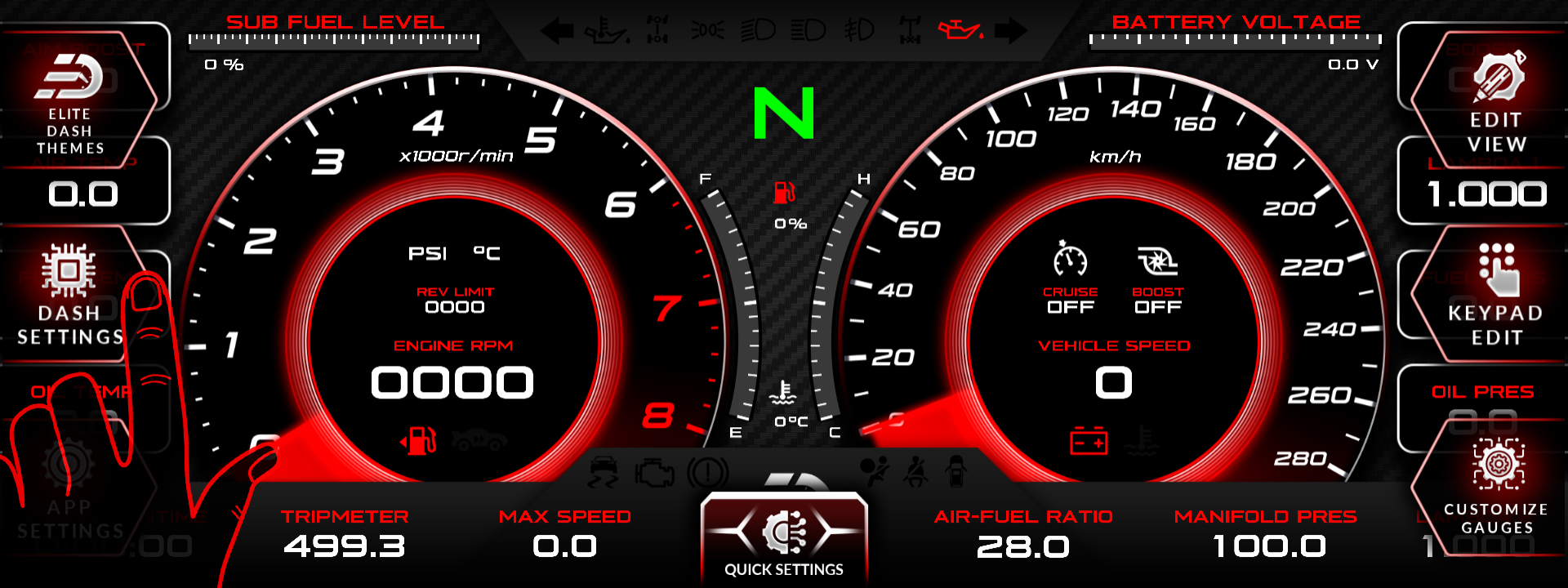
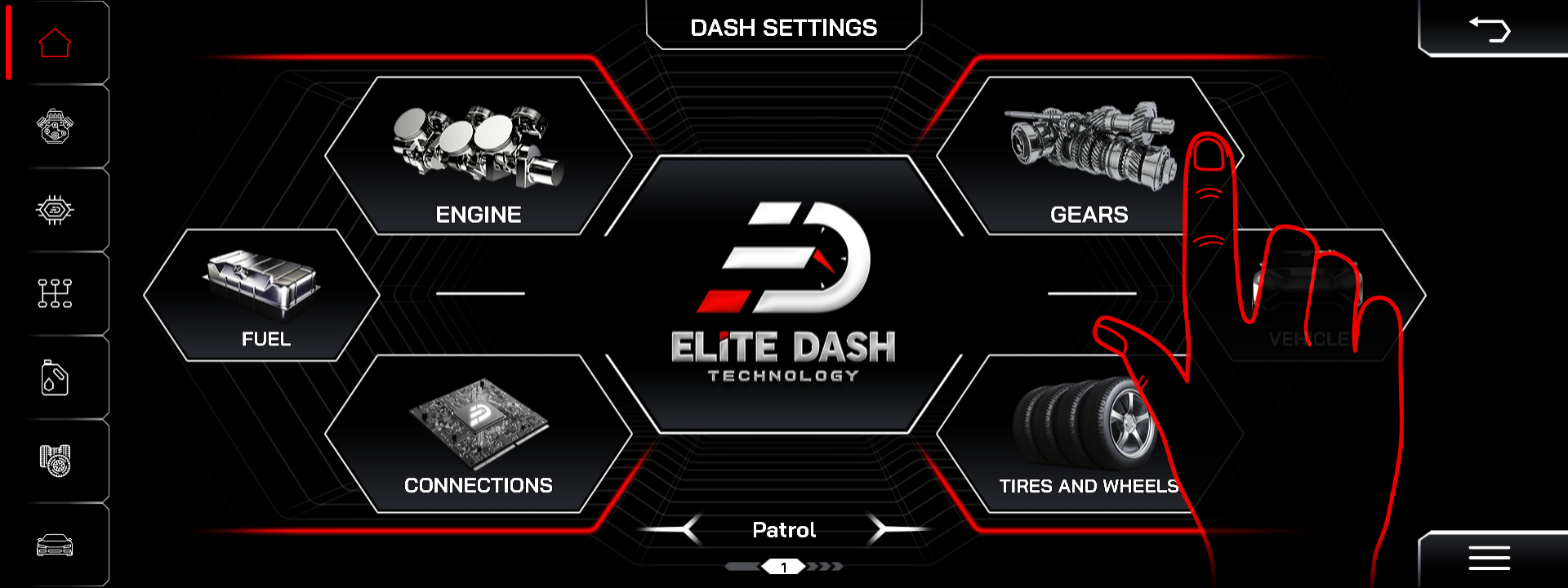
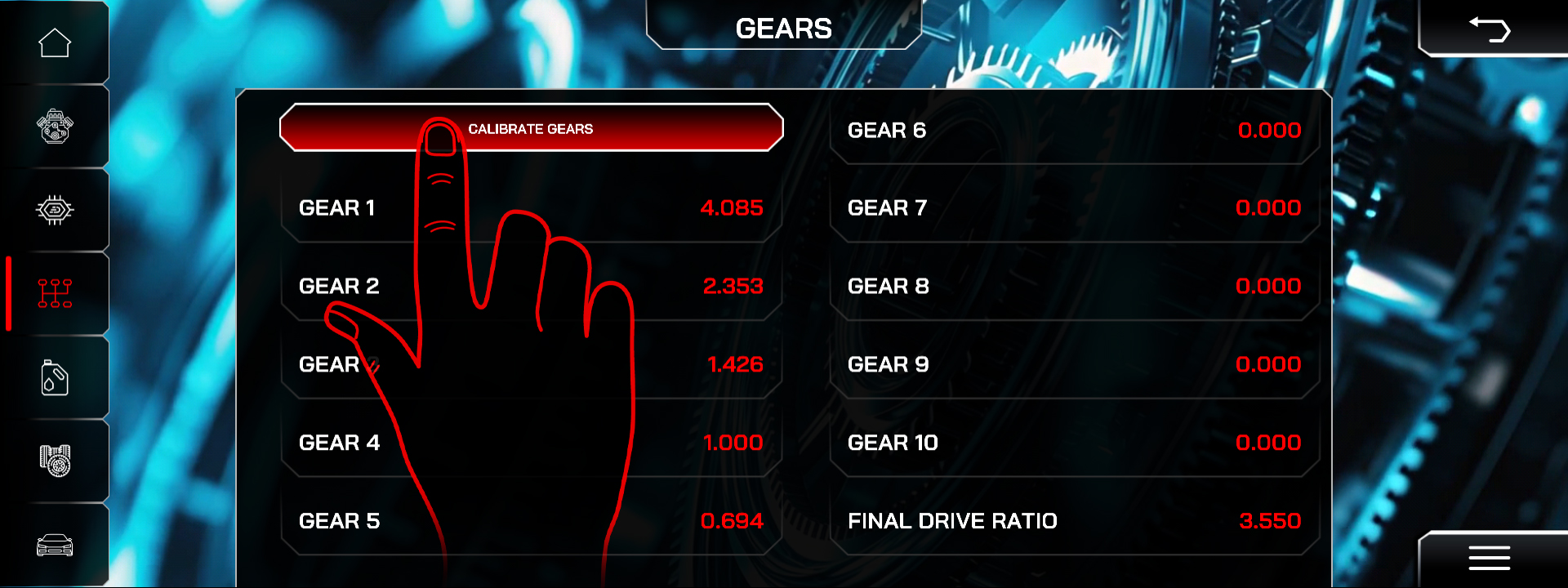
Recalibrate the gears under Dash Settings, then Gears, and confirm your tire and wheel data is correct. Gear position is calculated from the relationship between engine speed and road speed, so an error in either input gives a wrong gear.
If the display drops to Neutral while reversing at zero speed, that is a known behaviour on letter based gear displays with reverse light mapping. Report the APK version to support so it is logged against the build.
Check in order:
- Tire and wheel data. Wrong rolling circumference gives a wrong gear.
- Gear ratios. Re-enter them, or run Calibrate Gears.
- Recalibrate after any change to gearbox, final drive or tire size.
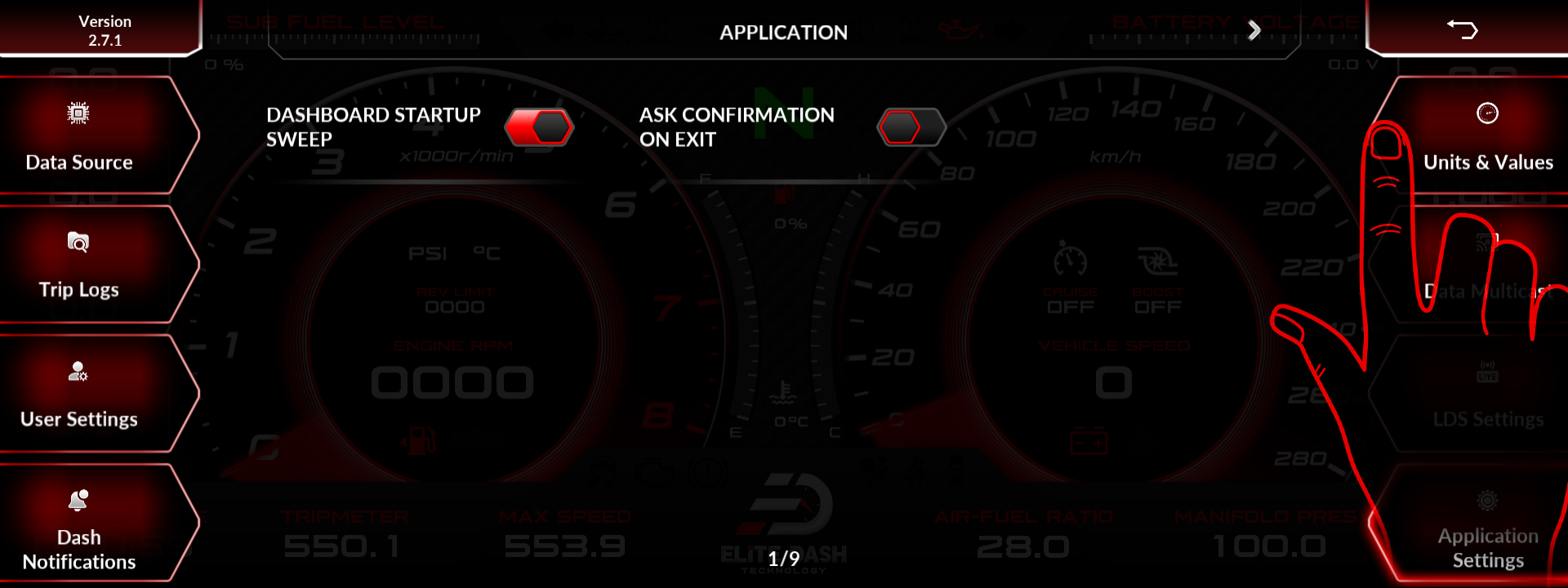
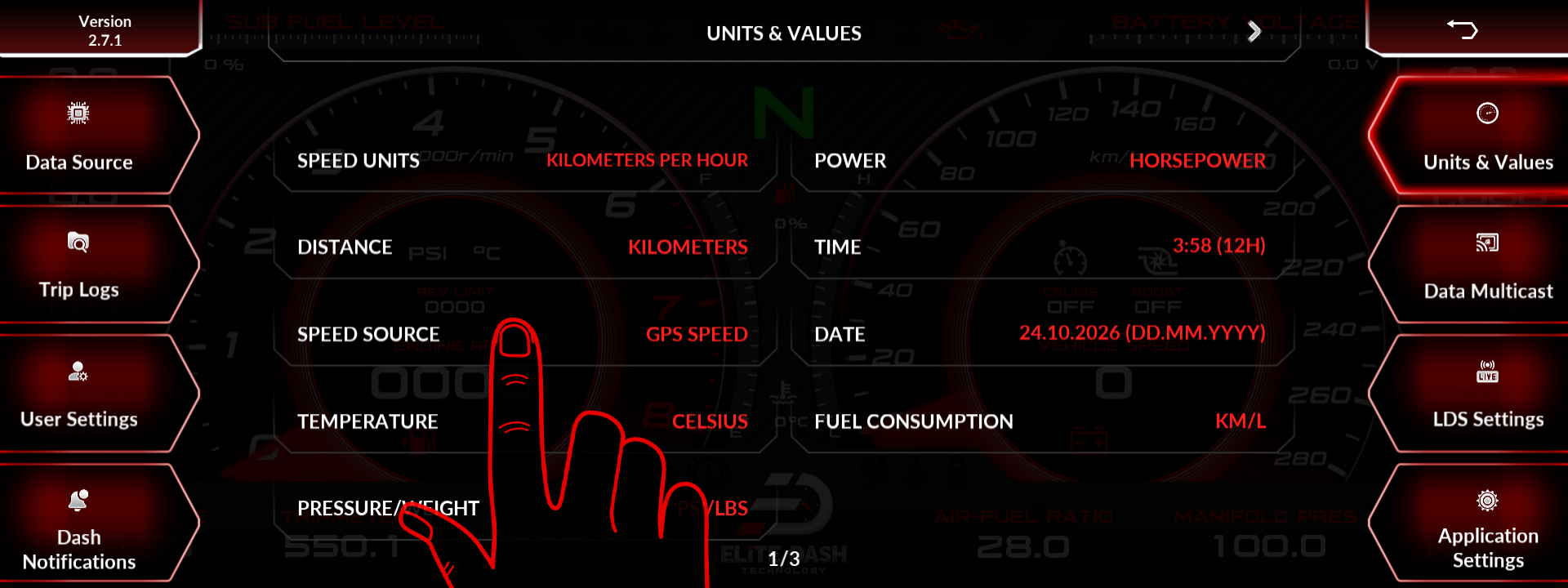
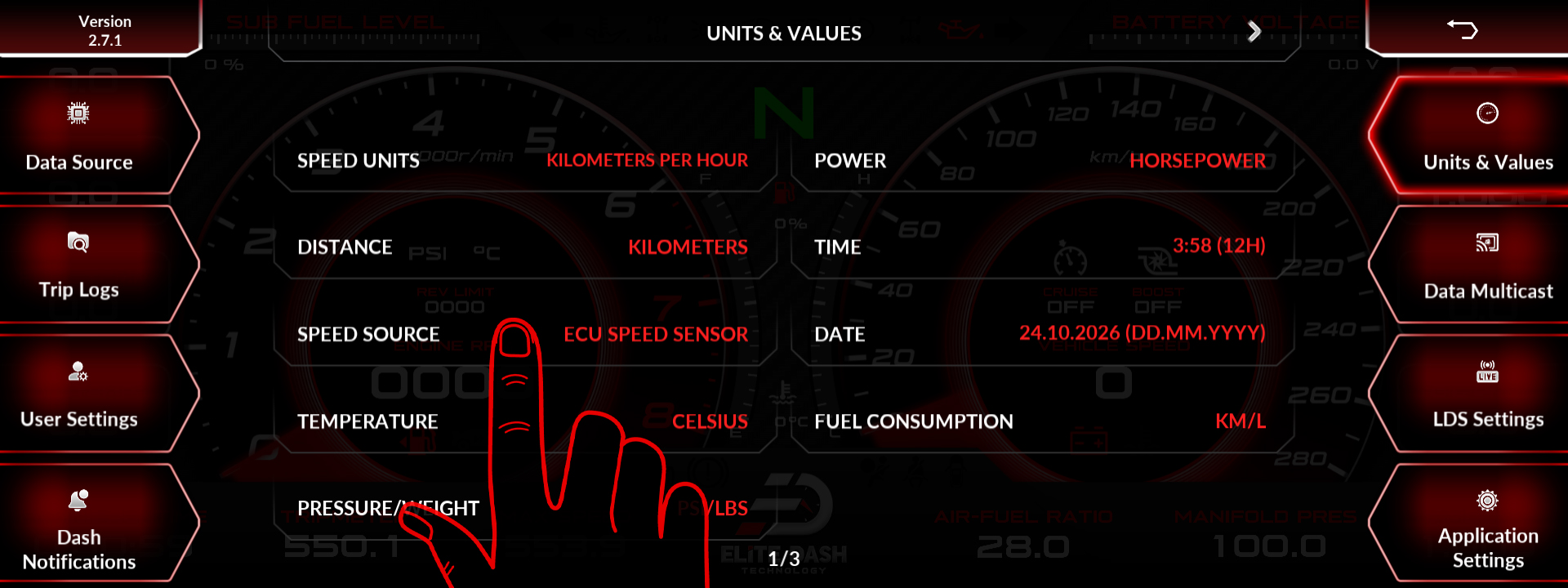
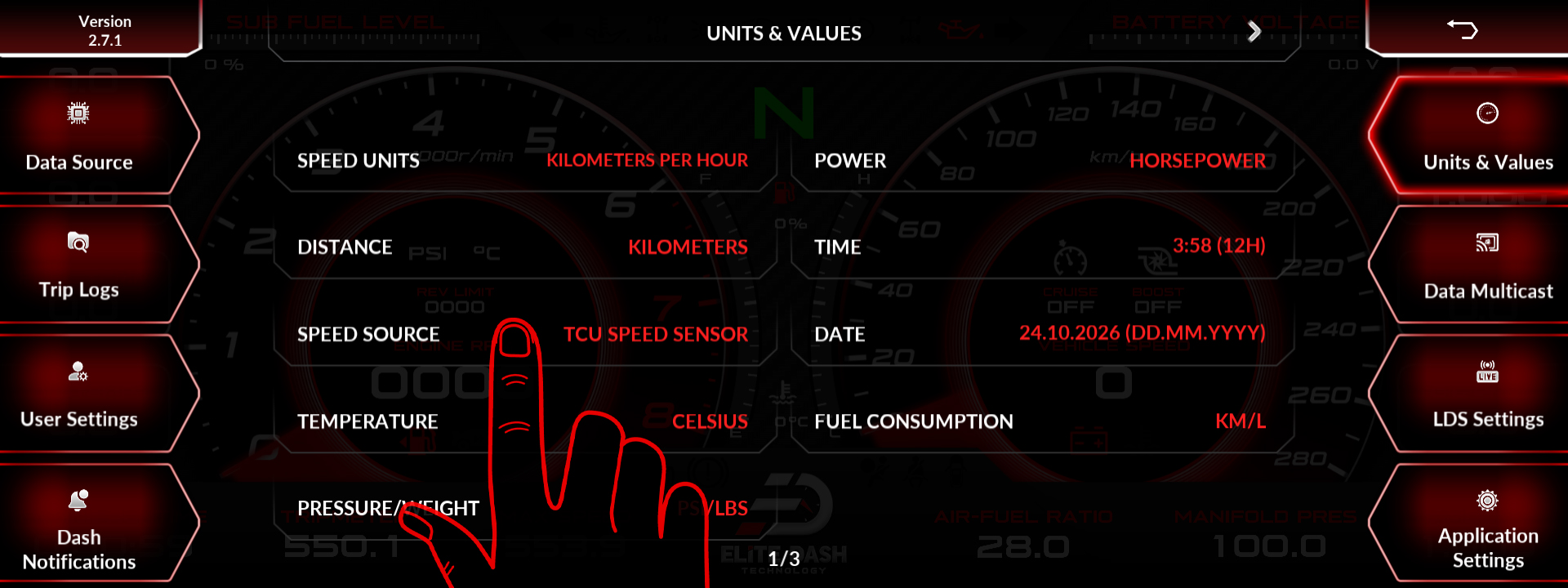
- Check the speed source. Gear calculation depends on it.
- If your ECU broadcasts gear directly, confirm the gear channel is arriving in Debug Data View. A direct channel should not need calibration.
Gear mapping without reverse, as used on some buggy applications with N, 1, 2, 3, 4 only, is a configuration choice and not a fault.
Related: Gear Setup: Entering Ratios or Calibrating Gears · Tires and Wheels Setup · How to Use the Debug Data View

