




Connect the screen to a Wi-Fi network, enter your registered email address and password on the login screen, then press LOG IN. Once you are logged in, the EliteDash home page appears and the screen no longer needs Wi-Fi for normal use.
The first login is what activates the unit against your account and pulls down the themes attached to your purchase. Until it completes, the screen has no themes and no licence.
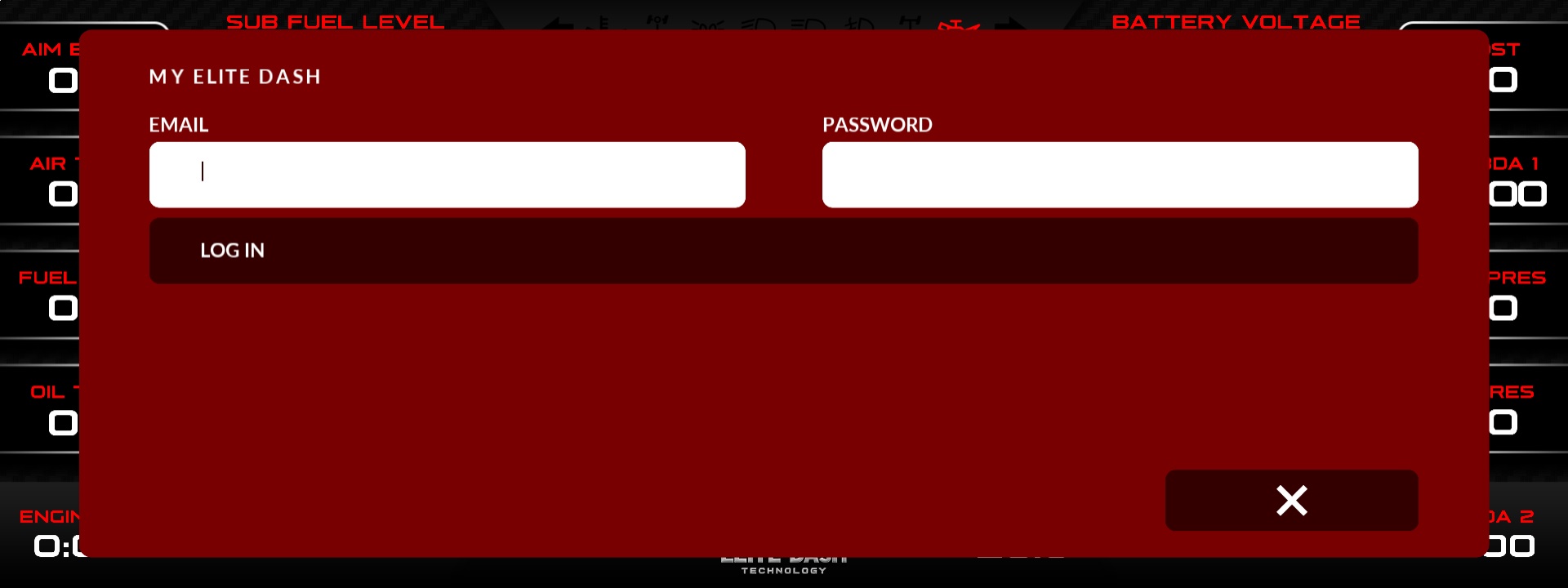
⚠️ Wi-Fi is required for the first login only. If you are installing in a workshop with no network, use a phone hotspot. Do not skip this step and plan to do it later in the customer’s car.
Related: Do I Need Wi-Fi to Use EliteDash · How EliteDash Activation Works · How to Reset Your my.elitedash.ae Password

