




Connect the low beam signal to the screen so it switches between your daytime and nighttime brightness settings automatically. Daytime brightness applies when the low beam is off. Nighttime brightness applies when the low beam is on.
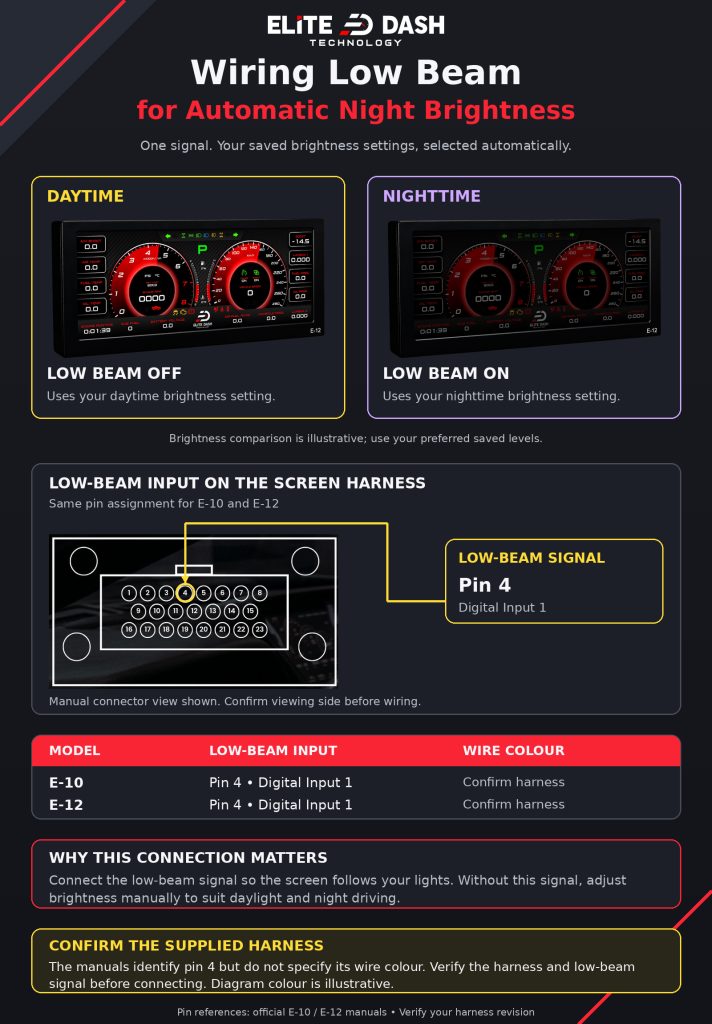
Without this connection the screen stays at one brightness. Set it bright enough for daylight and it blinds the driver at night. Set it for night and it washes out at noon.
Low beam input pin and wire colour for E-10 and E-12.
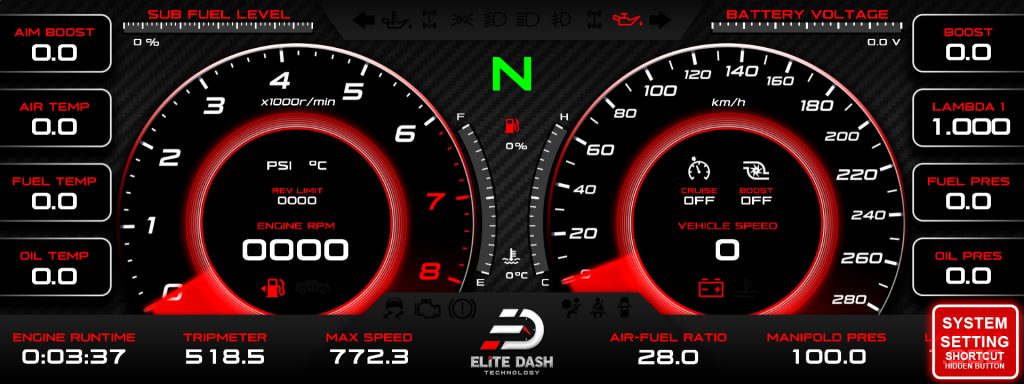
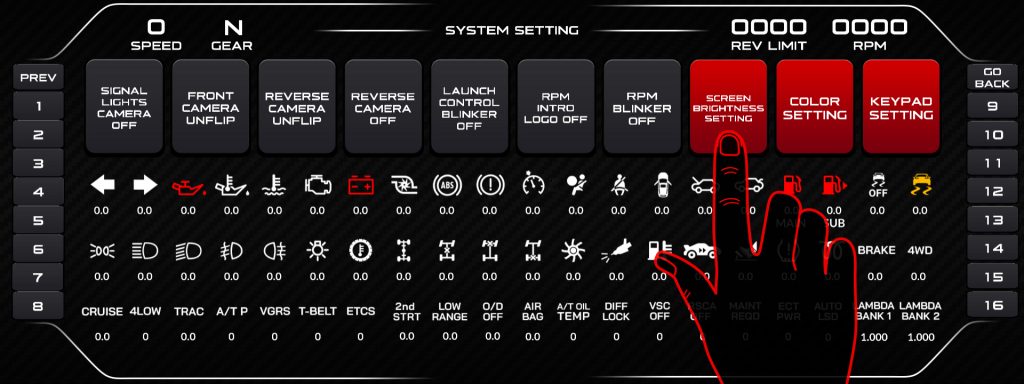
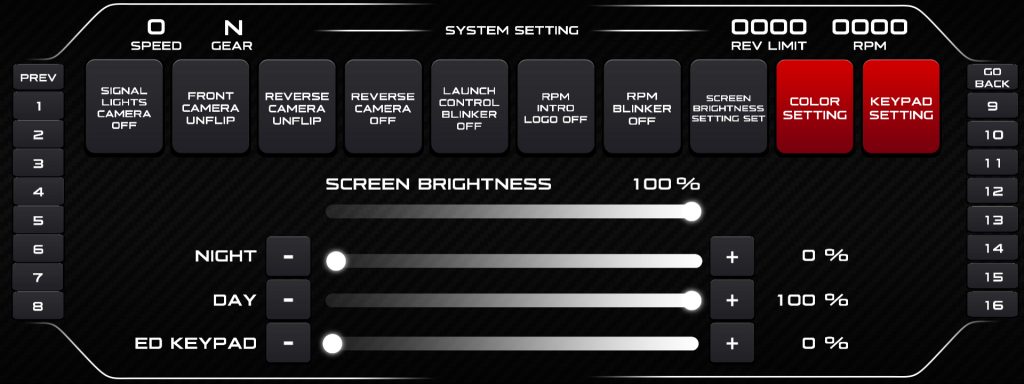
Both brightness values are set from 0 to 100 in the Brightness Setting menu, reachable from the screen or from the ED Keypad.
Related: Day and Night Brightness Settings · Power Wiring: Battery, Ignition and Ground · Navigating the ED Keypad Main Menu

