




Wire CAN High and CAN Low to the GM LS factory CAN bus, then add the GM LS source in Connection. The factory ECU already broadcasts on CAN, so no ECU side configuration is needed.
This is the fastest path for an LS swap that keeps the factory ECU. You get RPM, coolant, throttle position and the rest of the factory broadcast without a standalone ECU or a tuning session.
On the screen:
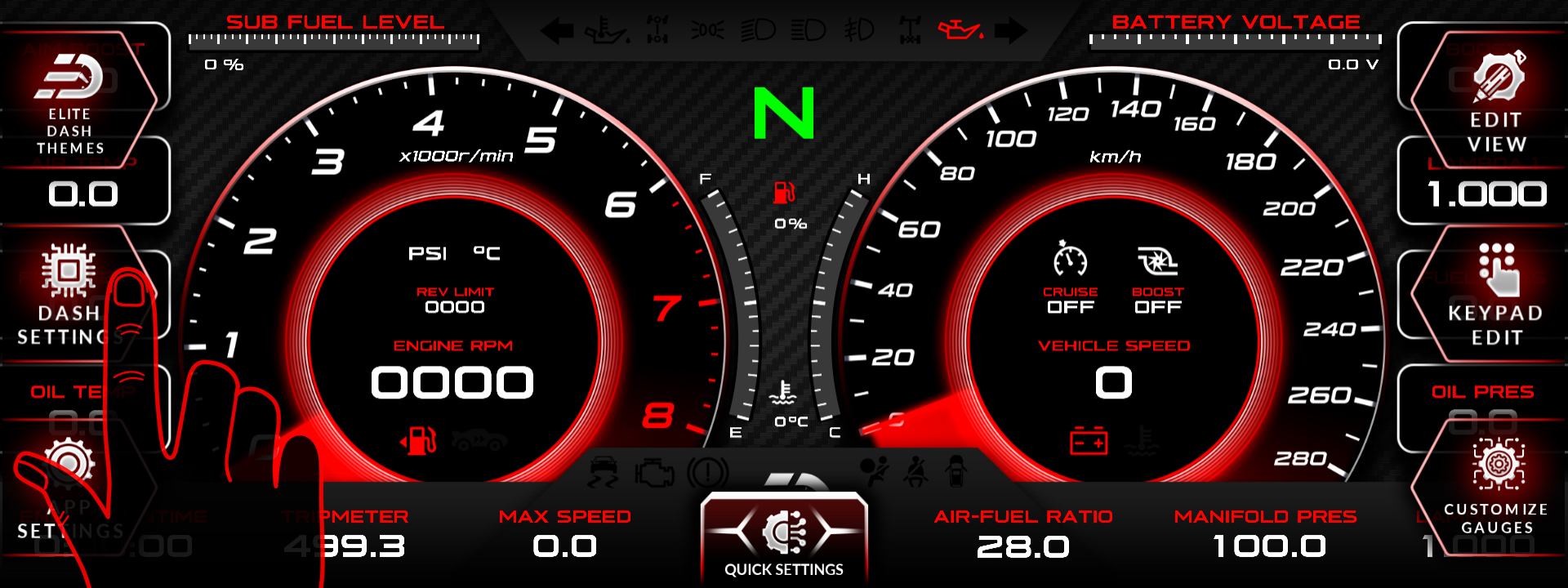
- Tap the top middle of the screen. The menu bar appears.
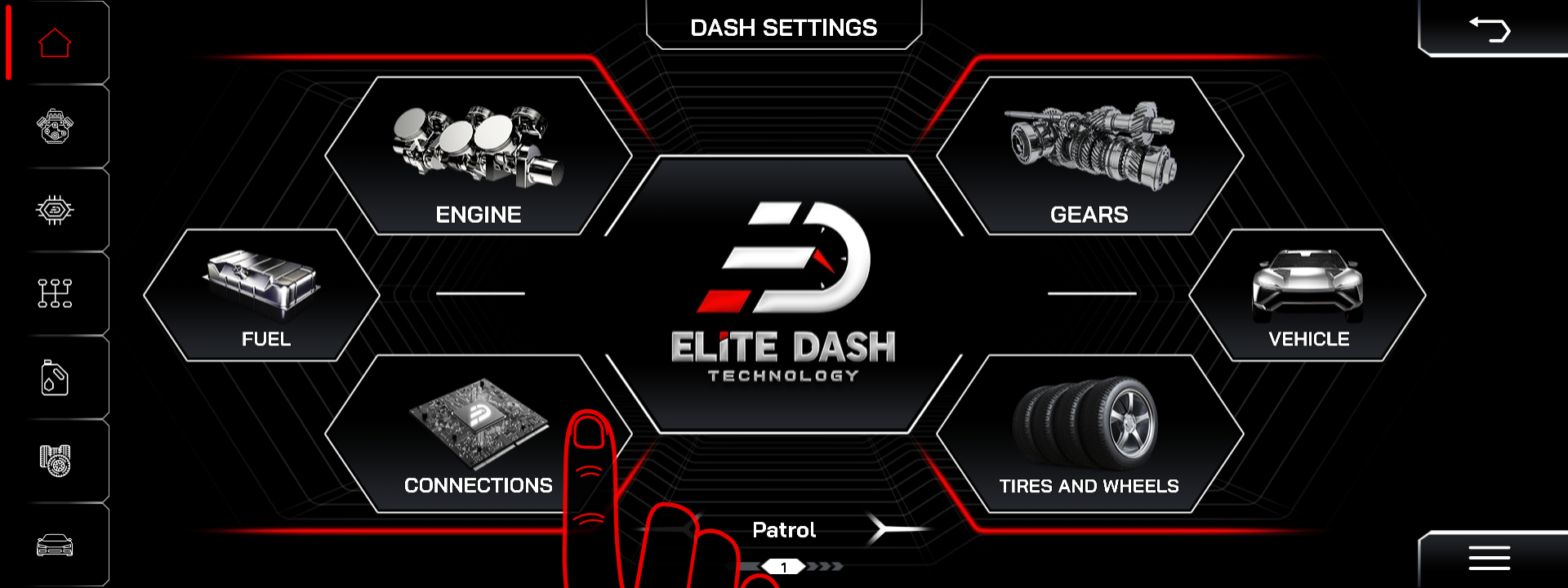
- Tap DASH SETTINGS.
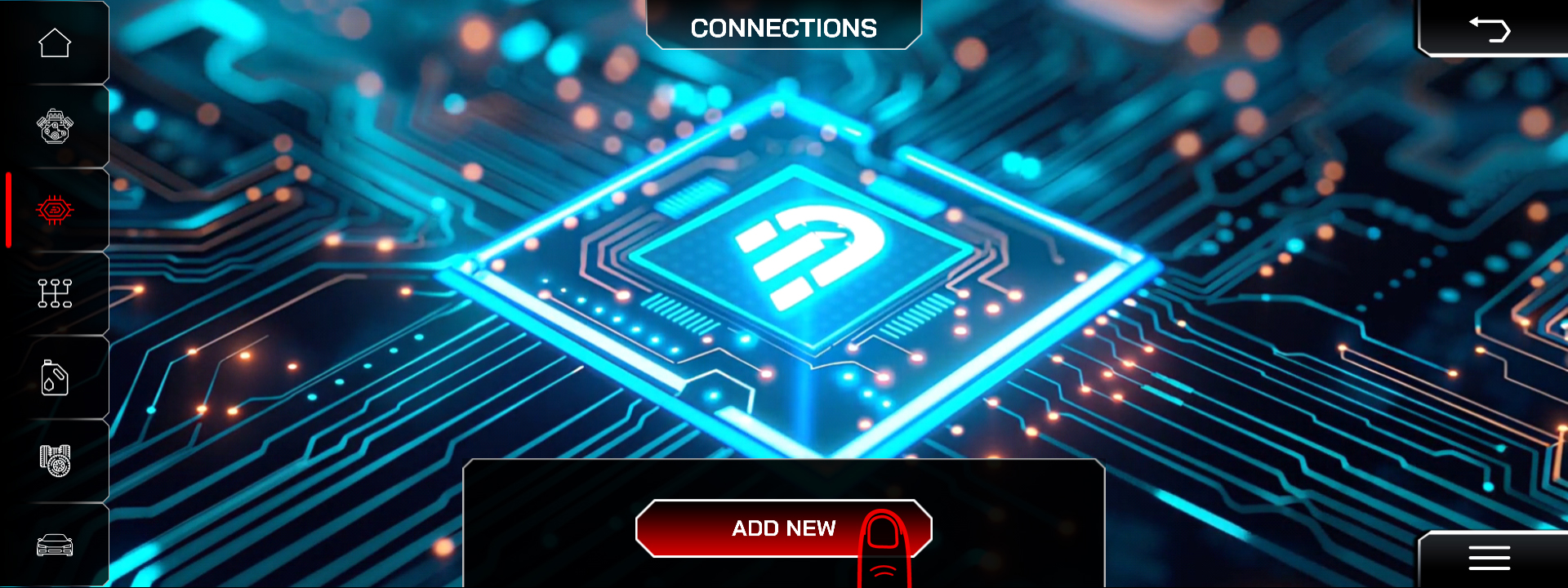
- Open Connection to view the current list of data sources.
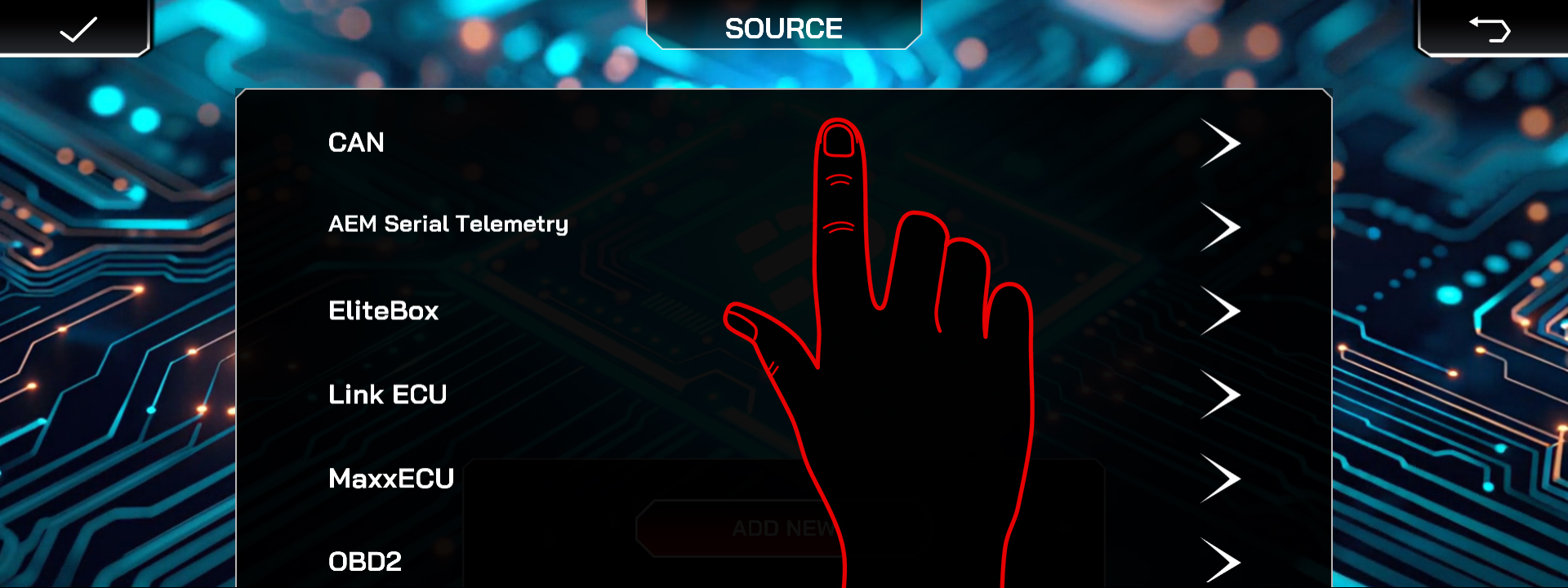
- Select the CAN source.
- Add CAN Description File
- Then select the GM LS source.
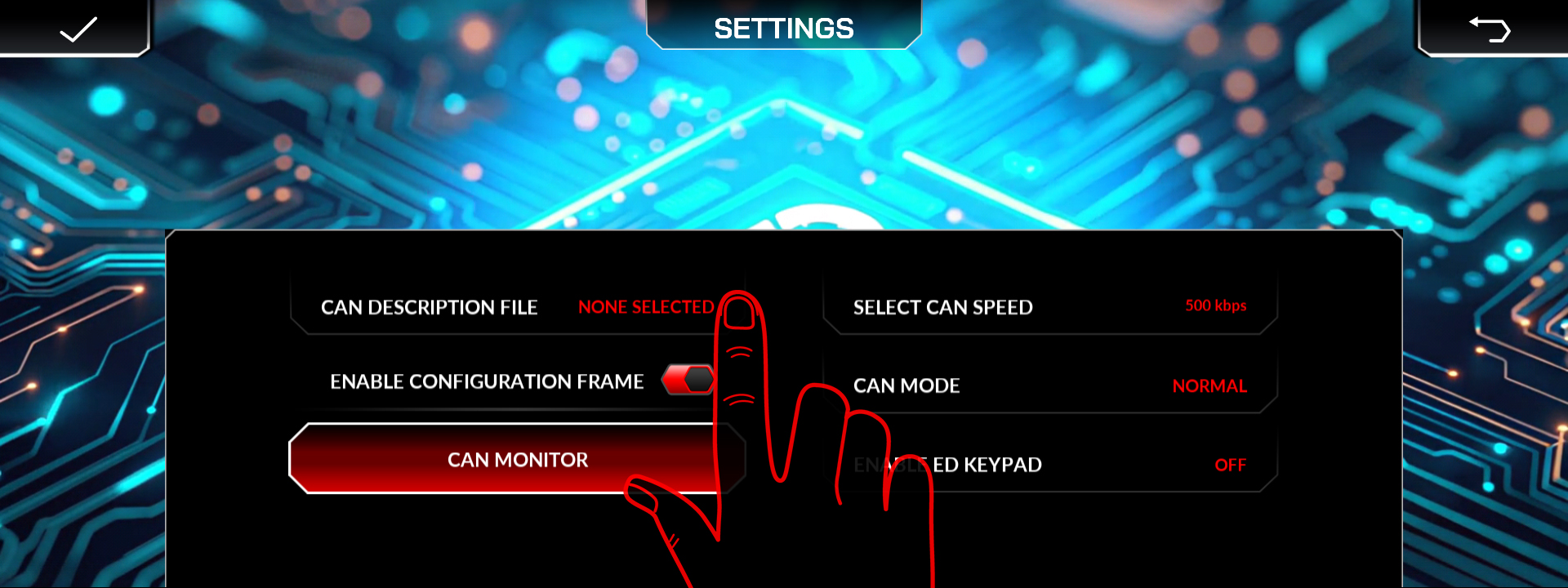
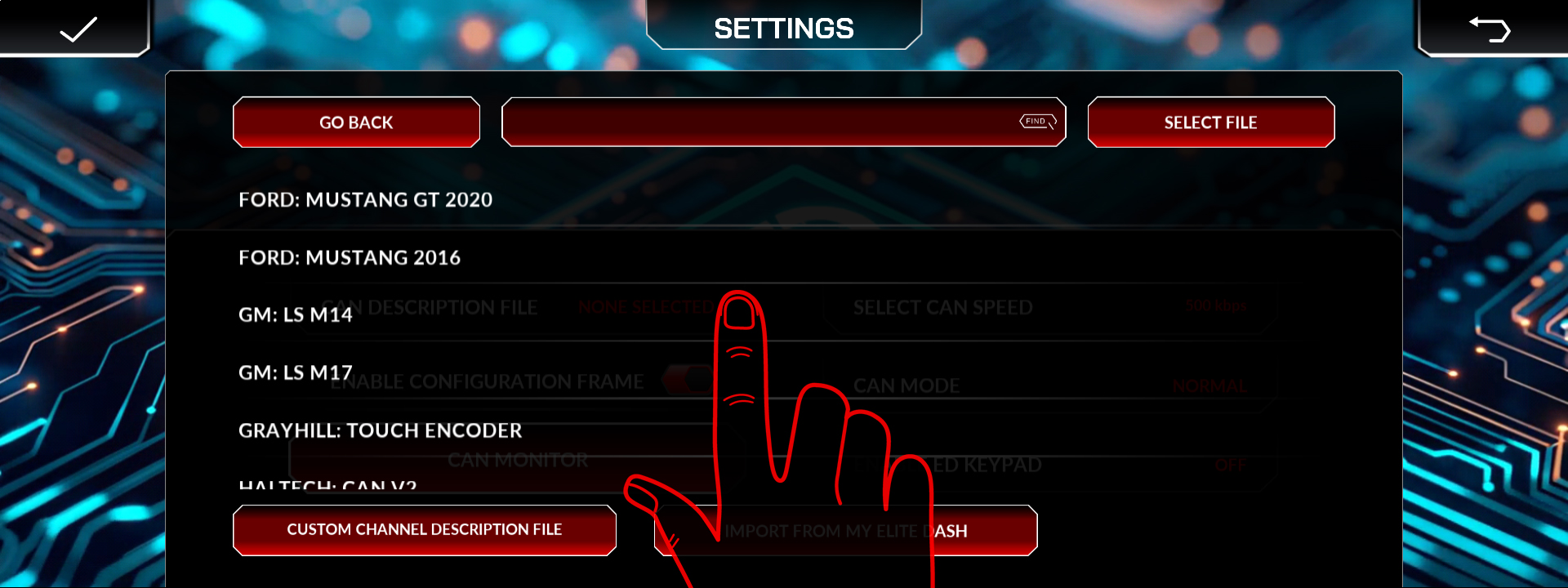
Which GM LS configuration variant applies to which controller generation, and the CAN bit rate.
What you will not get is any channel the factory ECU does not broadcast. If you need oil temperature, EGT or fuel pressure, add those sensors through an Elite X module.
Related: What the Elite X Smart Control Module Does · How to Connect a Factory ECU Over OBD-II · Supported ECUs: Full List

