




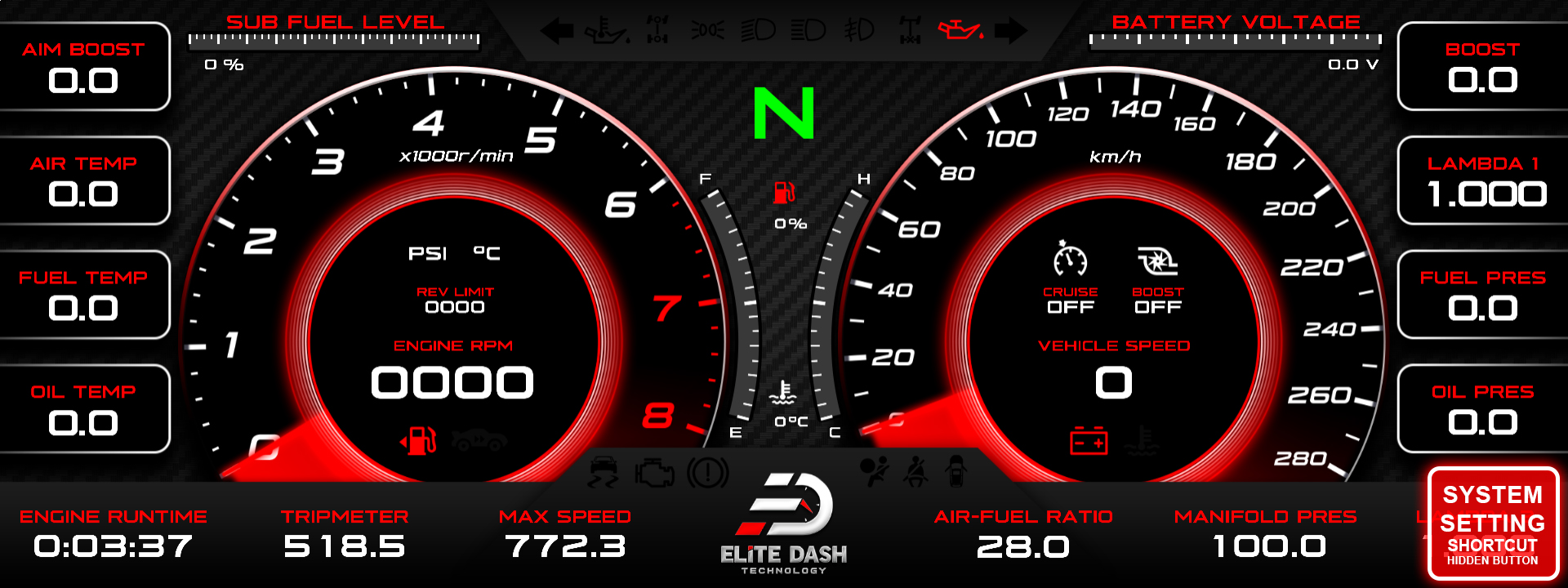
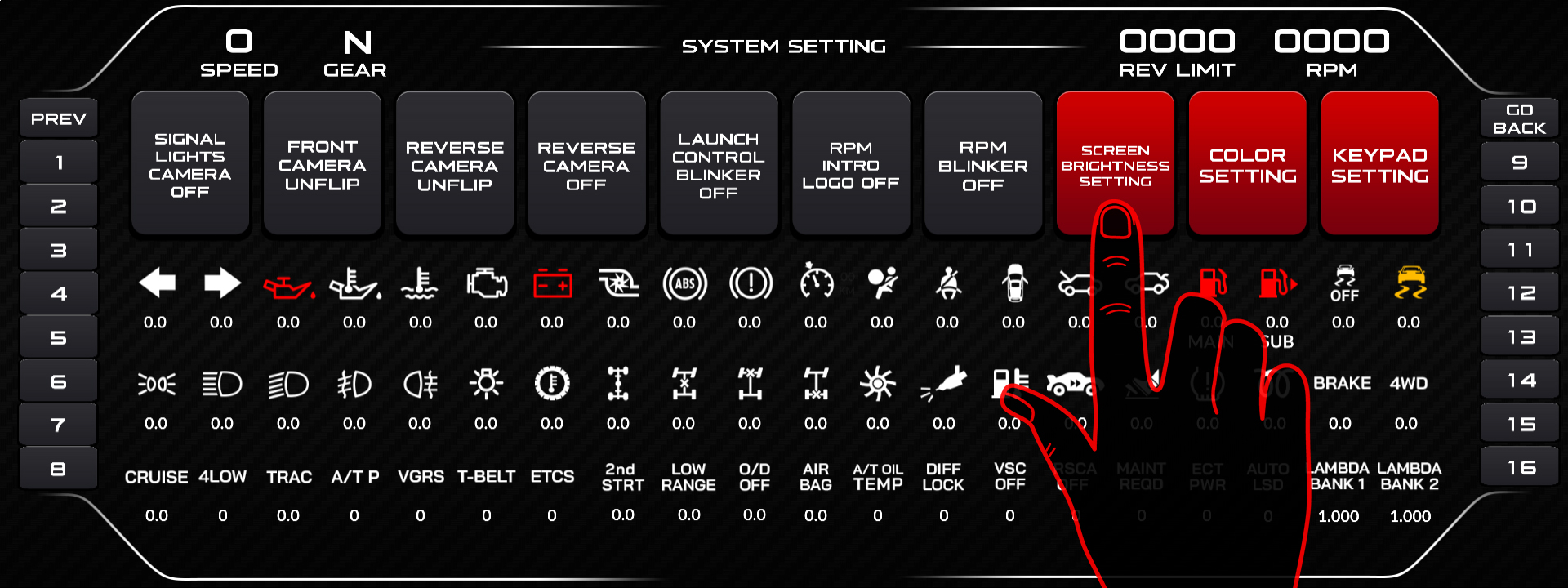
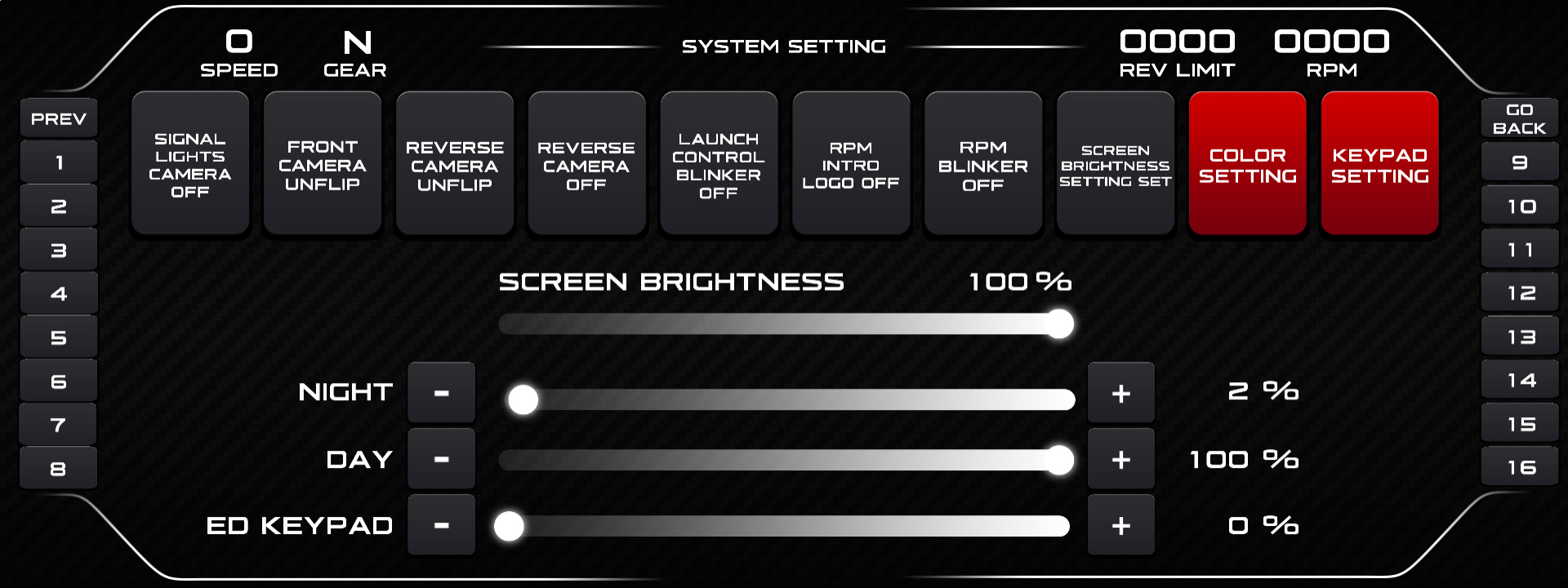
Open the Brightness Setting menu. Tap the center of the screen to switch between the daytime and nighttime pages, then set each from 0 to 100. Daytime brightness applies when the vehicle’s low beam is off, nighttime when it is on.
Two separate values exist because one value cannot serve both. Daylight in the Gulf demands maximum output, and that same output at night destroys the driver’s night vision within seconds.
- Open Brightness Setting.
- With the daytime page active, set the value for low beam off.
- Tap the center of the screen to switch to the nighttime page.
- Set the value for low beam on.
- Tap the bottom center to save and exit.
Automatic switching requires the low beam signal to be wired to the screen.
Related: Wiring Low Beam for Automatic Night Brightness · Navigating the ED Keypad Main Menu · Turning the Intro Logo On or Off

