




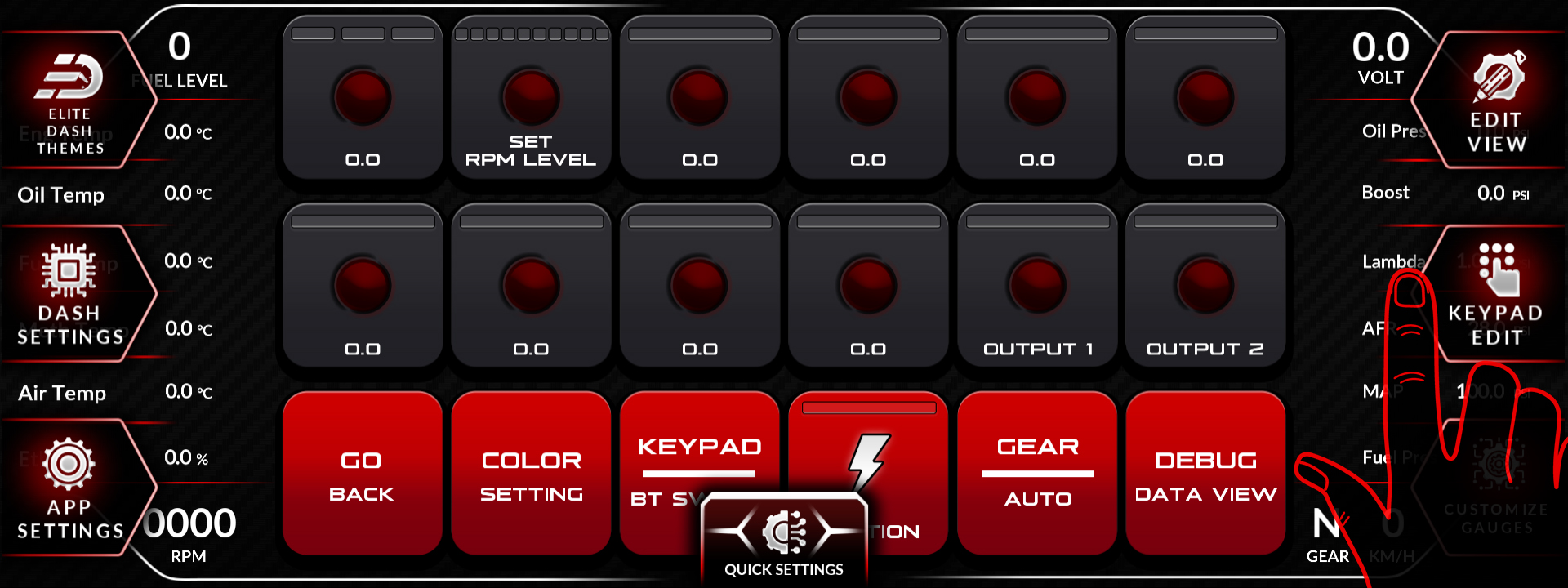
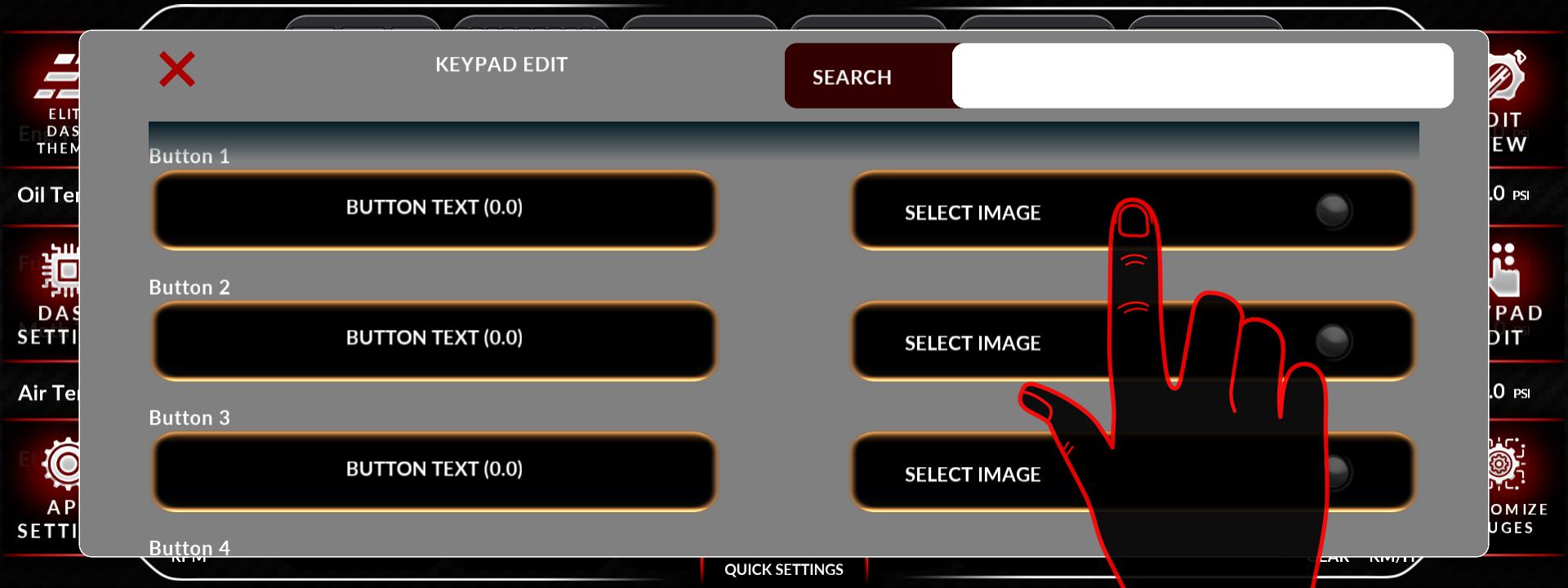
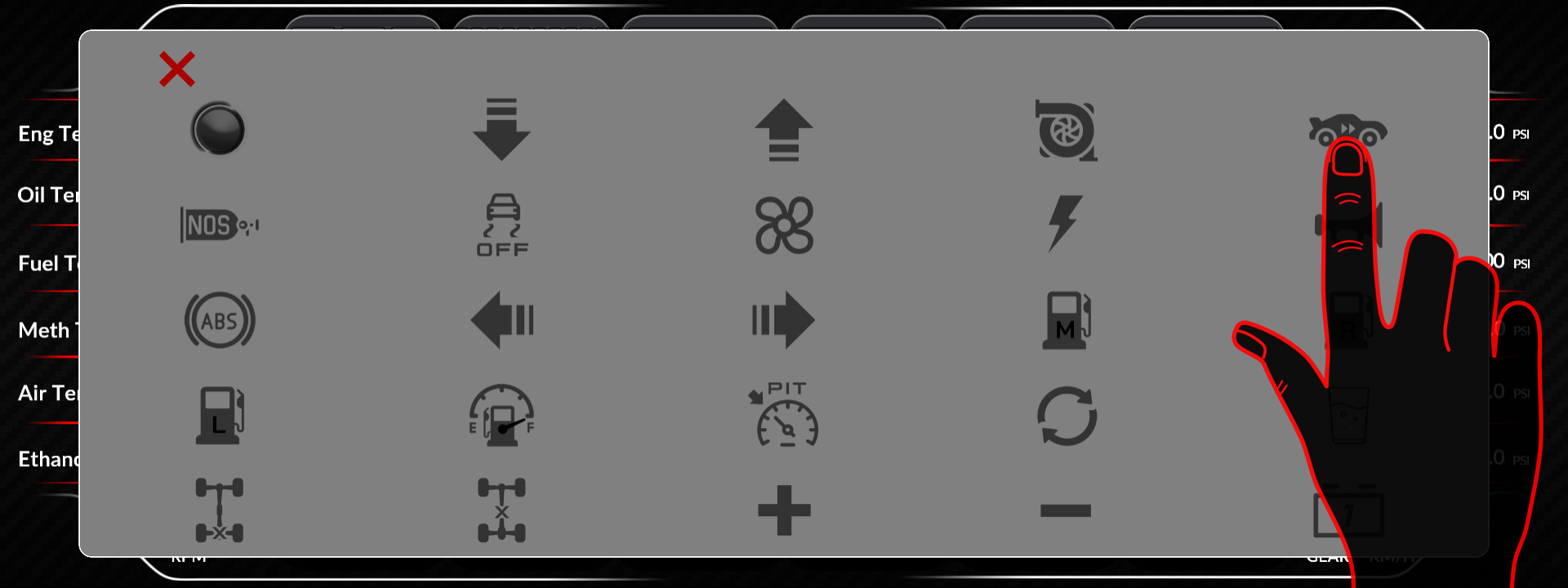
Open Keypad Edit from the main menu. You can change the text on each button and select from the built-in icon set.
Label the buttons for what they do in your car, not what they do in general. A button labelled “Switch 3” means nothing at speed. A button labelled “Water Pump” means something.
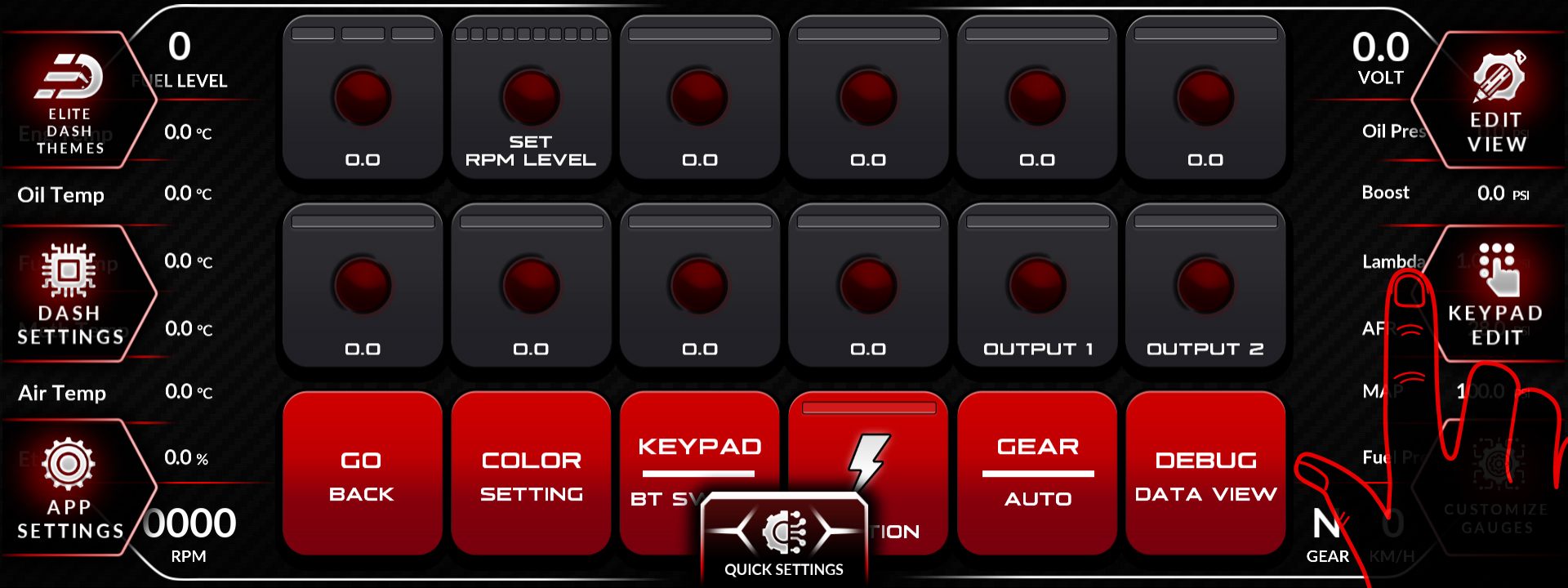
- Open Keypad Edit from the main menu.
- Select the button you want to change.
- Edit the button text.
- Choose an icon from the built-in set.
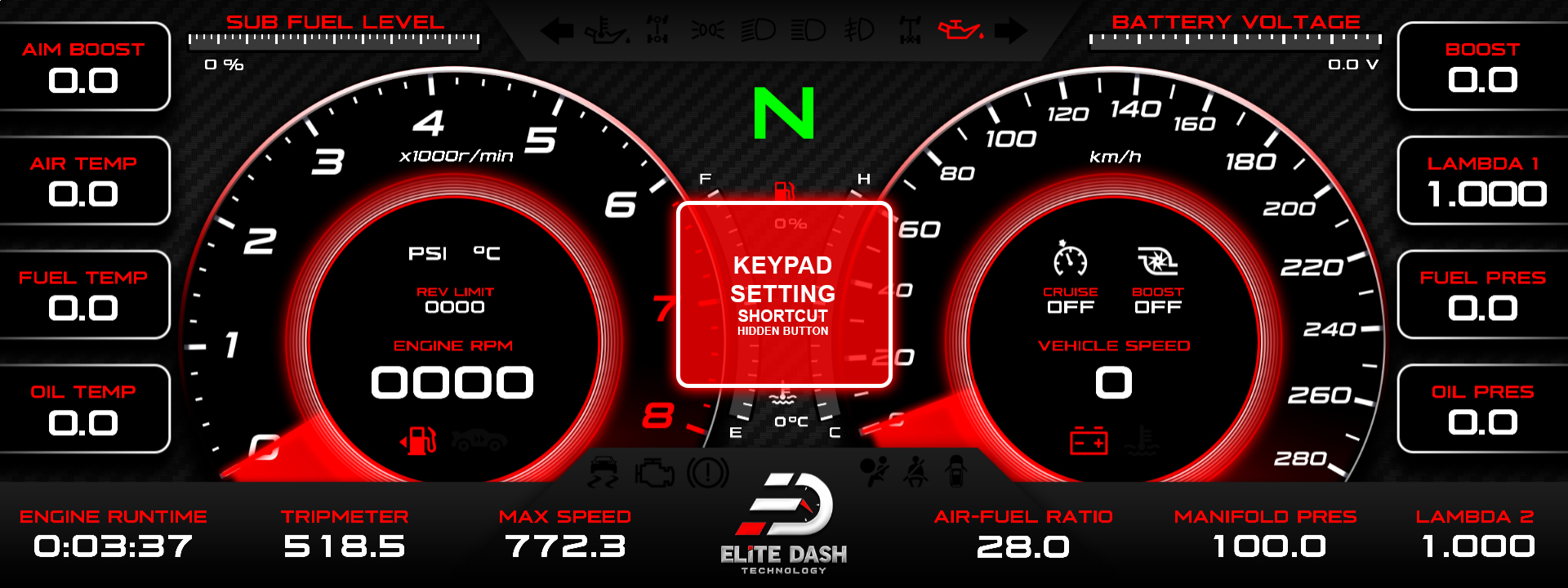
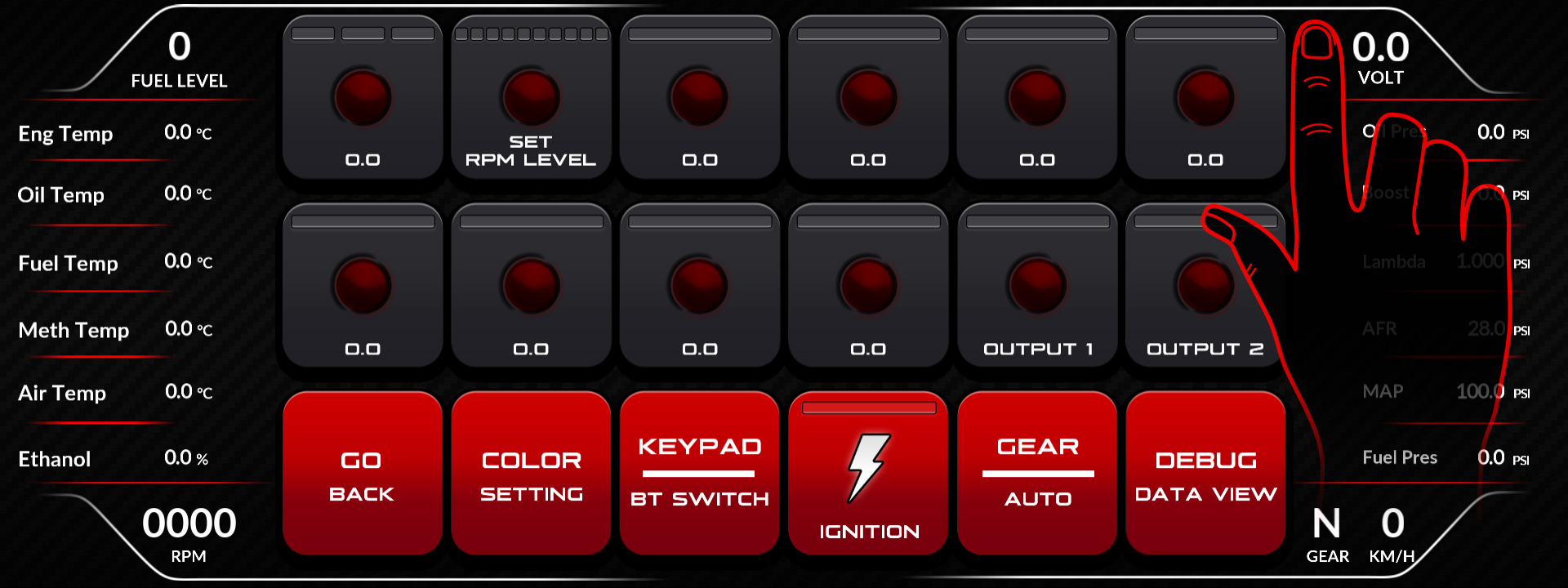
To operate the switches themselves, open the Switches interface from the Keypad menu, rotate the dial to select buttons 1 to 8 and options 1 to 2, then tap ON or OFF.
Related: Navigating the ED Keypad Main Menu · CAN Keypad or MaxxECU BT Keypad: What Is the Difference · Adjusting Boost and RPM Levels from the ED Keypad

