




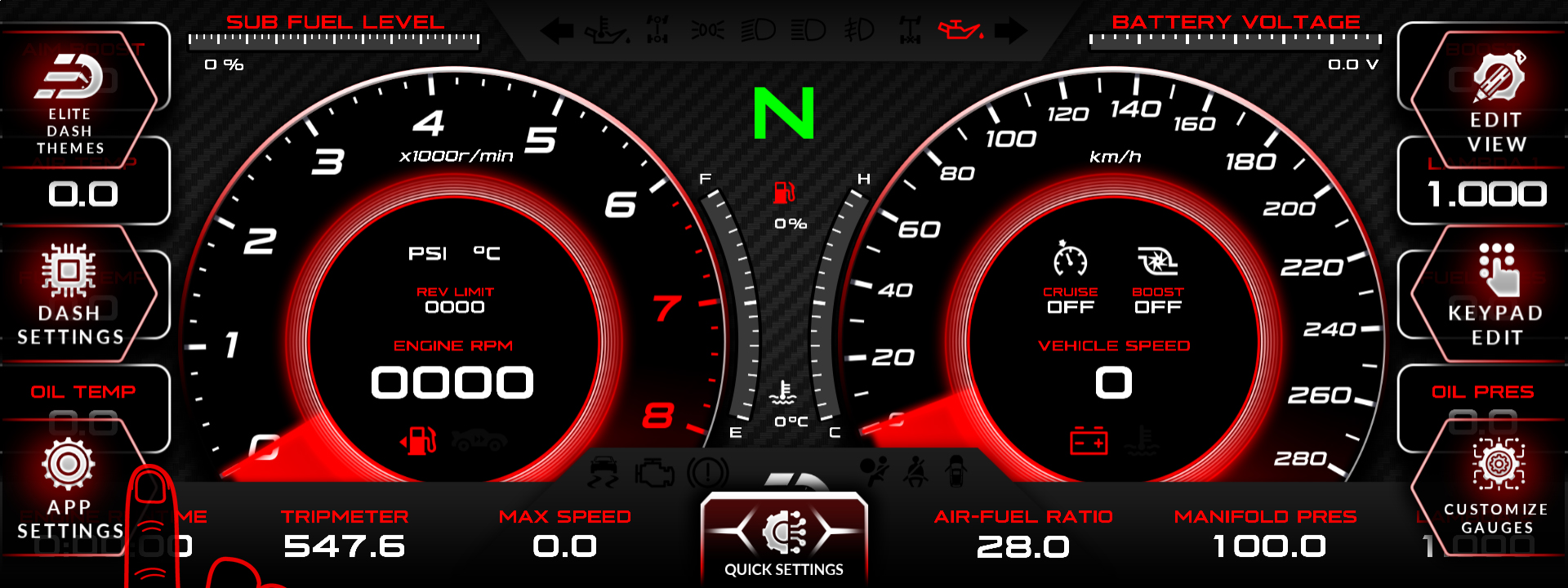
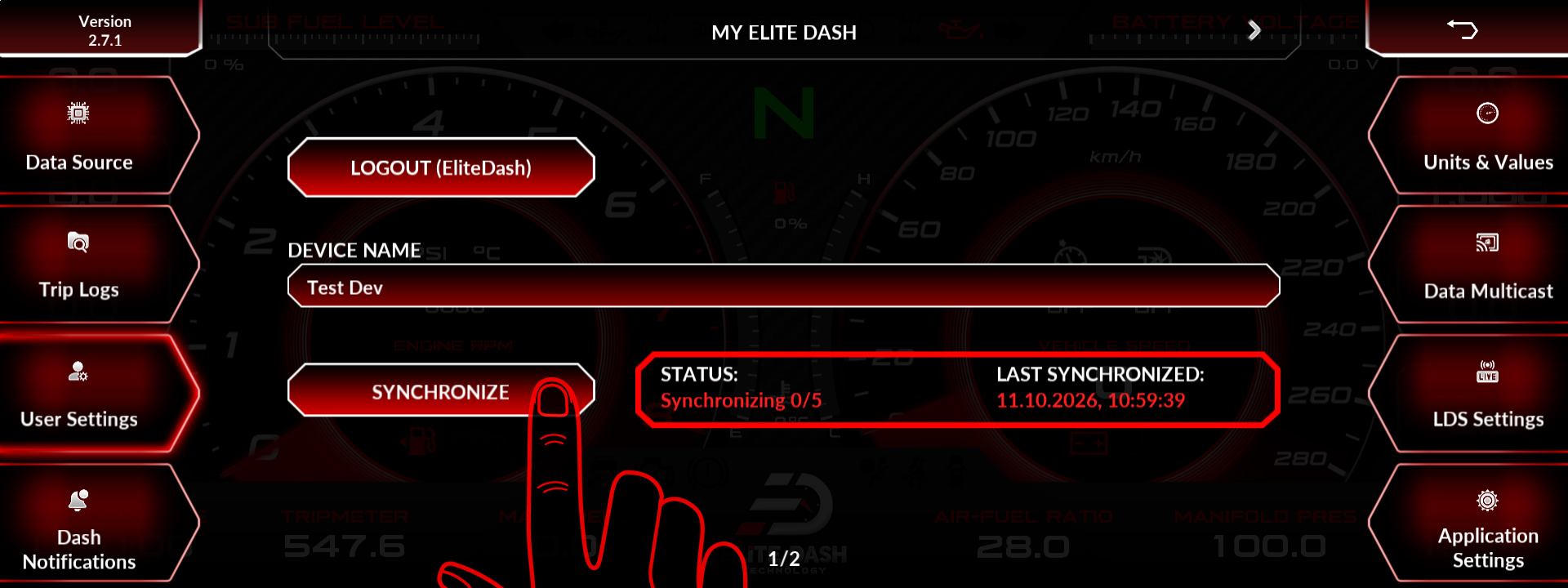
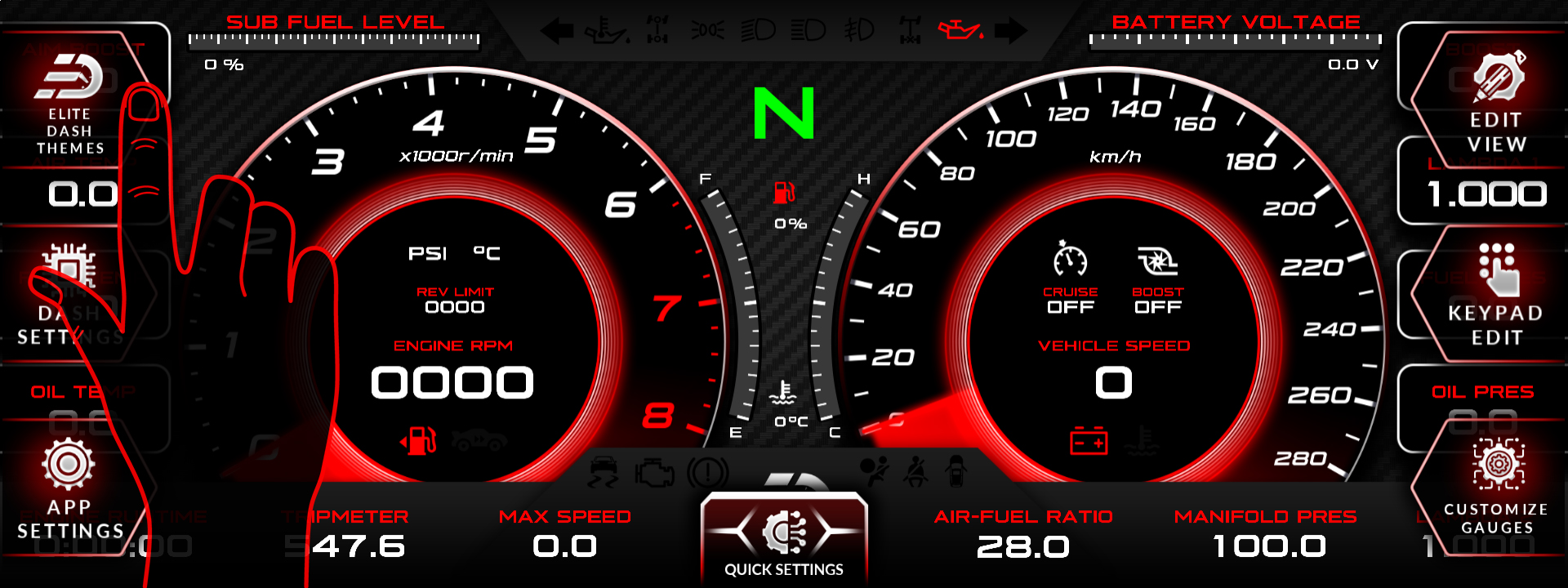
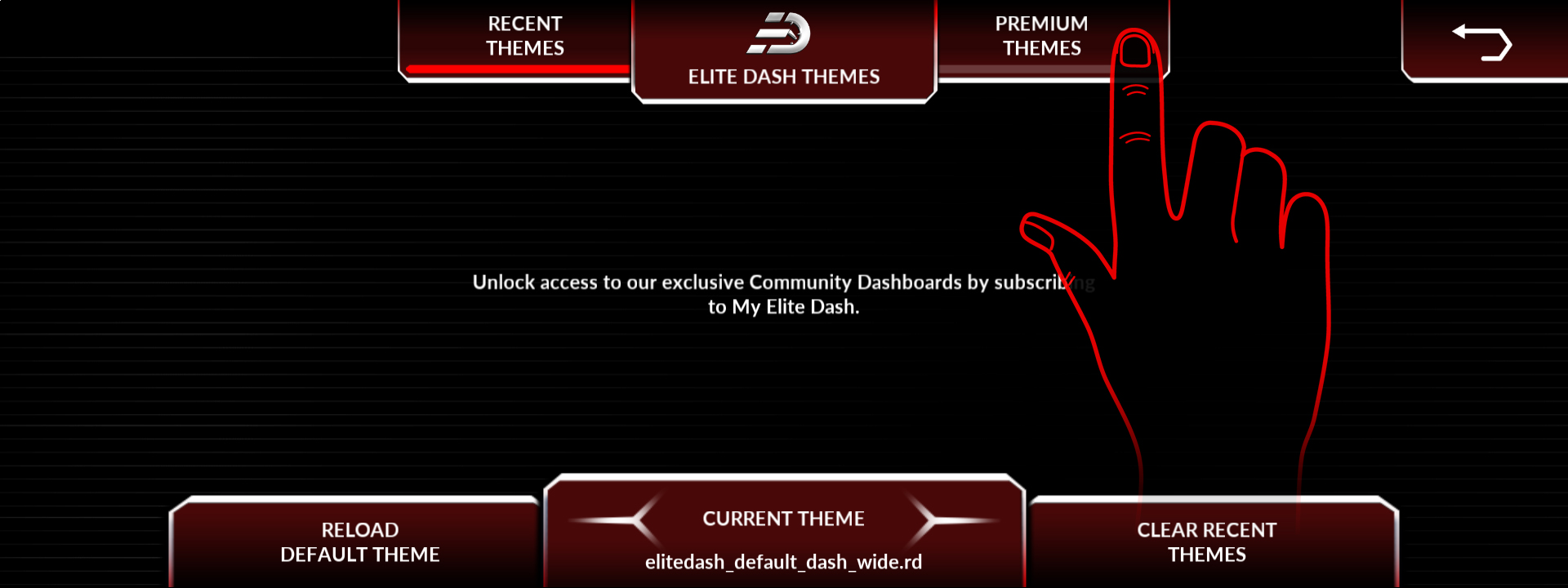
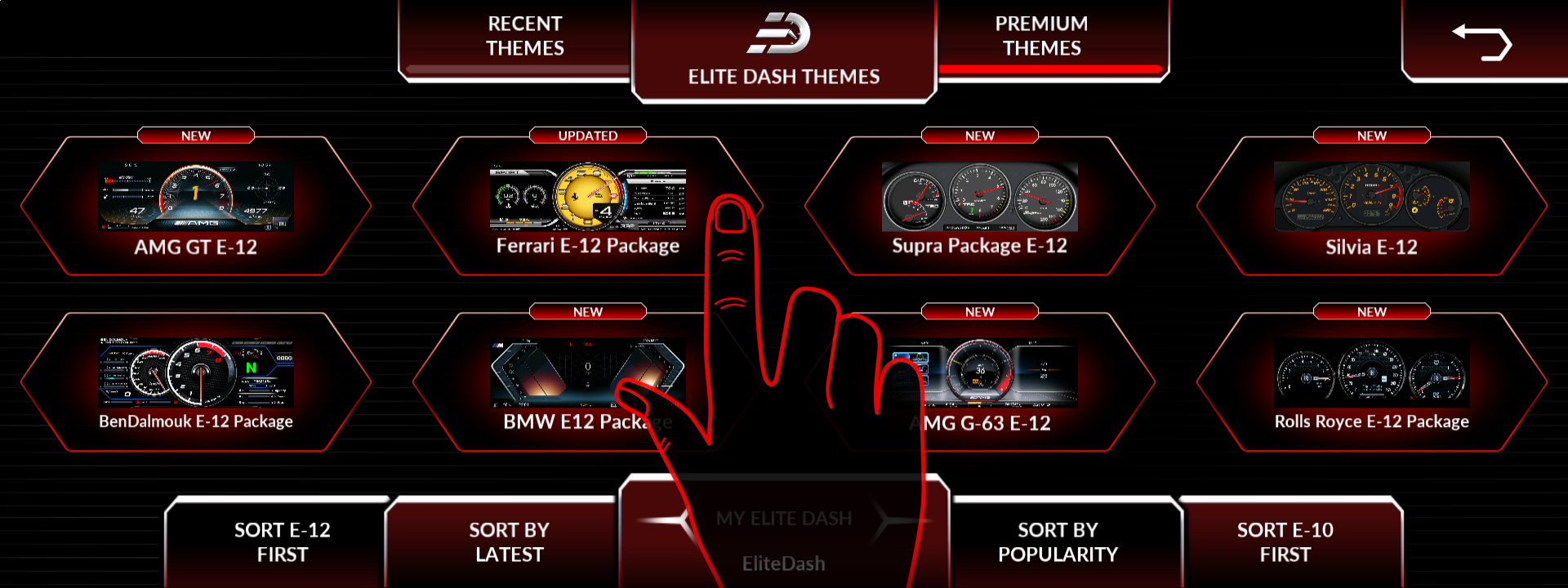
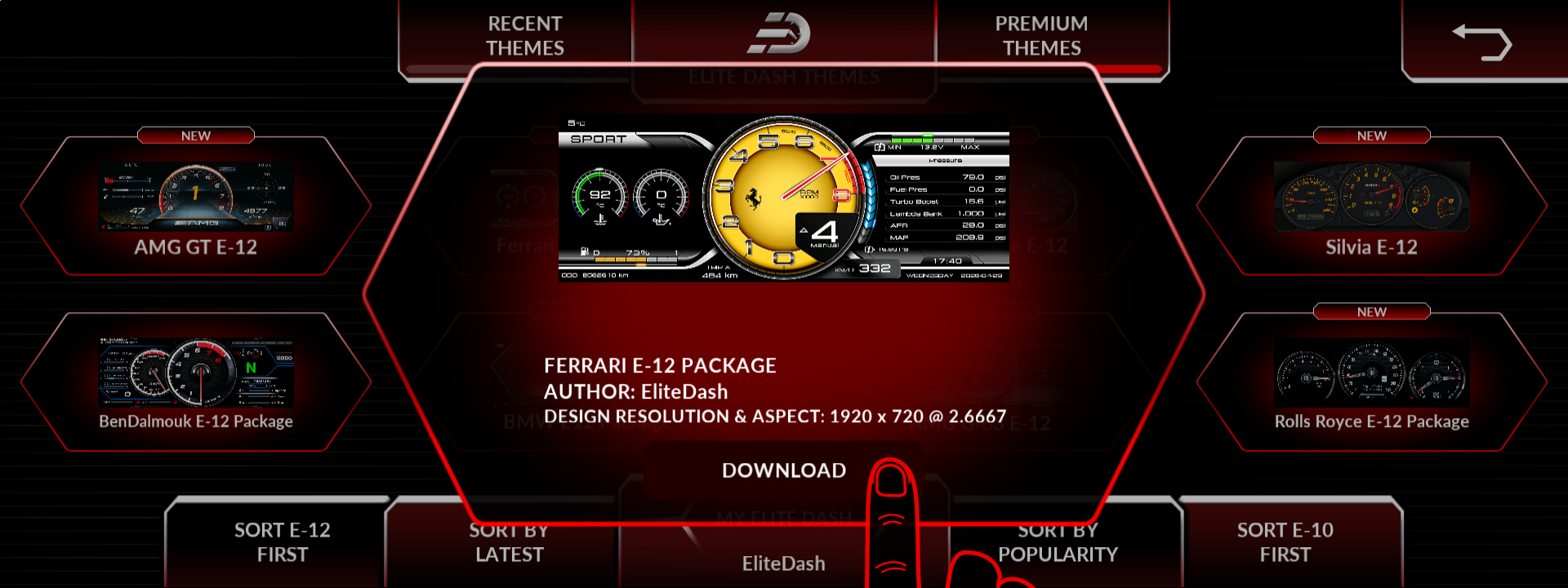
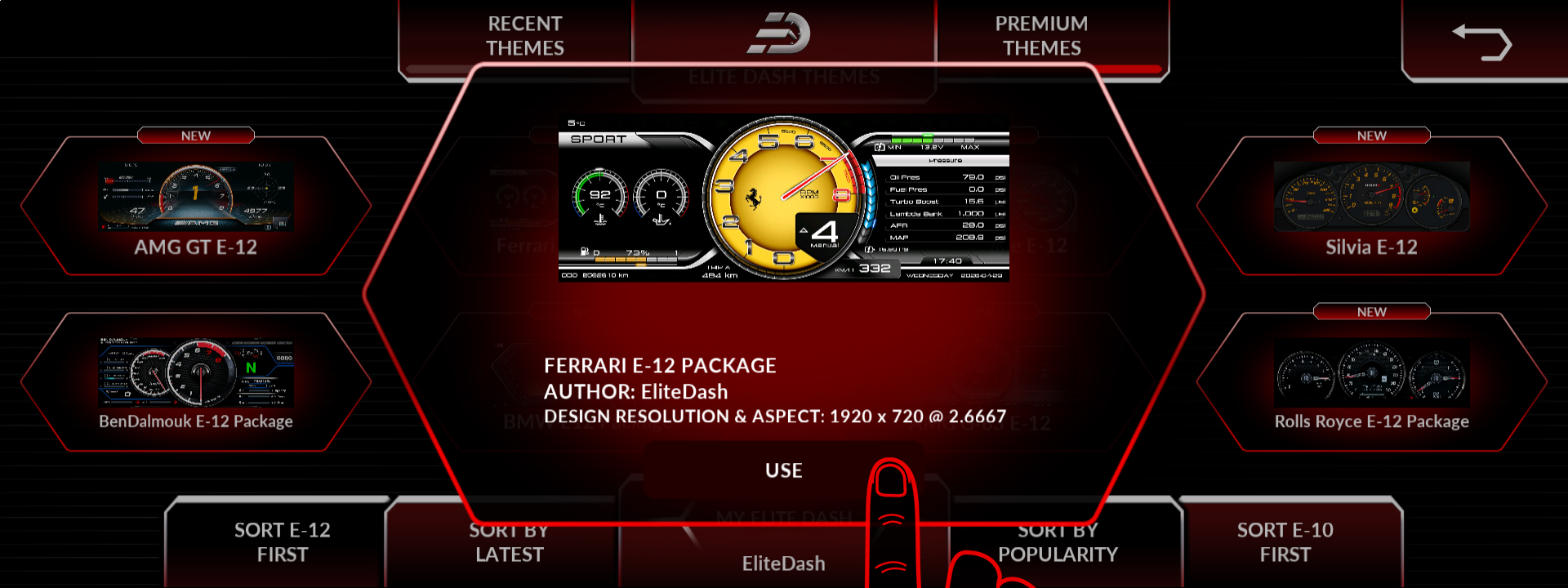
After purchasing a theme on elitedash.ae, connect the screen to Wi-Fi, open APP SETTINGS, go to User Settings and synchronize. The purchased theme then appears under Elite Dash Themes and downloads to the screen automatically.
The sync step is the one people miss. The purchase attaches the theme to your account, but the screen does not know about it until it checks in, and it can only check in over Wi-Fi.
- Purchase the theme on elitedash.ae.
- Connect the screen to Wi-Fi.
- Open APP SETTINGS, then User Settings.
- Press synchronize.
- Open ELITE DASH THEMES from the home page. The new theme appears under Premium Themes.
Related: My Purchased Theme Is Not Showing · Premium Themes and Recent Themes Explained · How to Sync Your Account After a Purchase

