




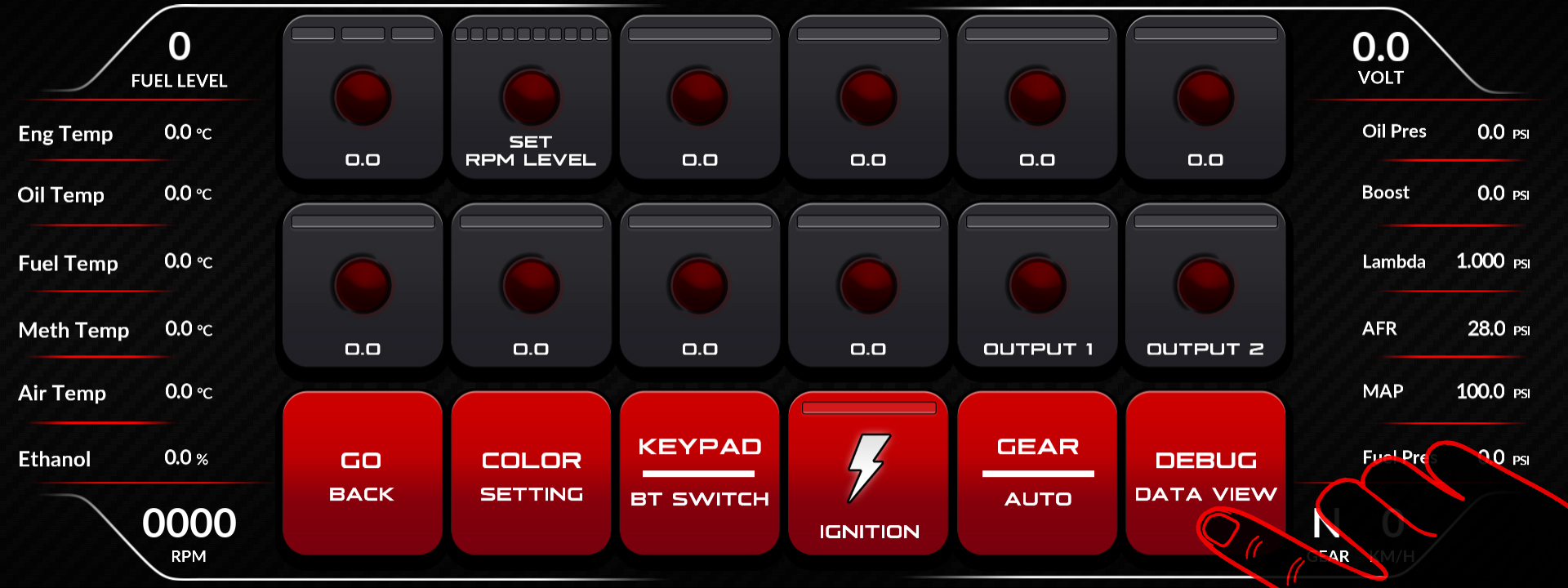
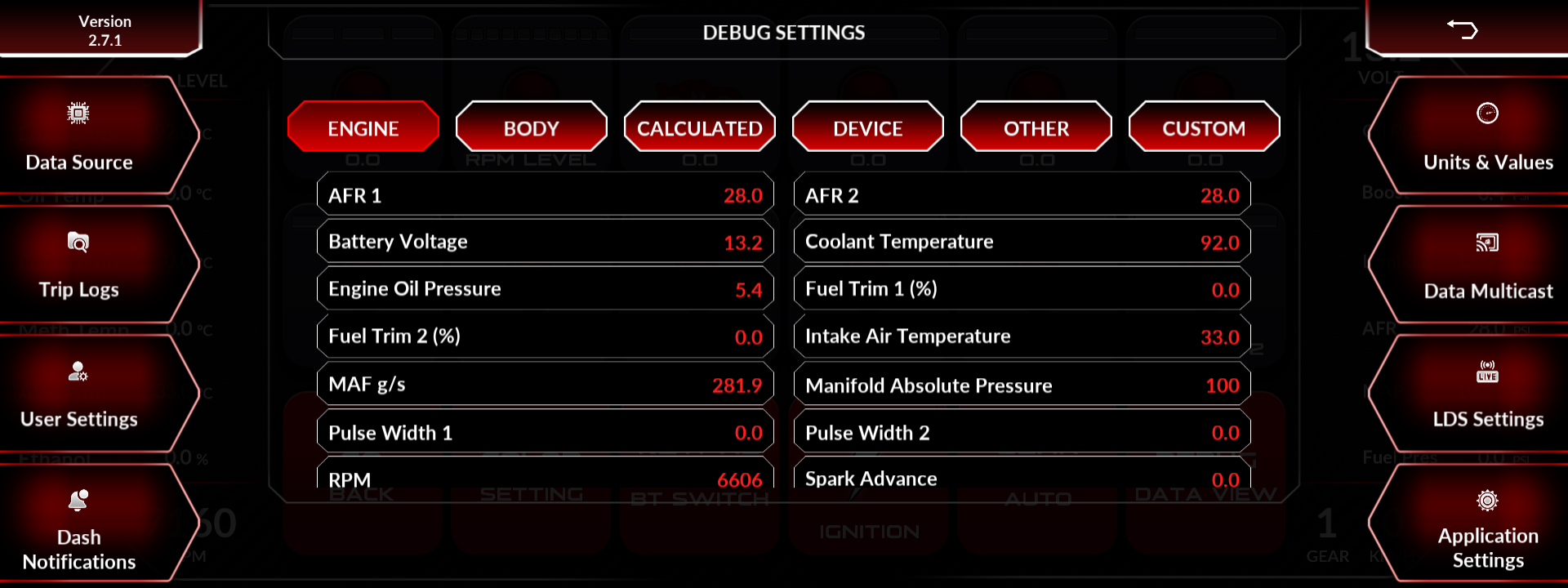
Debug Data View shows every incoming ECU channel on a single page, live. Open it from Quick Settings on the screen, or from the Setting Menu on the ED Keypad and rotate the dial to cycle through the data.
This is the first place to look for any data problem. A gauge reading zero could be a gauge configuration issue or a missing channel, and Debug Data View tells you which in about five seconds.
What it tells you:
| What you see | What it means |
| Channel present and moving | CAN and configuration are both correct. The problem is the gauge setup |
| Channel present but frozen at one value | The ECU is not updating that channel, or the configuration maps it wrong |
| Channel missing entirely | The ECU is not broadcasting it, or the configuration does not decode it |
| No channels at all | CAN wiring, termination or connection source problem |
Related: My Screen Turns On but Shows No ECU Data · Understanding CAN XML Files and Channel Mapping · How to Read and Clear Error Codes

