




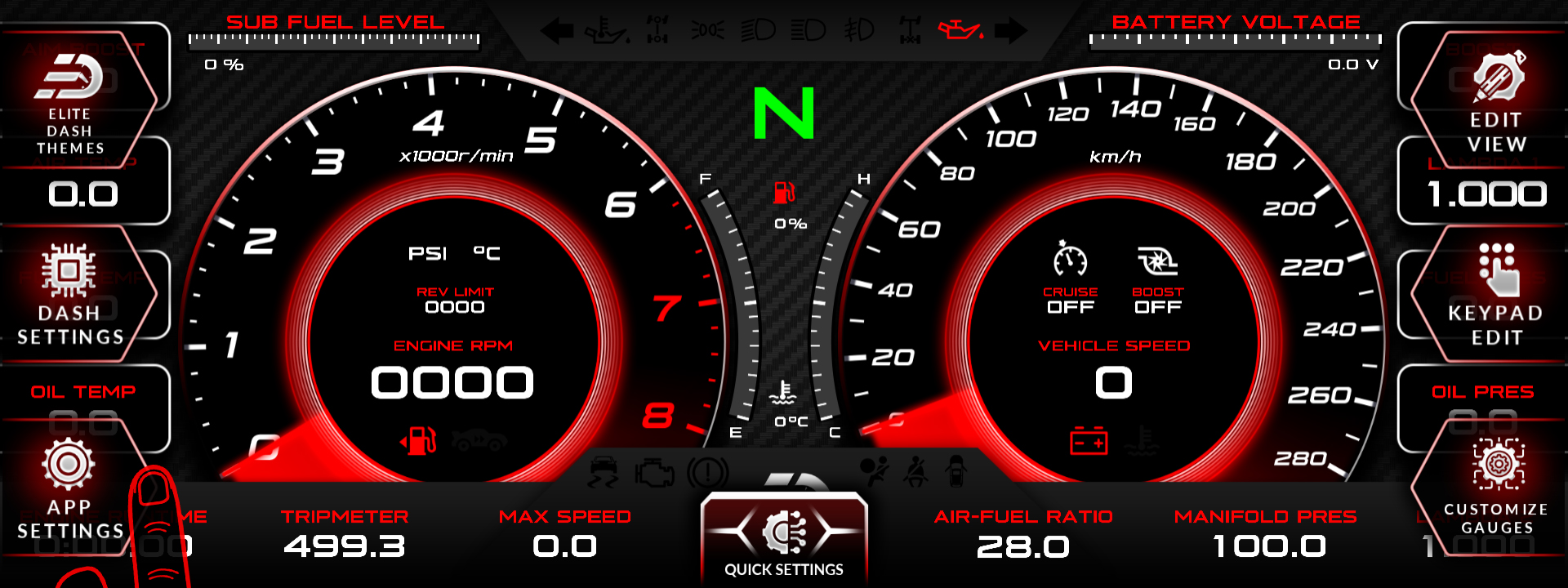
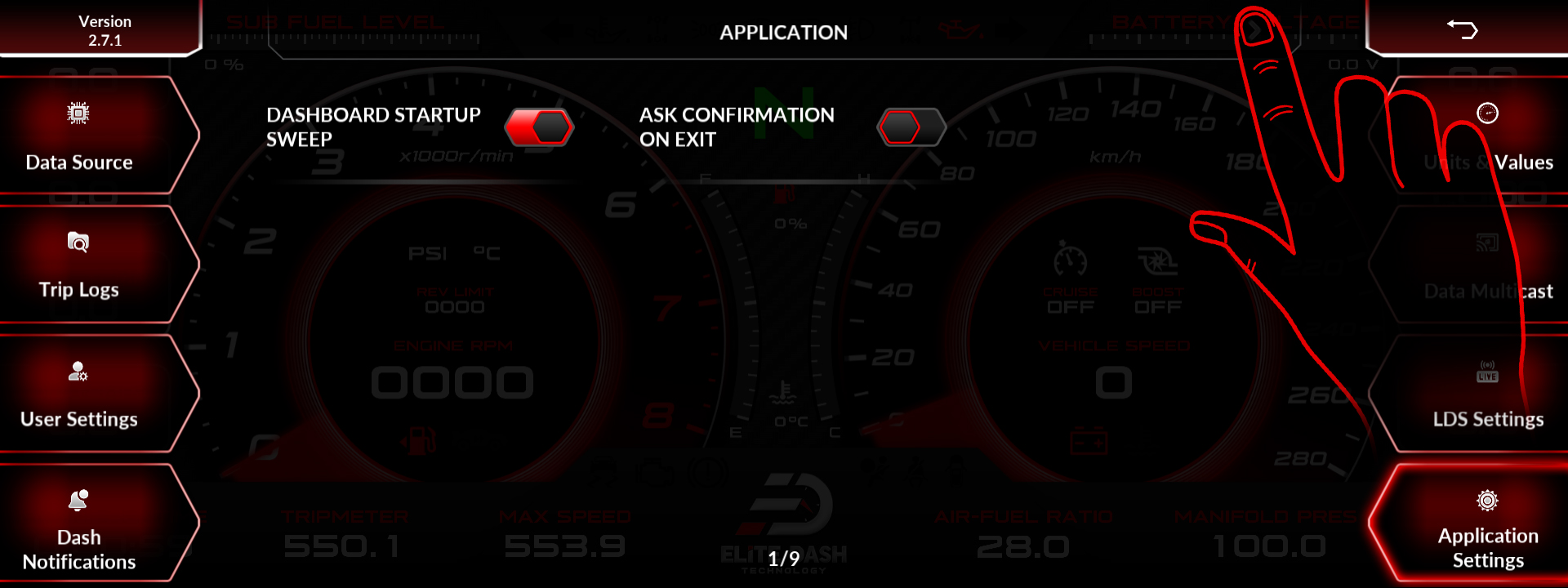
Data logs are saved to the screen’s internal storage when you stop the recording. Trip logs are stored separately and are viewed under APP SETTINGS, in the Trip Logs section.
The screen has 32 GB of storage. That is a lot of logs, but it is not unlimited, and a unit that has been logging every session for two years will fill. Pull logs off regularly.
| Log type | Where |
| Datalogs | Internal storage, written when you stop recording |
| Trip logs | APP SETTINGS, then Trip Logs |
| Service records | APP SETTINGS, then Trip Logs, oil maintenance service |
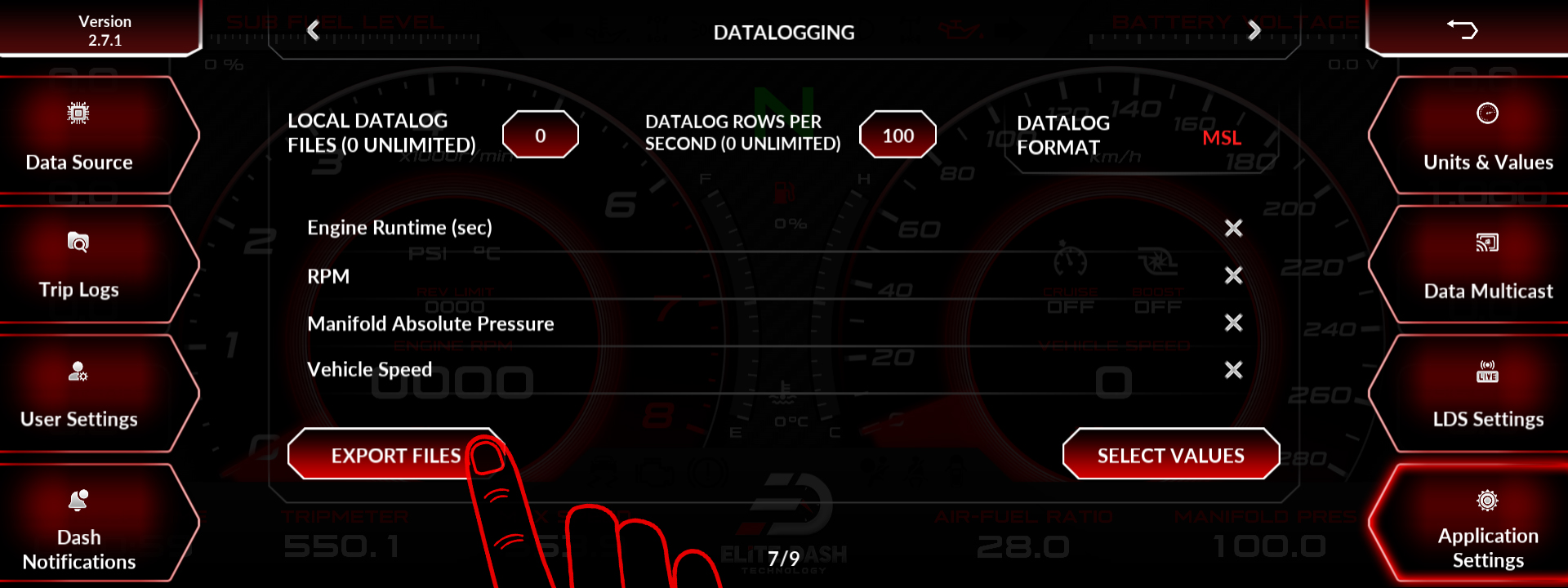
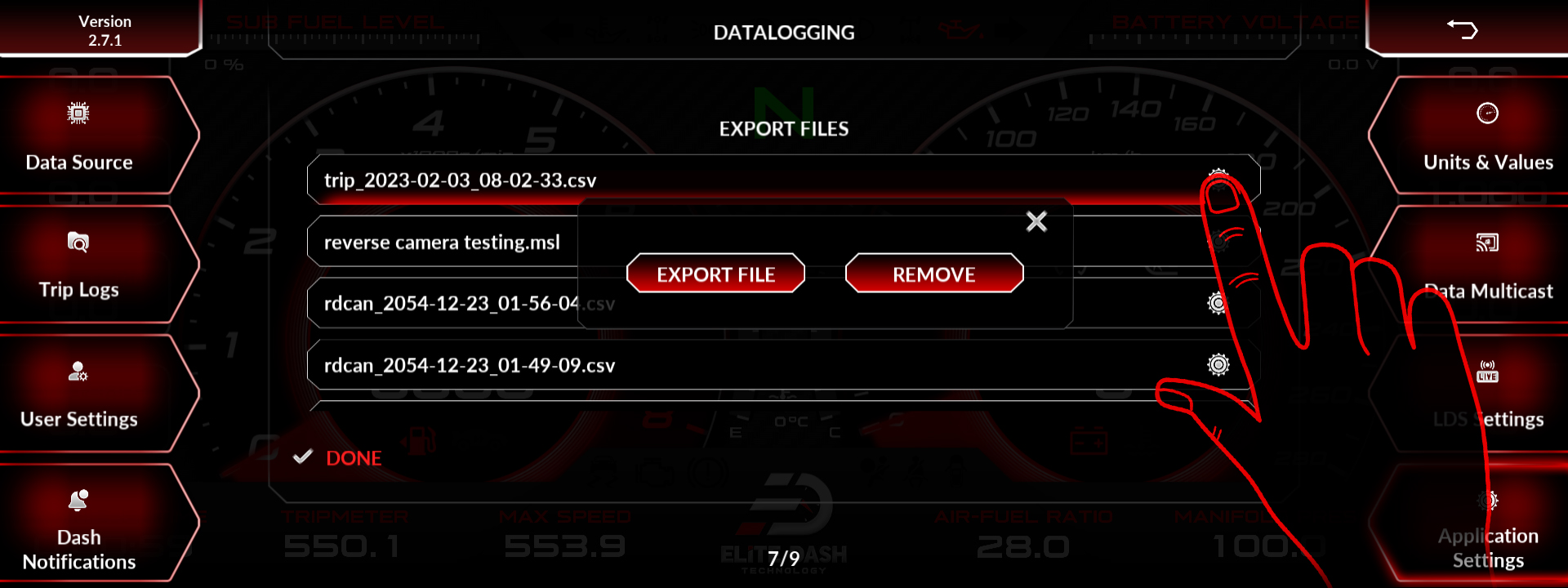
The exact storage path on the device and the supported method for exporting logs to a laptop.
Related: How to Start and Stop Datalogging · How to Use the Debug Data View · How to Contact Elite Dash Support

