




Check the three power connections first: permanent 12V from the battery, switched ignition, and ground. The screen needs all three. Missing any one of them produces a dead or unstable display.
Measure at the connector, not at the fuse. A fuse can be intact while the wire behind it is broken, and a fuse box reading tells you nothing about what reaches the screen.
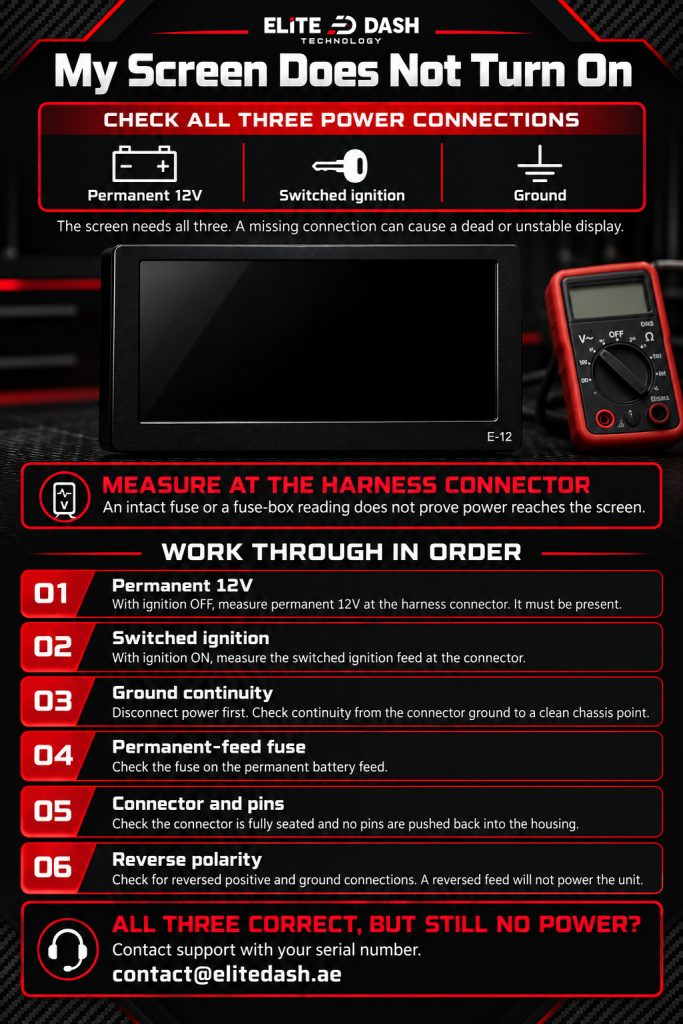
Work through in order:
- Measure permanent 12V at the harness connector with the ignition off. It must be present.
- Measure switched ignition at the connector with the ignition on.
- Check ground continuity from the connector to a clean chassis point.
- Check the fuse on the permanent feed.
- Check the connector is fully seated and the pins are not pushed back in the housing.
- Check for reverse polarity. A reversed feed will not power the unit.
If all three are correct at the connector and the screen is still dead, contact support with your serial number.
Related: Power Wiring: Battery, Ignition and Ground · Why Your Screen Needs Permanent Battery Power · How to Request a Replacement or Repair

