




Open Debug Data View first. If no channels appear at all, it is a CAN problem. If channels appear but the gauges are blank, it is a gauge or connection setup problem.
That one check splits the fault in half and saves you from stripping a dash to chase a software setting.
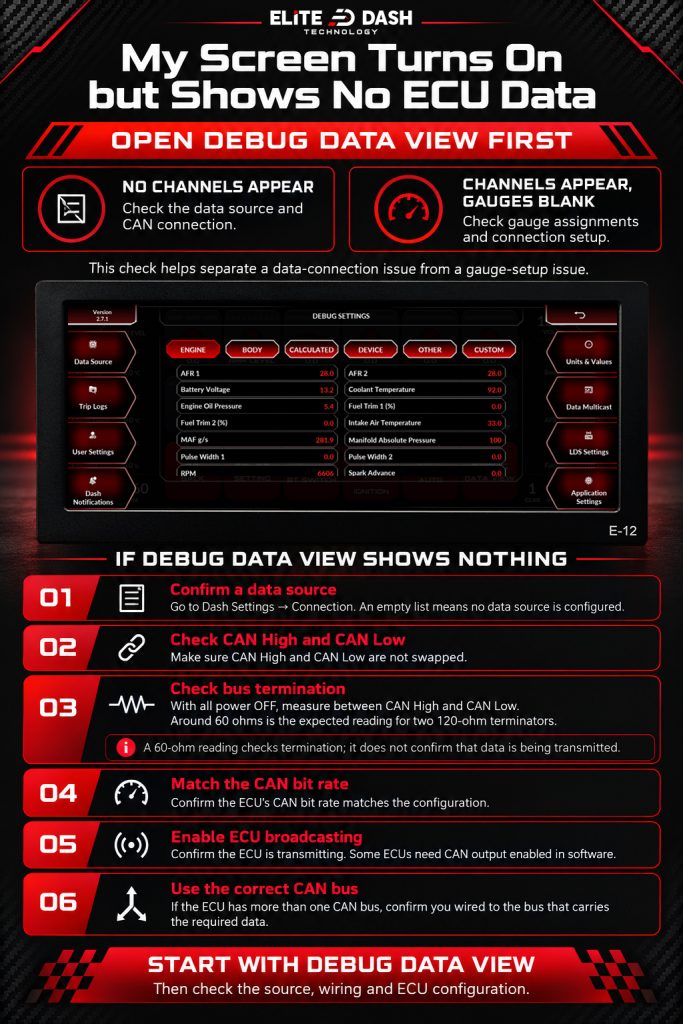
If Debug Data View shows nothing:
- Confirm a source is listed under Dash Settings, then Connection. An empty list means no data source.
- Check CAN High and CAN Low are not swapped.
- Measure resistance between CAN High and CAN Low with power off. Around 60 ohms is correct.
- Confirm the CAN bit rate on the ECU matches the configuration.
- Confirm the ECU is actually broadcasting. Some ECUs need the CAN output enabled in software.
- Confirm you wired to the correct CAN bus if the ECU has more than one.
If Debug Data View shows channels: the data is arriving. Check the gauge data source under Gauge Customization.
Related: How to Use the Debug Data View · CAN Bus Termination and the 120 Ohm Resistor · How to Add a New ECU Connection

